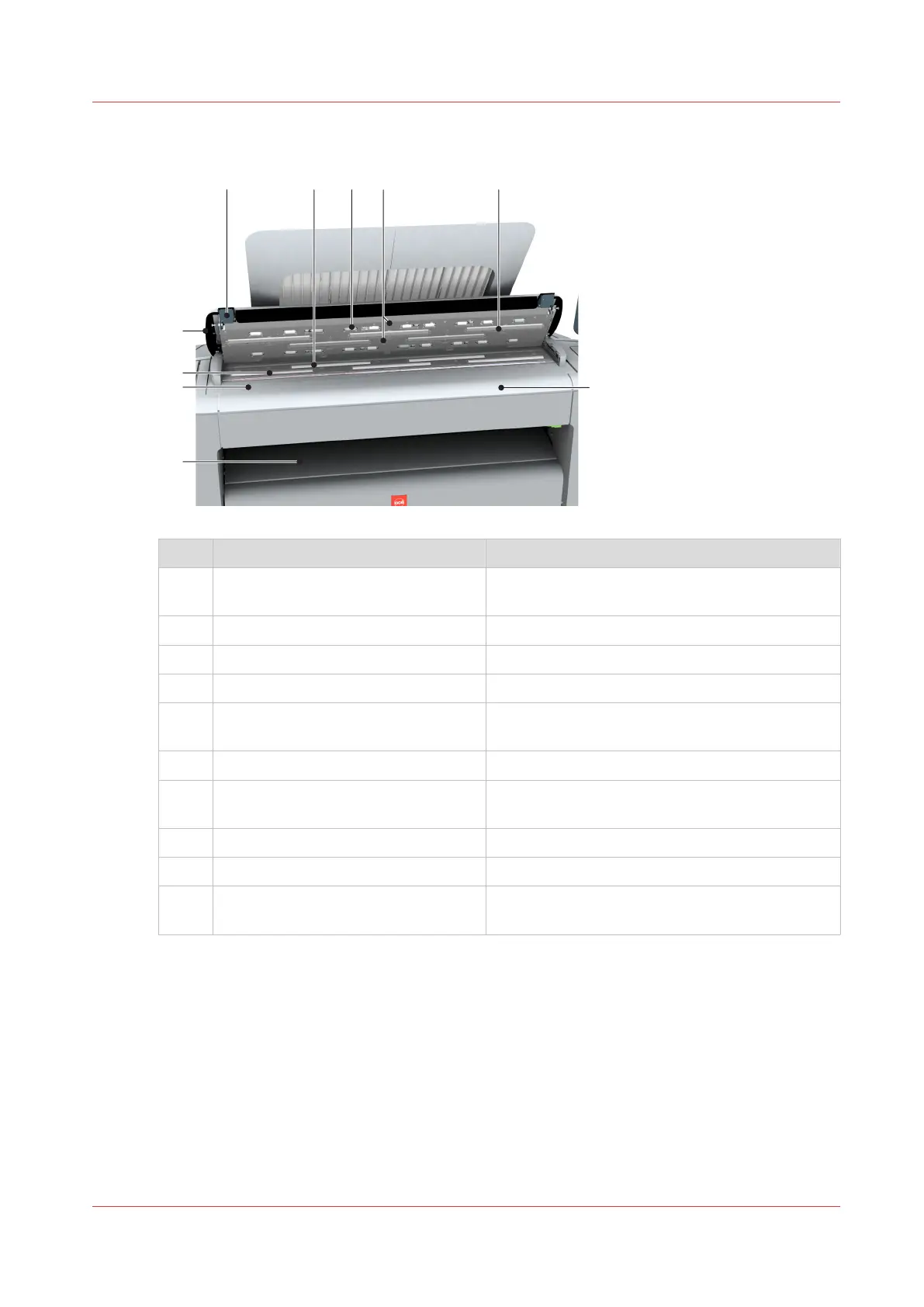
The components of the scanner (top cover opened)
Component Description/Function
1 [originals exit] Exits originals for reception into the front origi-
nal tray.
2 [original size ruler] Use this ruler to measure the original.
3 [original feed rollers] A set of rollers used to transport the original.
4 [top cover] Closes off the scanner.
5 [open levers] Use the open levers to open the top cover of the
scanner.
6 [original support rollers] A set of rollers to guide the original.
7 [scanner top cover rollers] A set of rollers in the top cover to guide the orig-
inal.
8 [original sensors] Sensors to detect the original.
9 [transparent contact plates] Cover of the image sensors.
10 [original feeding table] Use the original feeding table to feed the original
into the scanner (face up).
The components of the scanner (optional)
Chapter 2 - Get to Know the Printing System
31









 To Next Page