2-26
Preset Setting Tool
Changing Settings in Preset Preview Frame
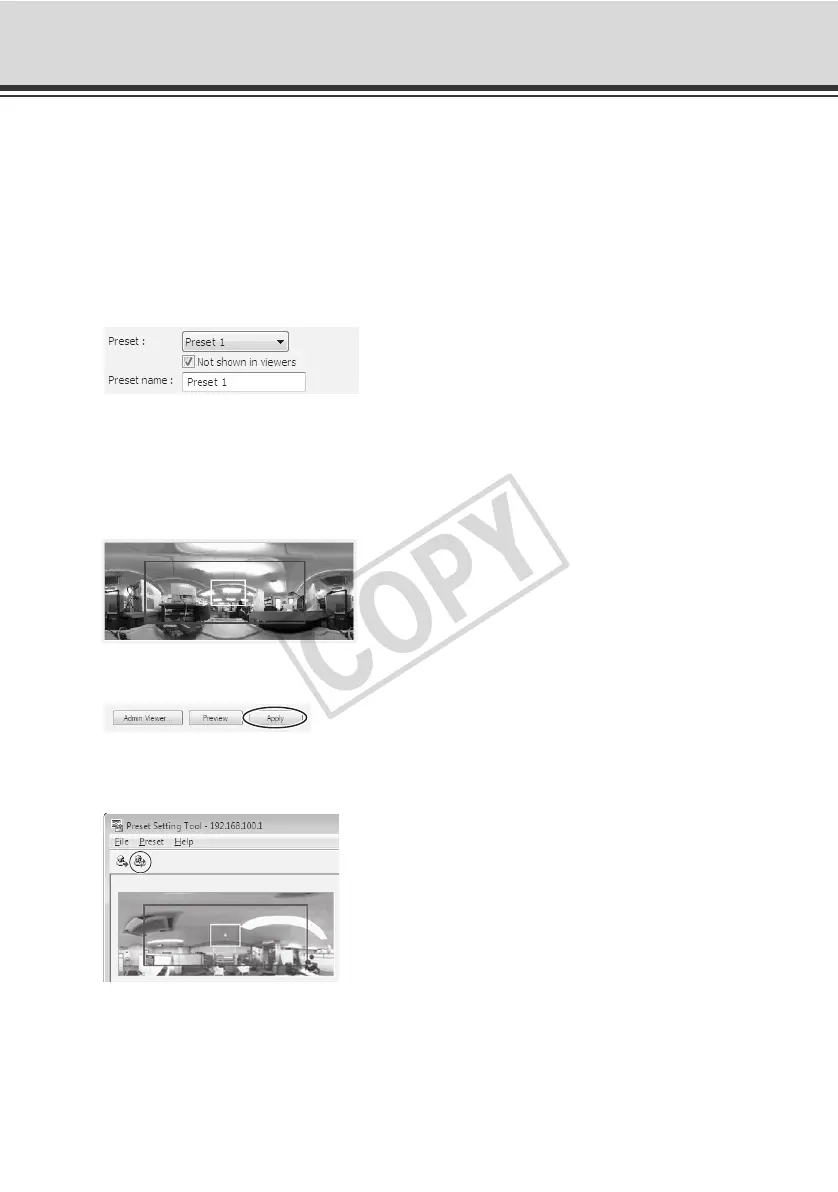
Use the preview frame on the panorama image to set presets.
How to Set
1. Select the preset you want to set from the preset selection box, and then fill the [Preset name]
field.
Be sure to enter the preset name (single-byte alphanumerics).
2. Drag to move/resize the preset preview frame displayed on the panorama image to set the
preset.
Clicking on the image moves the preview frame until the clicked point becomes the center.
At this time, you can also edit the camera parameter values to fine-tune the set position.
3. Click [Apply].
Confirm on the status list that the settings have been applied correctly, and then click the
[Save preset settings] button to save the settings in the camera.



 To Next Page