2-27
Preset Setting Tool
VBAdmin Tools
Changing Settings from Camera Angle in Admin Viewer
Launch Admin Viewer and set its viewing angle as a preset.
How to Set
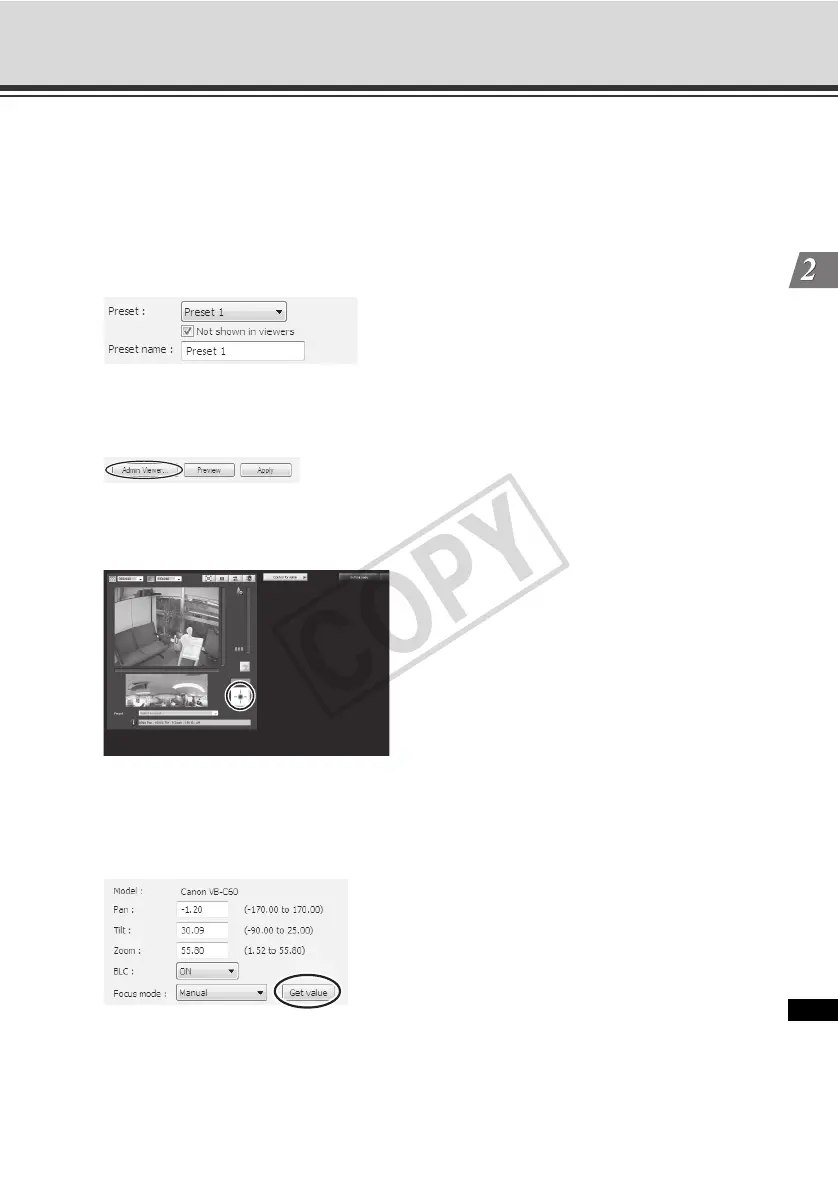
1. Select the preset you want to set from the preset selection box, and then fill the [Preset name]
field.
2. Click the [Admin Viewer] button to launch Admin Viewer.
User authentication is required to access Admin Viewer ( P. xiv).
3. Click "Obtain/release Camera Control" button on Admin Viewer to obtain the control privileges
of the camera.
4. Operate the camera to adjust to a desired position, and then click the [Get value] button.
The loaded values can be checked by the camera parameters or in the preset preview frame.
At this time, you can also edit the camera parameter values to fine-tune the set position.



 To Next Page