2-33
Preset Setting Tool
VBAdmin Tools
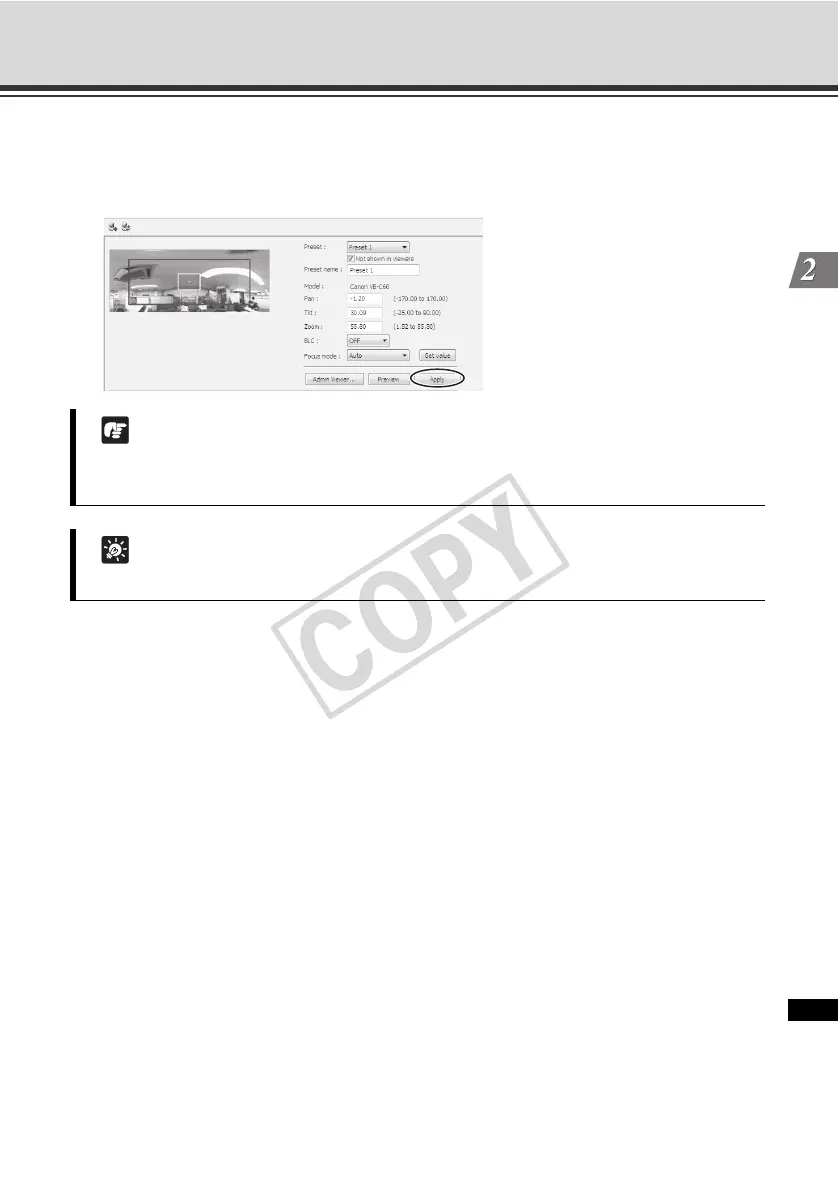
4. Click [Apply].
Confirm on the status list that the settings have been applied correctly, and then click the
[Save preset settings] button to save the settings in the camera.
Note
If preset tour is used, do not use the motion detection function. Also note that when [Auto is
set under [Day/Night], the pause time may become longer.
Tip
The home position cannot be added to the tour schedule list.



 To Next Page