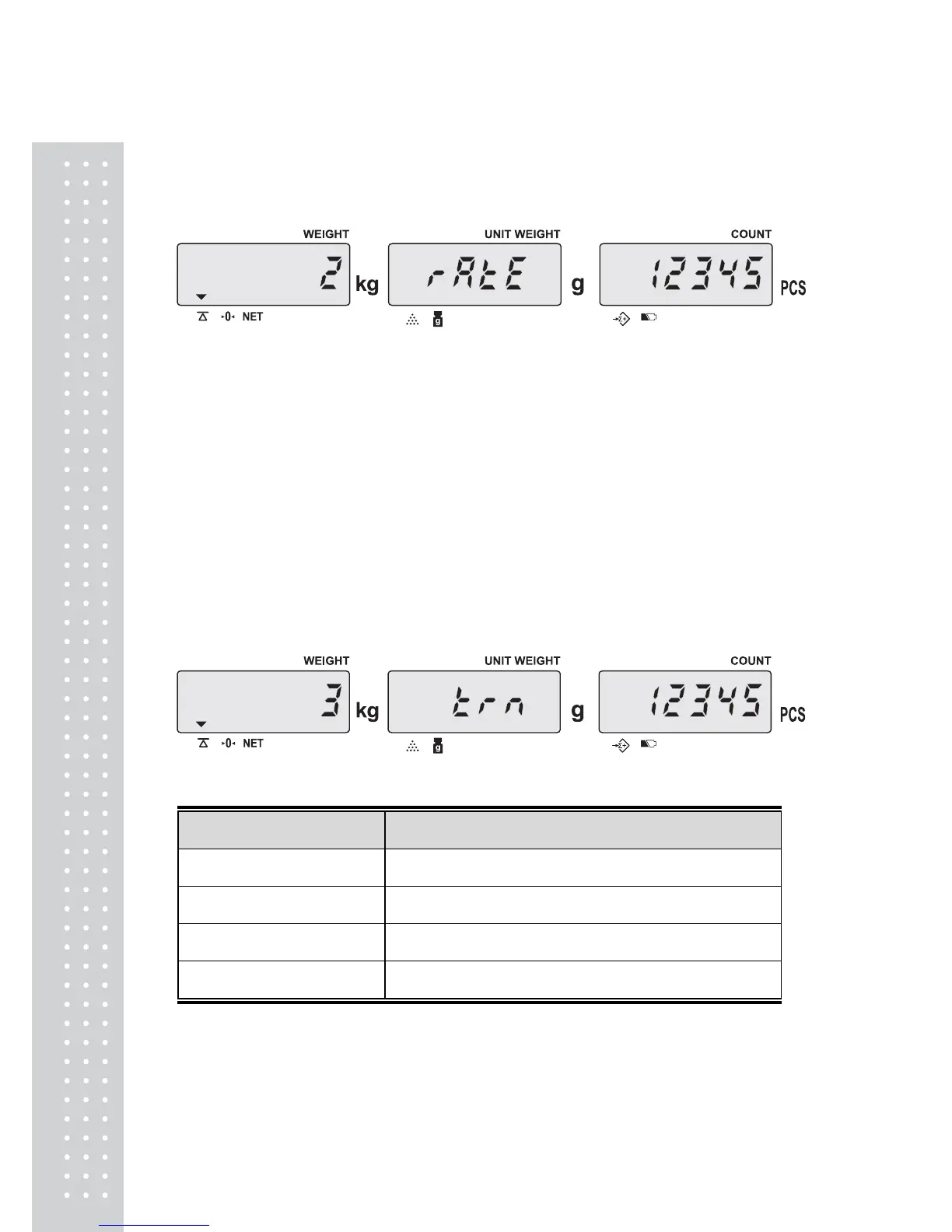
J. Baud Rate setting
● Keep pressing ENTER key in USER PROGRAMMING MODE until the display
appears as below.
● There are 3 options, and Pressing MOVE key is possible to rotate among the options.
(Default setting: 2)
0 – 2400
1– 4800
2– 9600
● If you want to exit, press C key to confirm and go back to normal weighing mode.
However, if you want to keep going to set other menus, press ENTER key to confirm and
move on next.
※
Please turn off the scale after setting.
K. Transmit method setting
● Keep pressing ENTER key in USER PROGRAMMING MODE until the display
appears as below.
● There are 4 options, and Pressing MOVE key is possible to rotate among the options.
Options Description
1 transmit by pressing a key (ex. Ticket printer DEP-50, PC)
2
series transmit (ex. Ticket printer DEP-50, PC)
3(Default setting)
transmit by pressing a key (for a label printer: DLP-50)
4
auto-transmit (for a label printer : DLP-50)
● If you want to exit, press C key to confirm and go back to normal weighing mode.
However, if you want to keep going to set other menus, press ENTER key to confirm and
move on next.
※
Please turn off the scale after setting.



 To Next Page