13
Settings
x130 with Legacy Cab & x088 Series
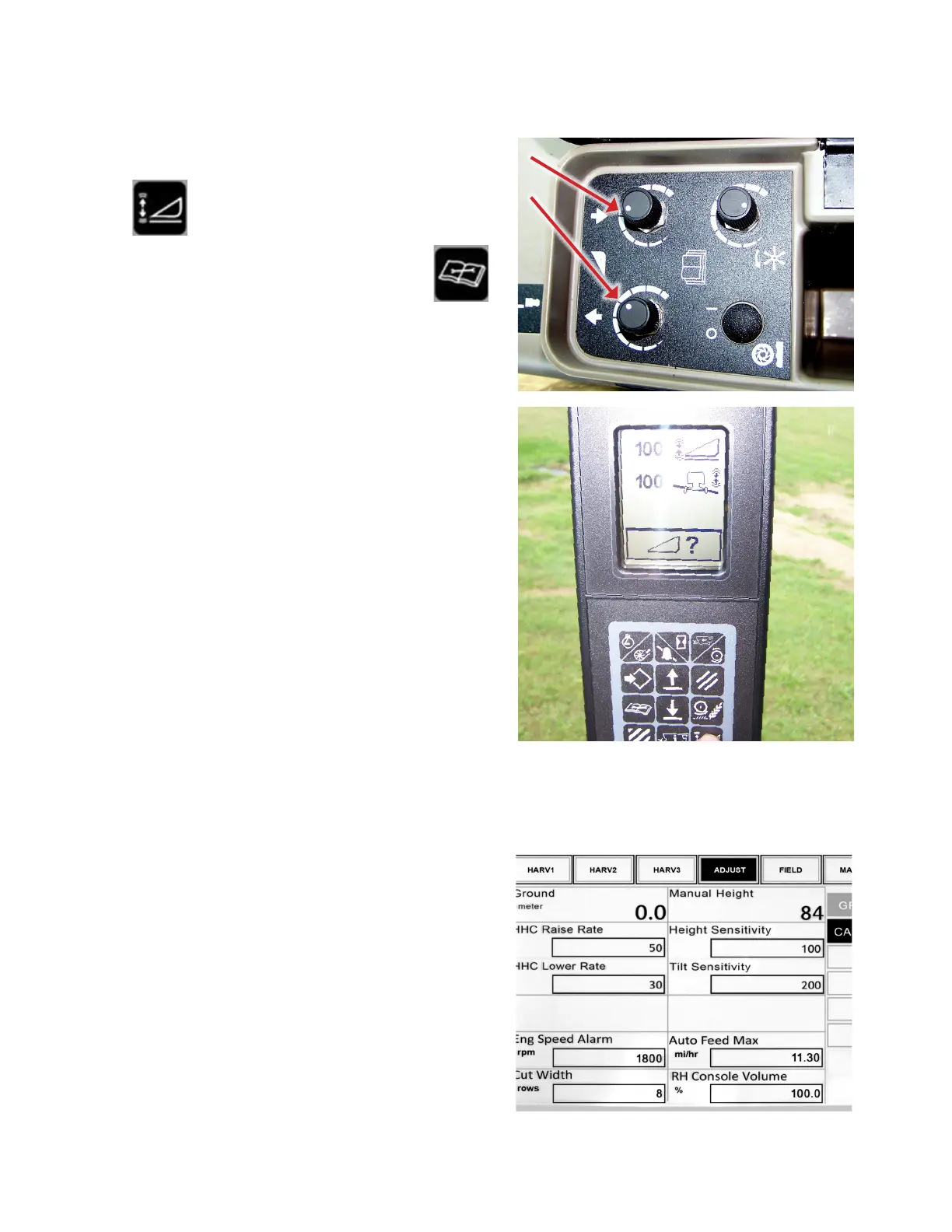
1. Set the header raise and lower rates with the knobs
under the armrest.
2. Press
on the cornerpost.
3. Choose height or tilt sensitivity by pressing the
diagnostic button.
4. Adjust the setting by using the up and down buttons.
B/W Monitor (AFS Universal) - x010
1. Go to >>USER>>HARV or >>USER>>ADJUST in the
combine menu.
2. Choose the appropriately titled area for the setting you
want to adjust.








 To Next Page