20
Advanced Info
Reading Voltages
Before you Start
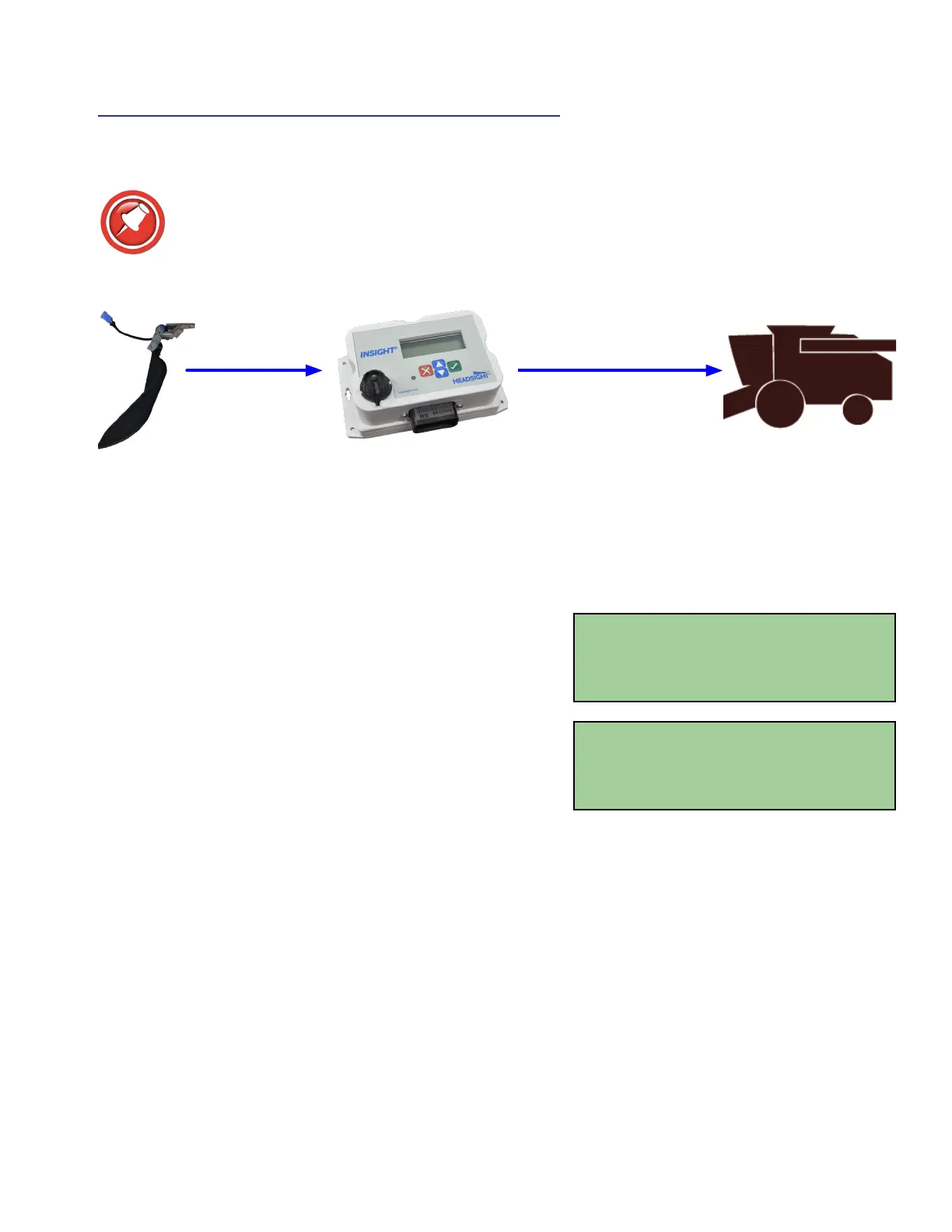
The Insight box can display both the input voltages it receives from each sensor and the
output voltages it is sending to the combine.
Sensor voltage = Insight box input voltage Insight box output voltage = Combine sensor input
On the Insight
®
Box
1. From main menu, go to >> Diagnostics>>Disp Sensor
Voltages
• This shows real-time voltage coming from each sensor.
2. For more information about sensor history and status see
>>Diagnostics>>Detailed Diagnostics>>(parameter of
interest)
• Sensor = signal from sensor in volts
• Max = the maximum voltage sent to Insight box from sensor since last calibrated
• Min = the minimum voltage sent to Insight box from sensor since last calibrated
• Enabled = is this sensor enabled to control height? Yes or No
• SetH = the “header raised” voltage set-point recorded during calibration
• SetL = the “header lowered” voltage set-point recorded during calibration
• Reversed = is the polarity of this sensor reversed? Yes or No
Sensor Voltages
L LC CTR RC R
0.0 0.0 0.0 0.0 0.0
Left Sens =0.00V
Max=0.00V SetH=5.00V
Min=0.00V SetL=0.00V
Enabled=N Reversed=N
Insight box scales
voltages received
to what combine
needs to function








 To Next Page