22
Advanced Info
On the Pro 600 and 700 Monitor
1. Start by choosing Back
2. Choose
Diagnostics
3. Go to
Settings tab
4. Choose
Group drop down menu
5. Select
Header Height Tilt
6. Choose
Parameter tab
7. Scroll down using
side bar and select sensor you are interested in.
8. Choose
Graph tab on Flagship machines on Midrange machines read Value on screen.
9. Choose Voltage from Item drop down if needed.
10. Read voltage and voltage history on screen.
• These voltages should match output voltages from Insight box >>Diagnostics>>Detailed
Diagnostics>>(sensor)Output
On the B/W Monitor (AFS Universal)
1. Go to location shown
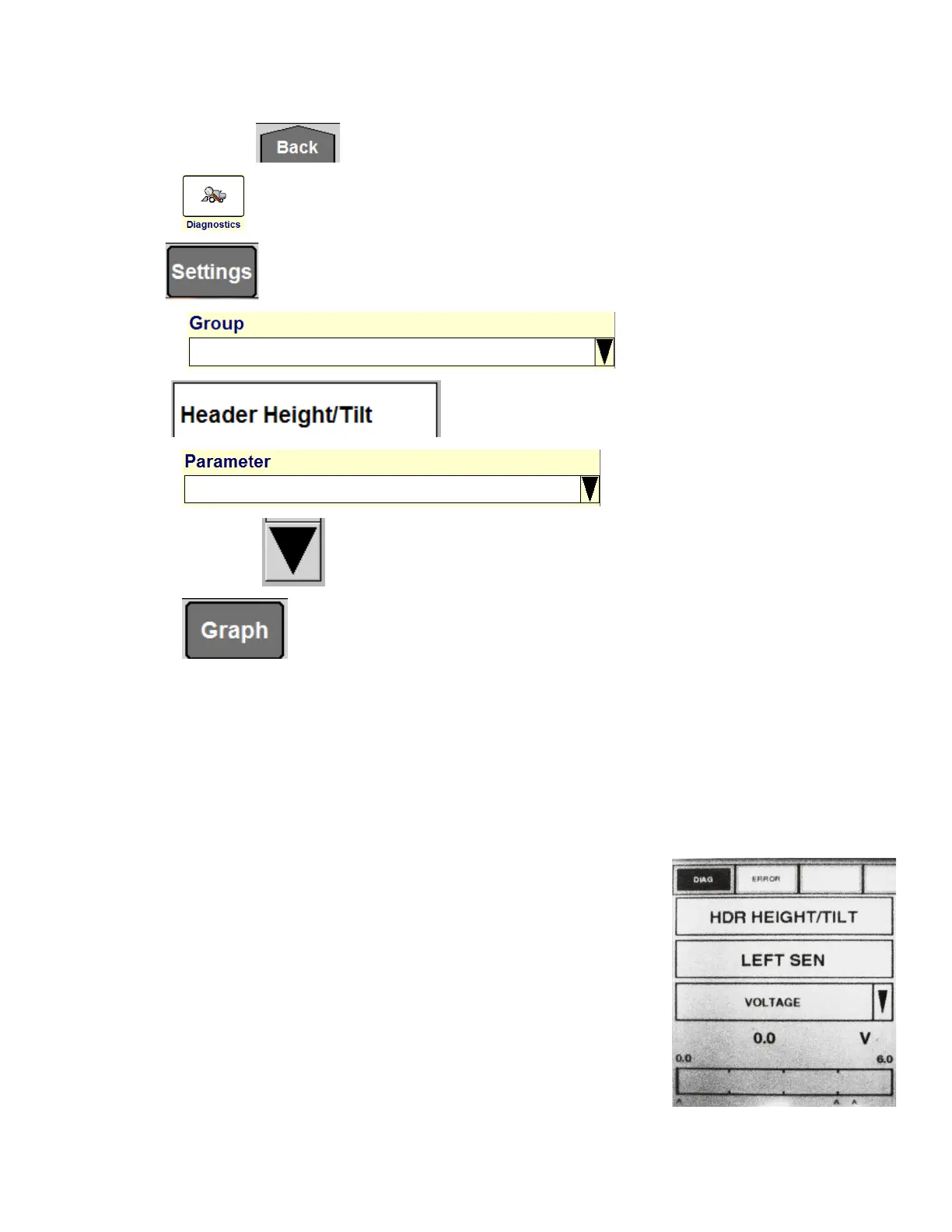
• >>DIAG>>HDR HEIGHT/TILT>>(sensor of interest)








 To Next Page