CASE IH PRO VISION OPERATING SYSTEM GUIDE
44
AFS Pro 1200
™
Display
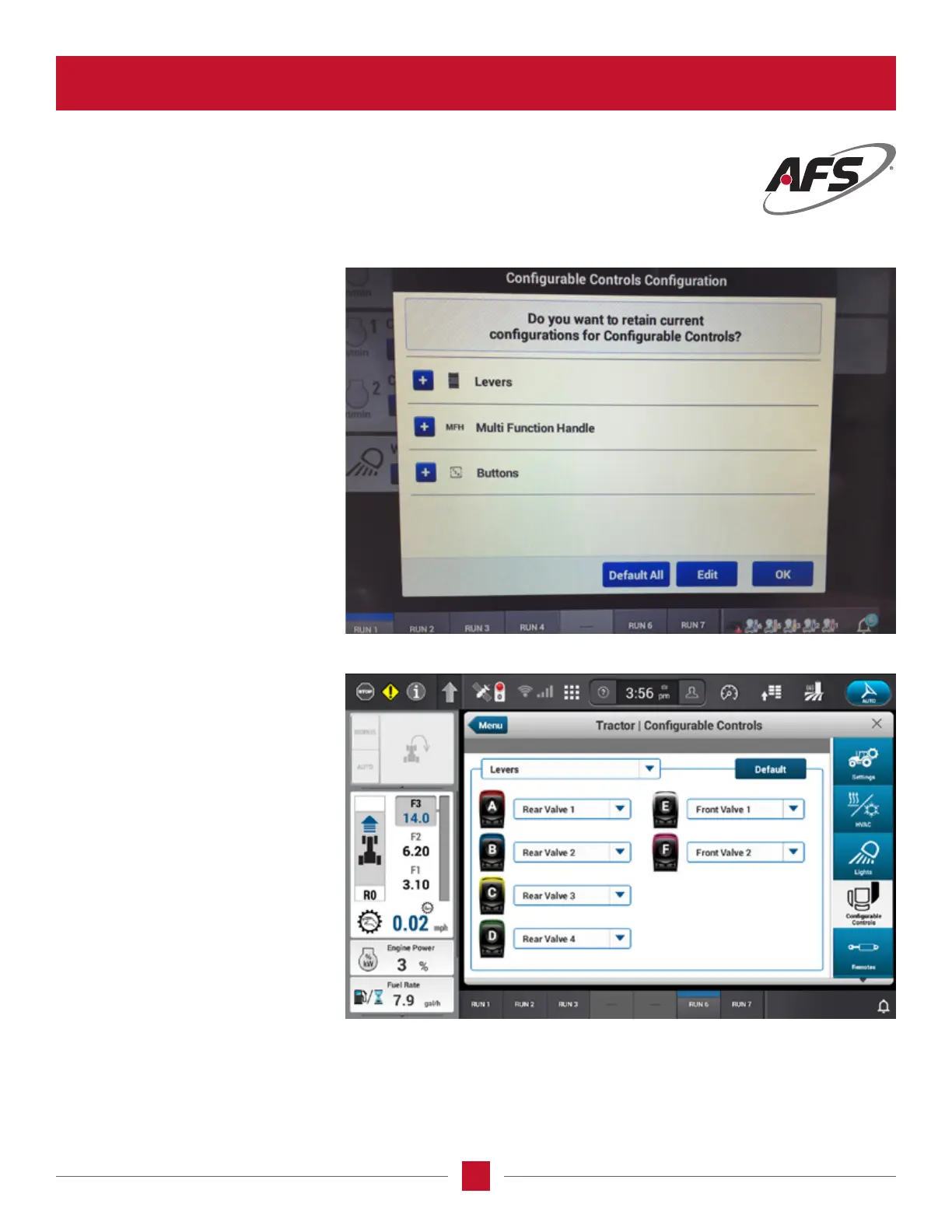
CONFIGUREABLE CONTROLS
When the operator rst starts the tractor
and the AFS Pro 1200 powers up, the
congurable controls conguration
screen will appear. Here they will select
one of the following:
Default all – means the congurations go
back to the original setting
Edit – means the operator wants to edit
the selections from the previous settings
OK – means save the previous settings
When the congurable armrest wizard
is selected, the operator will be able
to congure the rear remotes to the
operator preference of order without
having to move the hydraulic hoses in
the rear of the tractor.








 To Next Page