CASE IH PRO VISION OPERATING SYSTEM GUIDE
10
Introduction to the AFS Pro 1200
™
Display
DEFAULT RUN SCREENS
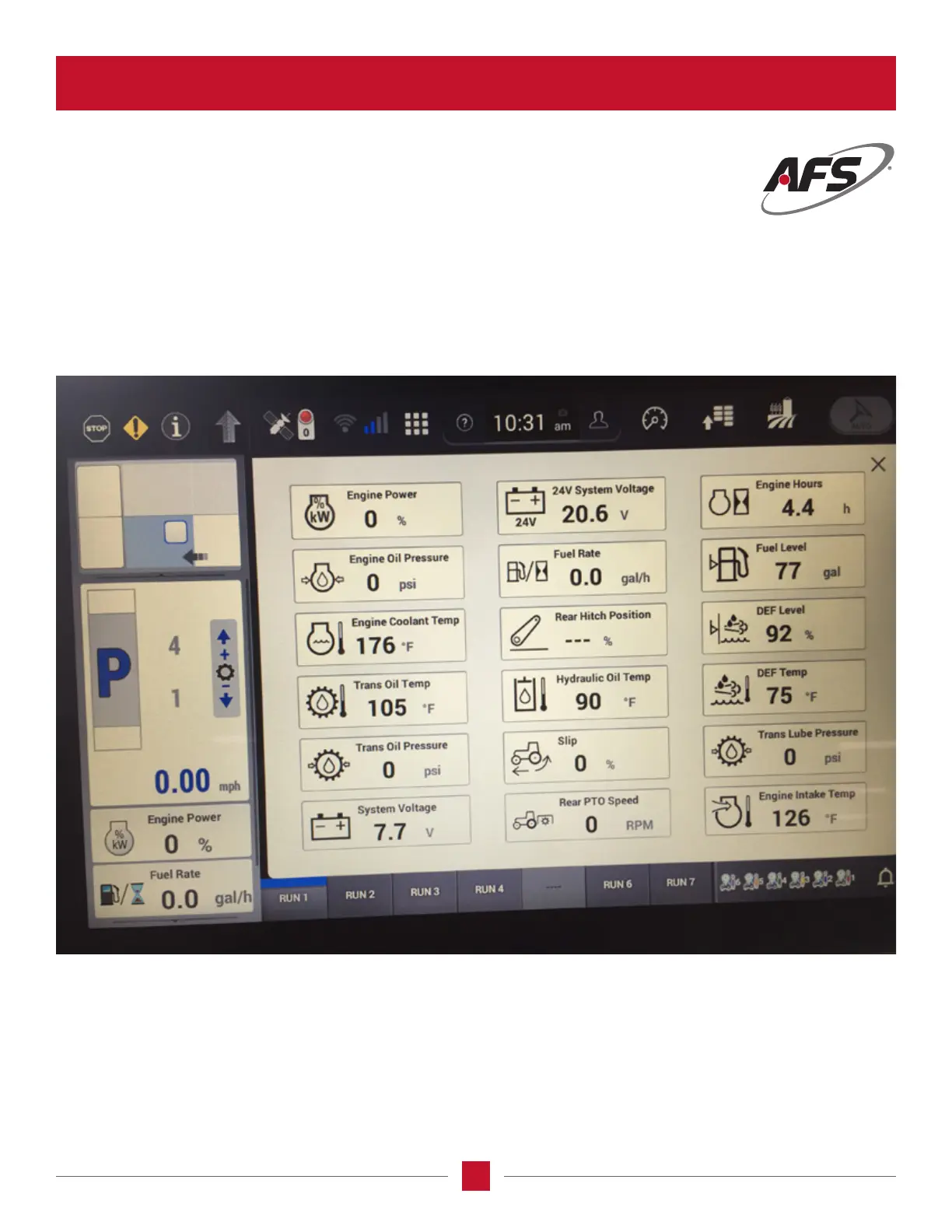
The AFS Pro 1200 display has seven Run Screens preset into the unit. Access the Run Screens by pressing the buttons
labeled at the bottom of the screen on the display. (May want to discuss customization, if that is available to alter the Run
Screen or set up your own)
Each Run Screen displays a different set of information to the operator. The items shown on each screen are illustrated on
the next page.








 To Next Page