CASE IH PRO VISION OPERATING SYSTEM GUIDE
36
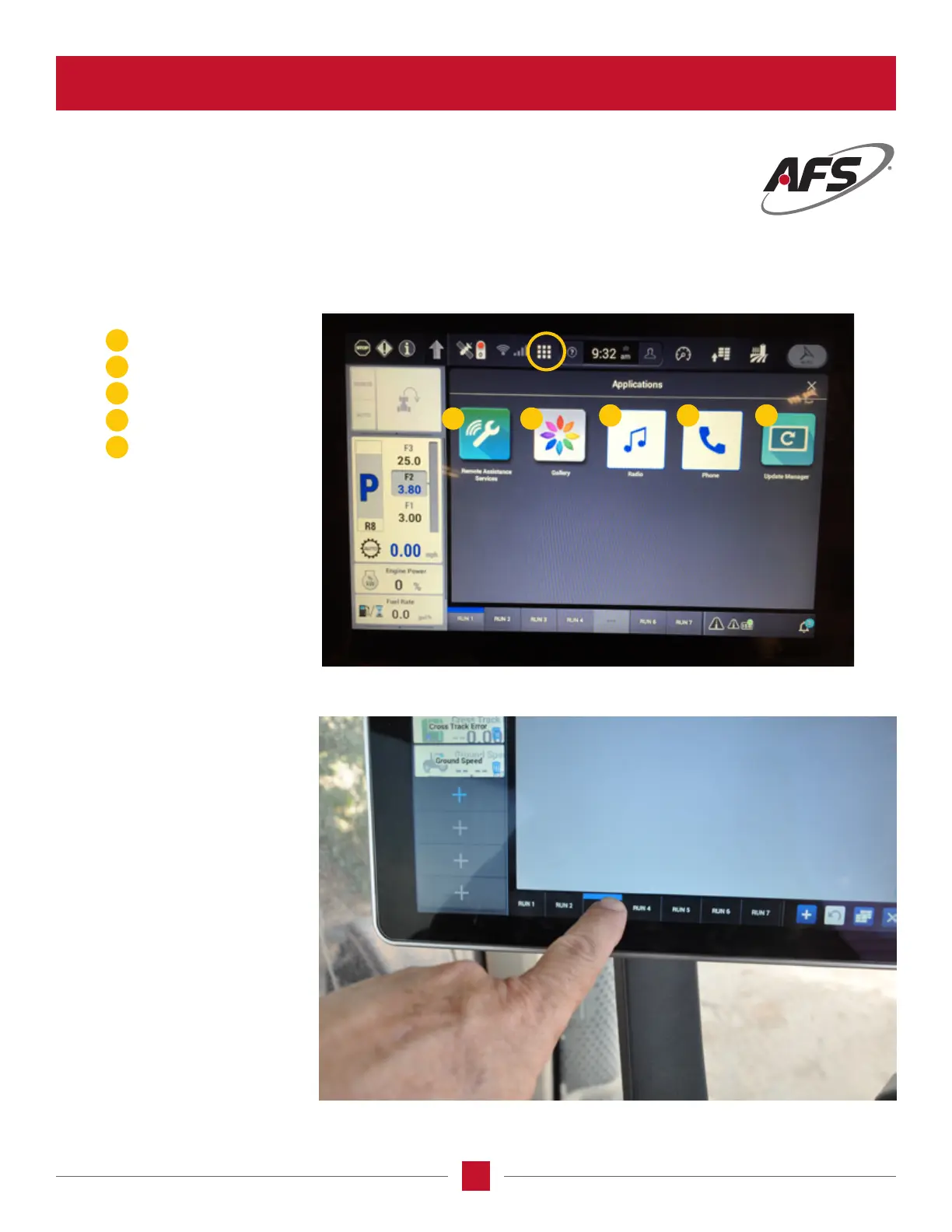
RUN SCREEN
Changing column names
This screen allows the operator to
change the name of the column
normally called a Run Screen.The
operator can go to the screen set
up menu, touch the bottom of
the screen a key pad will pop up
and the operator can rename the
screen. By renaming the screen
will allow the operator to place all
related information on one screen.
AFS Pro 1200
™
Display
APPLICATION ICON
The Application Icon brings up Application Manager which allows access to individual applications on the display.
Each of these items can be congured to the operator’s or operation’s preferences.
1
1 2
3 4 5
5
3
2
4
Remote Assistance Service
Gallery
Radio
Phone
Update Manager








 To Next Page