7
Getting Started with Your Phone
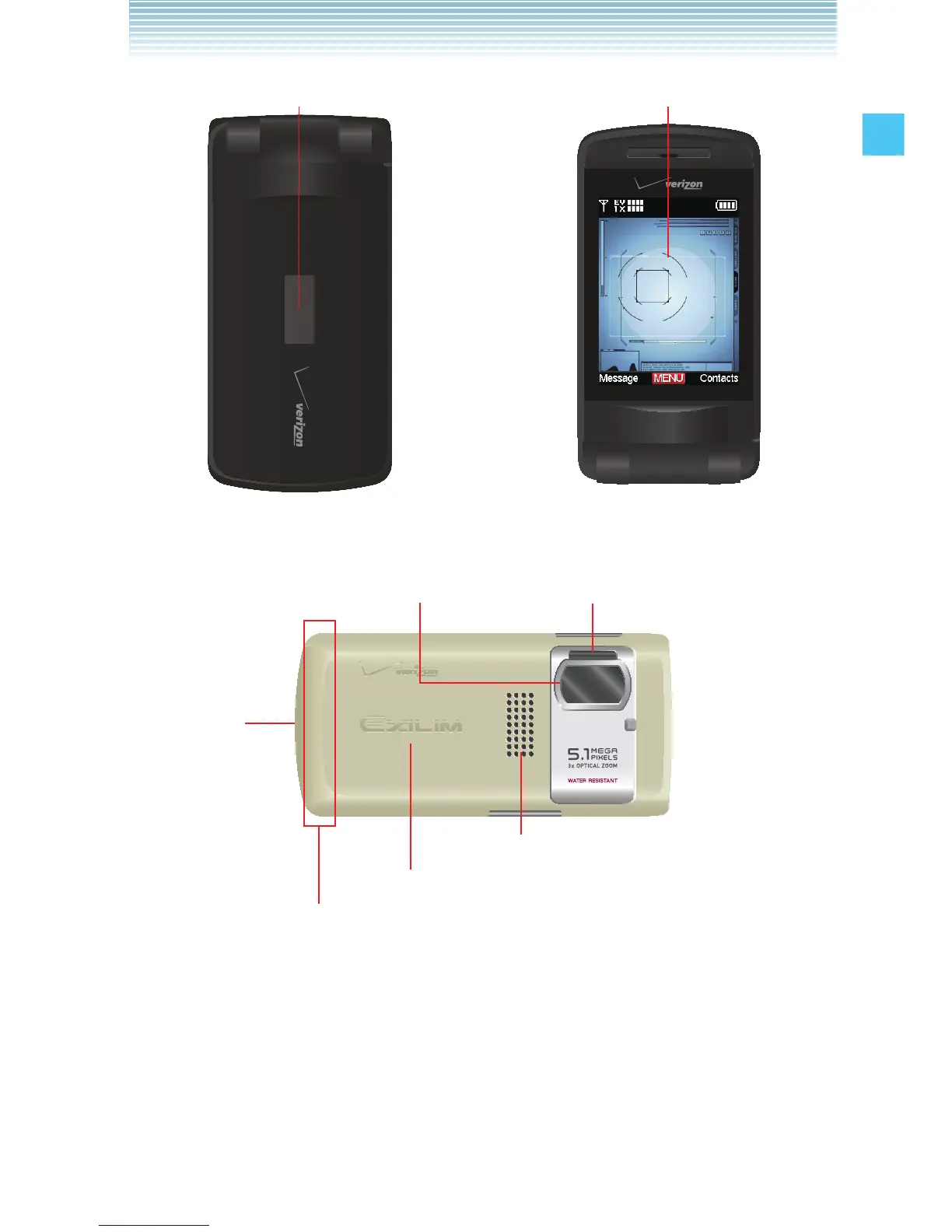
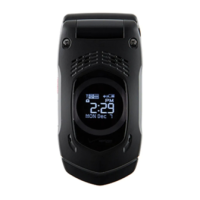
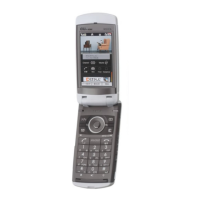
26. Outside Display 2. LCD Screen*
Phone Closed Phone Twisted and Closed**
27. Camera/Camcorder Lens* 28. Camera Flash/Flashlight
29. LOCK
Switch
32. Speaker
31. Battery Cover
30. Internal Antenna Area***
* The surface of the screen and the camera/camcorder lens are
made of reinforced glass.
** For how to twist and close the phone, see page 27.
*** For best performance, do not touch this area when using your
phone.



 To Next Page