8
Getting Started with Your Phone
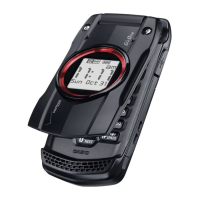
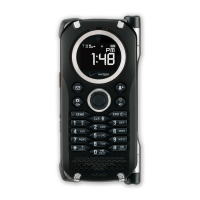
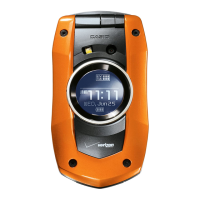
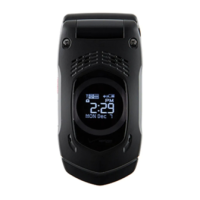
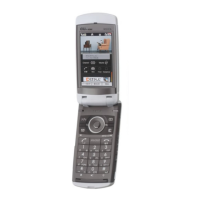
1. Earpiece
2. LCD Screen
Displays messages and indicator icons.
3. Microphone
4. L Left Soft Key
Press to display the Message menu or access the function
listed above the key.
5. V Camera/Video Key
With the flip open, press for quick access to the Take Picture
mode or press and hold to access the Record Video mode.
6. D Send Key
Press to place or answer calls. From the idle screen, press to
access the All Calls list.
7. 1 Voicemail Key
From the idle screen, press and hold to connect to your
Voicemail server.
8. C Clear/Voice Commands Key
From the idle screen, press to access the Voice Commands
function. Press and hold from the idle screen to access the
Sound Recorder function. When entering a phone number or
text, press to delete a single space or character. Press and
hold to delete entire words. Press this key once in a menu to
go back one level.
9. * Shift Key
Press to enter an asterisk (*) character for calling features. In
text entry mode, press to change the character input type.
Press and hold to display the plus sign (+) for international
dialing.
10. 0 Next Key
In T9 Word mode, press to display other matching words.



 To Next Page