OTHER SETTINGS
201
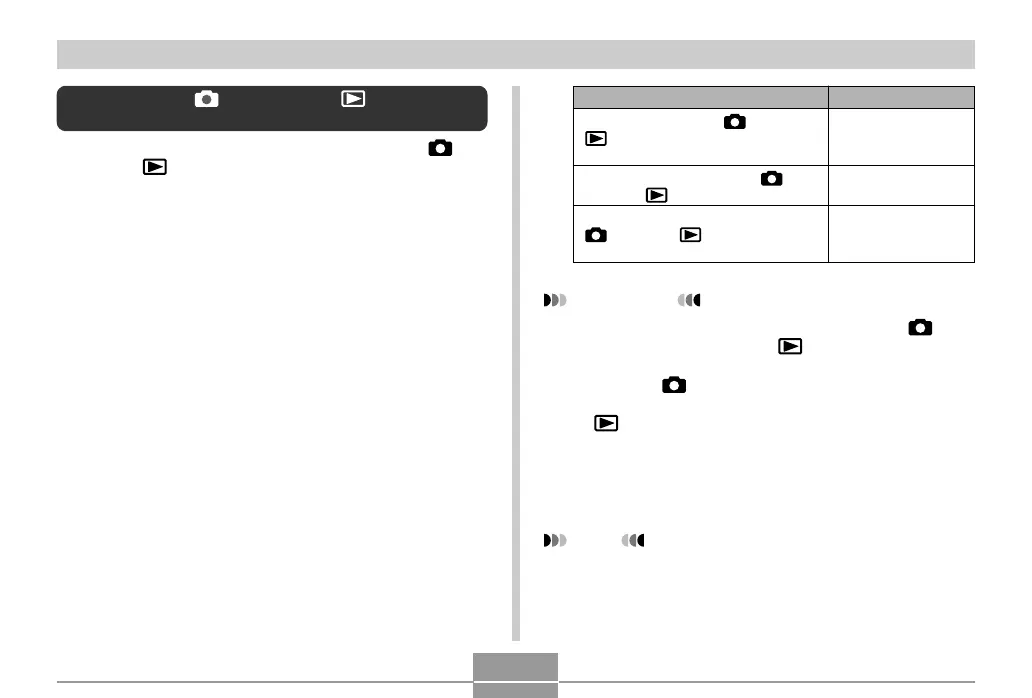
Select this setting:
Power On
Power On/Off
Disable
To configure this operation:
Power turns on when [
] (REC) or
[
] (PLAY) is pressed (but does not
turn off)
Power turns on or off when [
]
(REC) or [ ] (PLAY) is pressed
Power does not turn on or off when
[
] (REC) or [ ] (PLAY) is
pressed
IMPORTANT!
• When “Power On/Off” is selected, pressing [ ]
(REC) in a REC mode or [ ] (PLAY) in the PLAY
mode turns off the camera.
• Pressing [ ] (REC) in the PLAY mode switches to
the currently selected recording mode, and pressing
[ ] (PLAY) in a REC mode switches to the PLAY
mode.
• When connecting the camera to a TV for viewing
camera images, “Power On” or “Power On/Off” must
be selected for the power on/off function.
NOTE
• The initial default setting is “Power On”.
Configuring [ ] (REC) and [ ] (PLAY)
Power On/Off Functions
You can use the following procedures to configure [ ]
(REC) and [ ] (PLAY) so power turns on and/or off
whenever they are pressed.
1.
Press [MENU].
2.
Select the “Set Up” tab, select “REC/PLAY”,
and then press [왘].
3.
Use [왖] and [왔] to select the setting you
want, and then press [SET].



 To Next Page
 Loading...