144
Auto-programming/system utilities (P7)
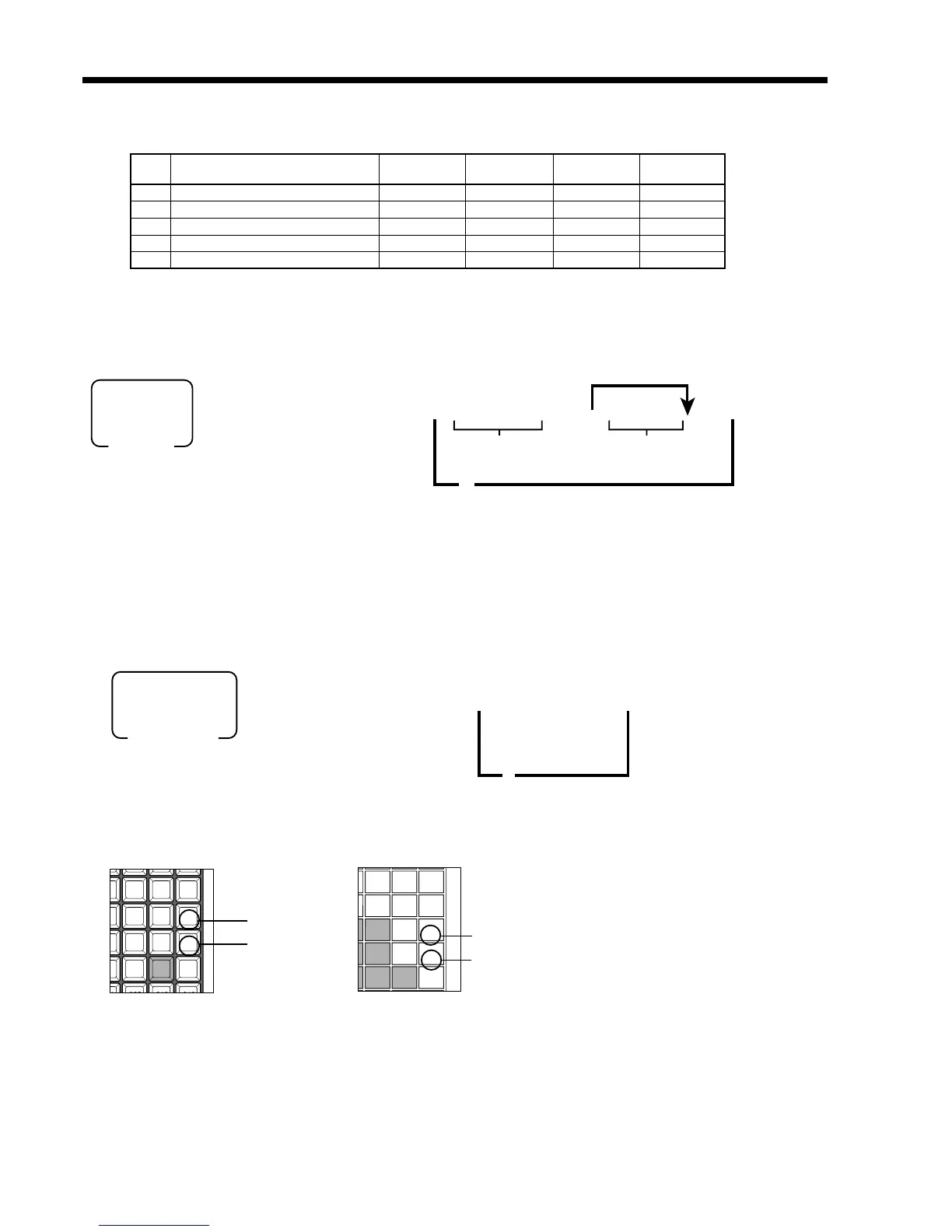
From CF card
67s 6 20s 66a
66s
8
PGM
Mode switch
File selection by
the cursor keys
(Cancellation)
(Execution)
Cursor keys
TE-2200 TE-2400
Auto-programming operation
To CF card
67s 6 70s 6
:::
a 6
::
-6 a
66s
8
PGM
Mode switch
* File name
(file name:8 + suffix: 3)
(Cancellation)
(Execution)
* File name: You can use only the capital alphabet (A ~ Z), numeric (0. 1 ~ 9) and minus sign.
Note: You cannot overwrite the same file name.
If there is no enough room for auto-program delete other files in the CF card or format it.
If you use the CF card for the first time, format it.
Command code
~
Default file name
5 029 023 017
4 028 022 015
3 027 014 016
2 026 020 021
025 023 019
024 022 018
021 017
020 015
014 016
9
6
3
Up cursor key
Down cursor key
Up cursor key
Down cursor key
File
File description
Command Command Command Command
No. 900 090/990 092/992 0xx/9xx
081 Registration guidance message ✔✔ ✔081/981
082 X/Z guidance message ✔✔ ✔082/982
083 Program guidance message ✔✔ ✔083/983
085 Help message ✔✔ ✔085/985
086 Slip print buffer ✔✔--- ---



 To Next Page