35
Program 3
TE-2200/2400 Dealer's Manual
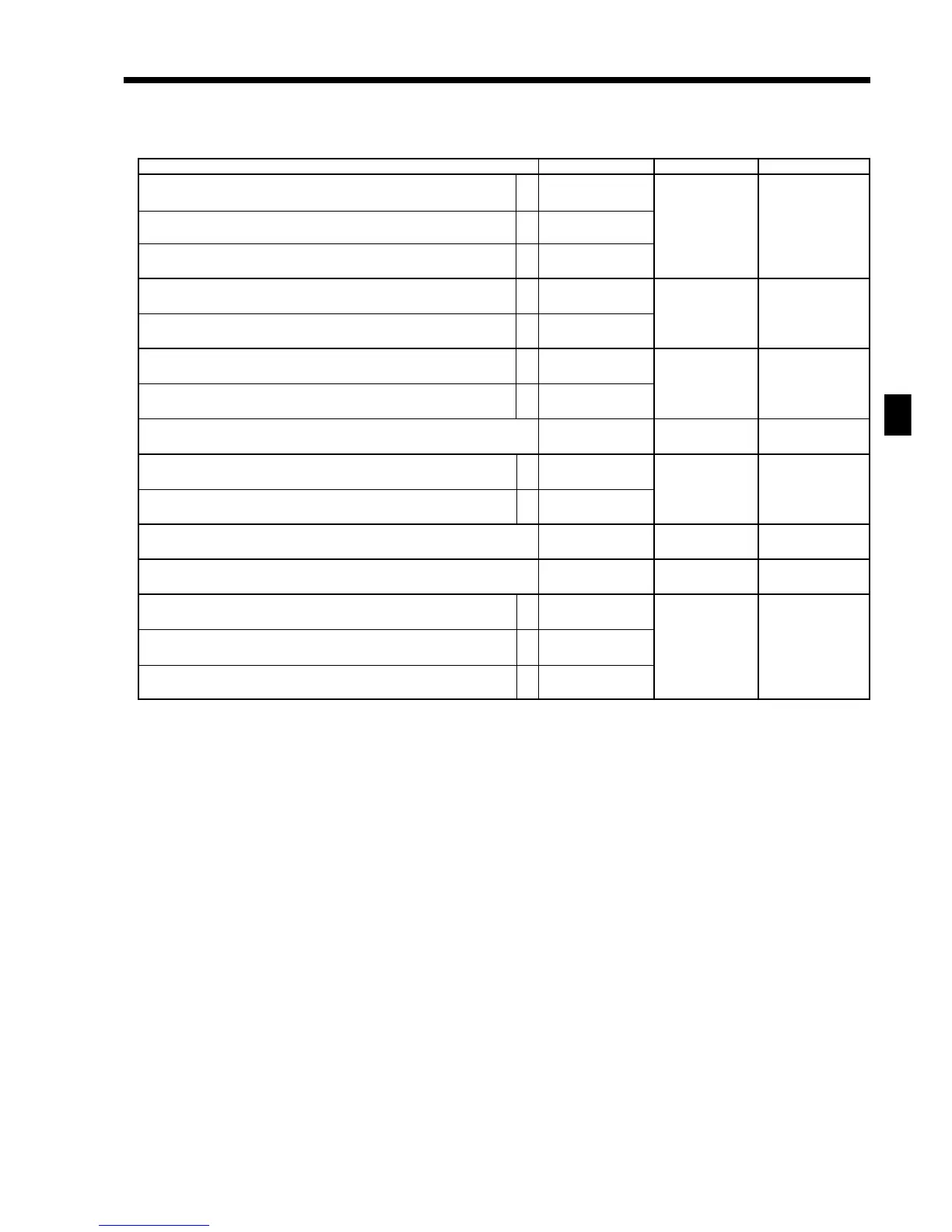
Address code 05 (print control for receipt)
Description Choice Program code Initial value
Print total line during finalization.
Time system:
1 24 hour system, 2 12 hour system
Feed one line after issuing receipt.
Print consecutive number by double sized letter (up to 3 digits).
Buffered receipt print
*1
Skip item lines on journal. (journal skip)
Breakdown set menu printing on receipt, post receipt, guest receipt.
Always “000”
Print number of item sold.
Print tax symbols.
Ignore receipt/journal paper end (not effective for external printer).
Print multiplication or item consolidation in one line.
Print C operation.
Print number of customers on header.
Print PLU number on receipt.
*1: Select “Yes” if you want to print receipts with watermarks.
a
b
c
a
b
a
b
a
b
a
b
c
:
(a+b+c)
D
10
:
(a+b)
D
9
:
(a+b)
D
8
Yes = 0
No = 1
1 = 0
2 = 2
No = 0
Yes = 4
No = 0
Yes = 1
No = 0
Yes = 2
No = 0
Yes = 1
No = 0
Yes = 4
No = 0
Yes = 1
Yes = 0
No = 2
Yes = 0
No = 1
Yes = 0
No = 4
No = 0
Yes = 1
Yes = 0
No = 2
No = 0
Yes = 4
;;;
D
7
D
6
D
6
:
(a+b)
D
4
:
D
3
:
D
2
:
(a+b+c)
D
1
;
(a+b+c)
D
10
;
(a+b)
D
9
;
(a+b)
D
8
;;;
D
7
D
6
D
5
;
D
3
;
D
2
;
(a+b+c)
D
1
S or ;
(EX-U.S.) (U.S.)
(a+b)
D
4



 To Next Page