89
Program 3
TE-2200/2400 Dealer's Manual
Set menu programming
Programming procedure
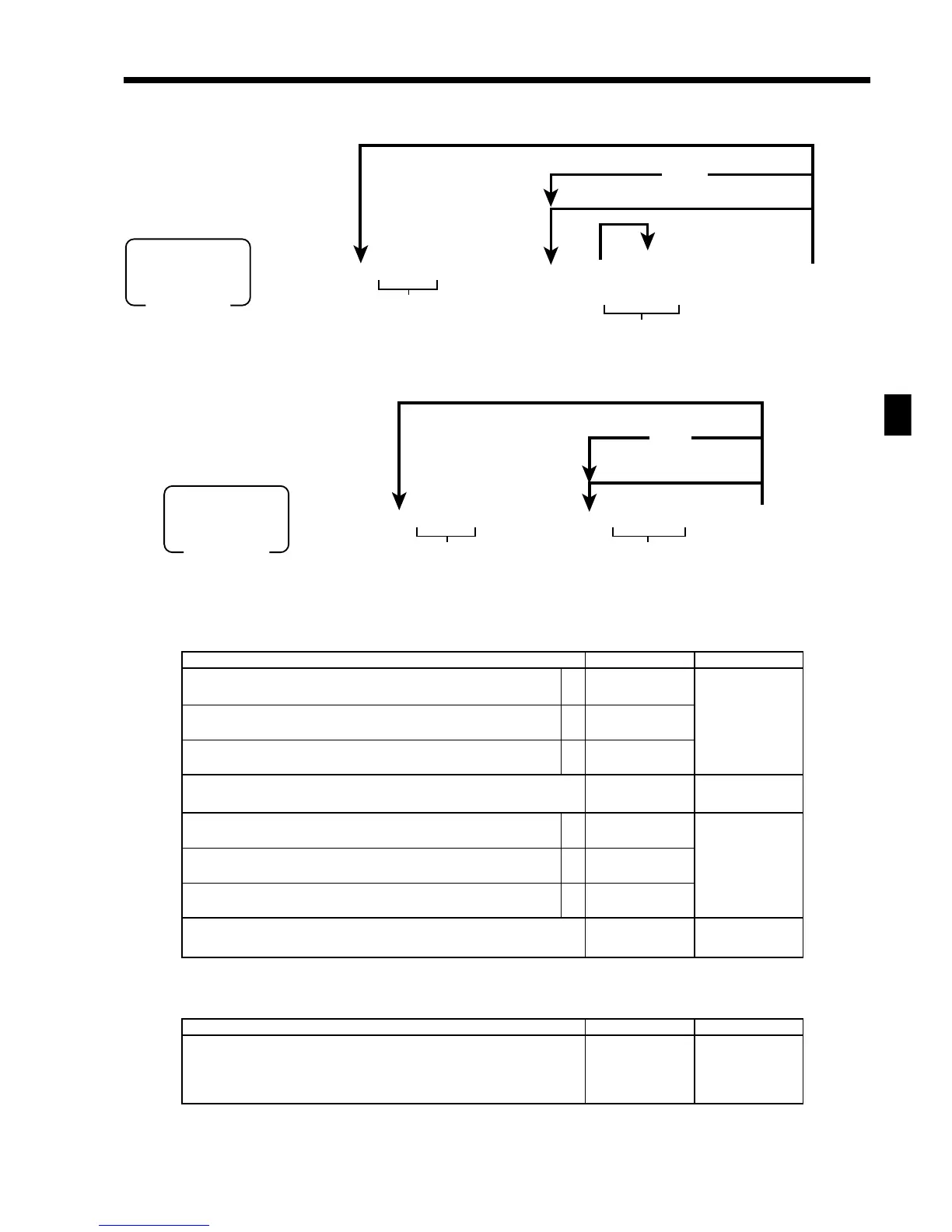
Batch X/Z report programming
Programming procedure
Program data
Control flag (1st field)
Report code (2nd ~ 11th field)
Description Choice Program code
Report code:
Fixed totalizer = 11, Transaction key = 12, PLU = 14, PLU by group = 24,
Department = 15, Group = 16, Clerk = 17, Time zone = 19, Monthly = 20,
Scanning PLU = 26, Table analysis = 28, Employee = 29, Mix & match = 61,
PLU stock = 64, PLU stock by group = 34
::
D
2
D
1
Significant
numbers
63s6 :: 28s 6
B 6 B
6 s
::6 +
a
To a new (not sequential) record
Record No.
PLU code
To the next record
Maximum 15 items can be set.
Rec #: within 4 digits
Random code: within 6 digits
PGM
Mode switch
MENU
SHIFT
~
Flat-
PLU
}
{
6 3s 6 ::29s 6 ::6 a 6 s
a
To a new (not sequential) record
Record No.
1st to 11th field
PGM
Mode switch
Program data
To the next record
~
Description Choice Program code
Save X data to CF card.
Save Z data to CF card.
Issue report, in case of saving data to CF card.
Always “0”
Disable operation in X1 mode.
Disable operation in Z1 mode.
Disable operation in X2/Z2 mode.
Report contents in the X2/Z2 mode:
• Read report of periodic total 1 = 0 • Reset report of periodic total 1 = 1
• Read report of periodic total 2 = 2 • Reset report of periodic total 2 = 3
a
b
c
a
b
c
:
(a+b+c)
D
4
;
D
3
:
(a+b+c)
D
2
:
D
1
No = 0
Yes = 1
No = 0
Yes = 2
No = 0
Yes = 4
No = 0
Yes = 1
No = 0
Yes = 2
No = 0
Yes = 4
Significant
number



 To Next Page