157
Read/reset report
TE-2200/2400 Dealer's Manual
• Individual open check report
Range report
• PLU range report
• Scanning PLU range report
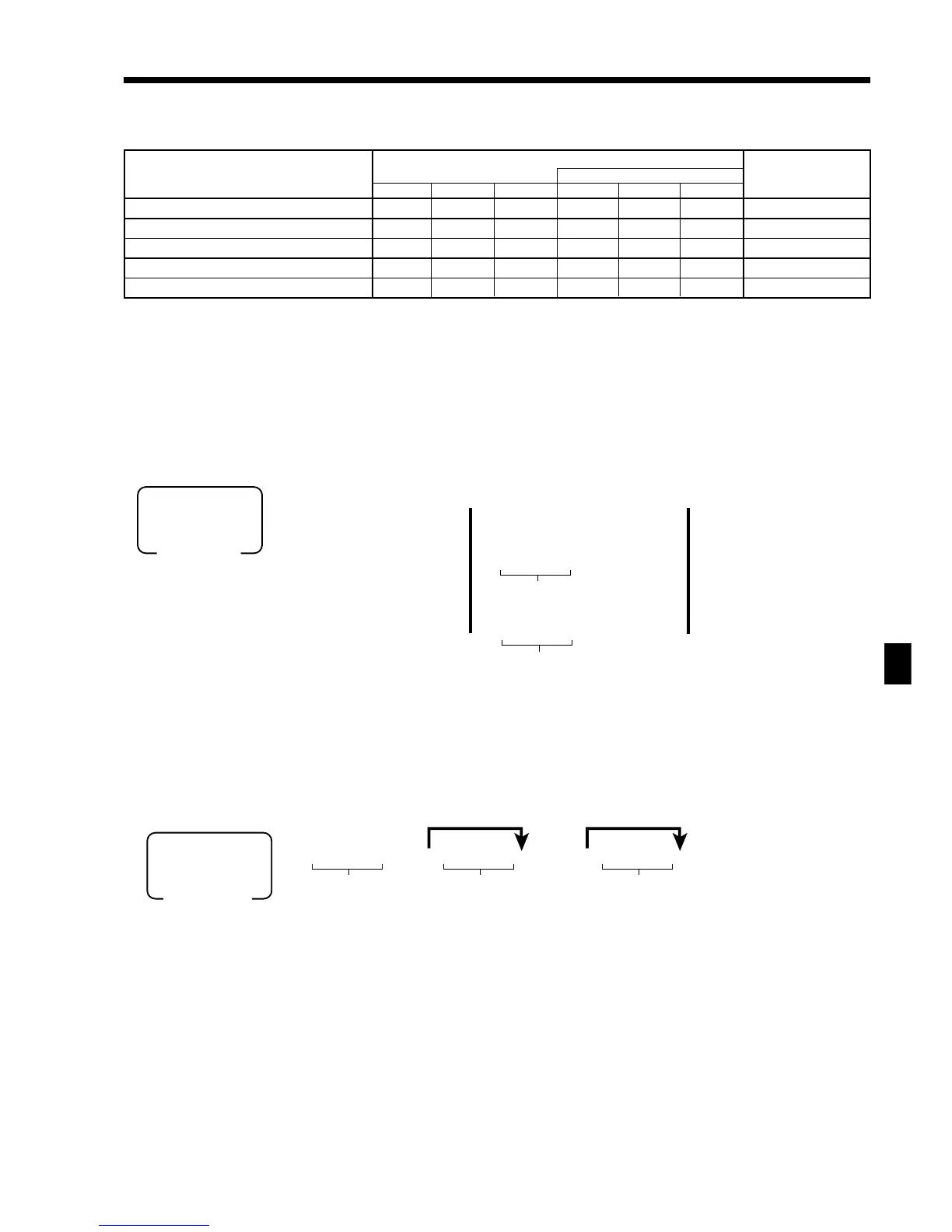
Report code (Read: #=0 / Reset: # = 1)
Report name
Consolidation file
Target-No.
Daily Periodic 1 Periodic 2 Daily Periodic 1 Periodic 2
Clerk individual 20017 2#117 2#217 20317 2#417 2#517 Clerk-No.
PLU individual by group 1020014 102#114 102#214 1020314 102#414 102#514 Group-No.
PLU individual by department 2020014 202#114 202#214 2020314 202#414 202#514 Department-No.
PLU stock individual by group 1020064 ----- ----- ----- ----- ----- Group-No.
PLU stock individual by department 2020064 ----- ----- ----- ----- ----- Department-No.
6025a 66 a 66 s
6: :6 a 6
6: :6 6
B
B
B
X1
Mode switch
~
~
Note: Press s to terminate this procedure.
Clerk rec-#
Check No.
}{
NEW
CHK
OLD
CHK
(All)
(By clerk)
(By check No.)
NEW/
OLD
6: :a 6: :6a6: :6a
X1/Z1
X2/Z2
Mode switch
Report code
Note: Press s to terminate this procedure.
Start No.
*1
End No.
*2
*1
If you skip to enter the start No., it starts the first record No./random code.
*2
If you skip to enter the end No., it starts the last record No./random code.
~
~
~



 To Next Page