67
Program 3
TE-2200/2400 Dealer's Manual
<VOID>
<RECEIPT>
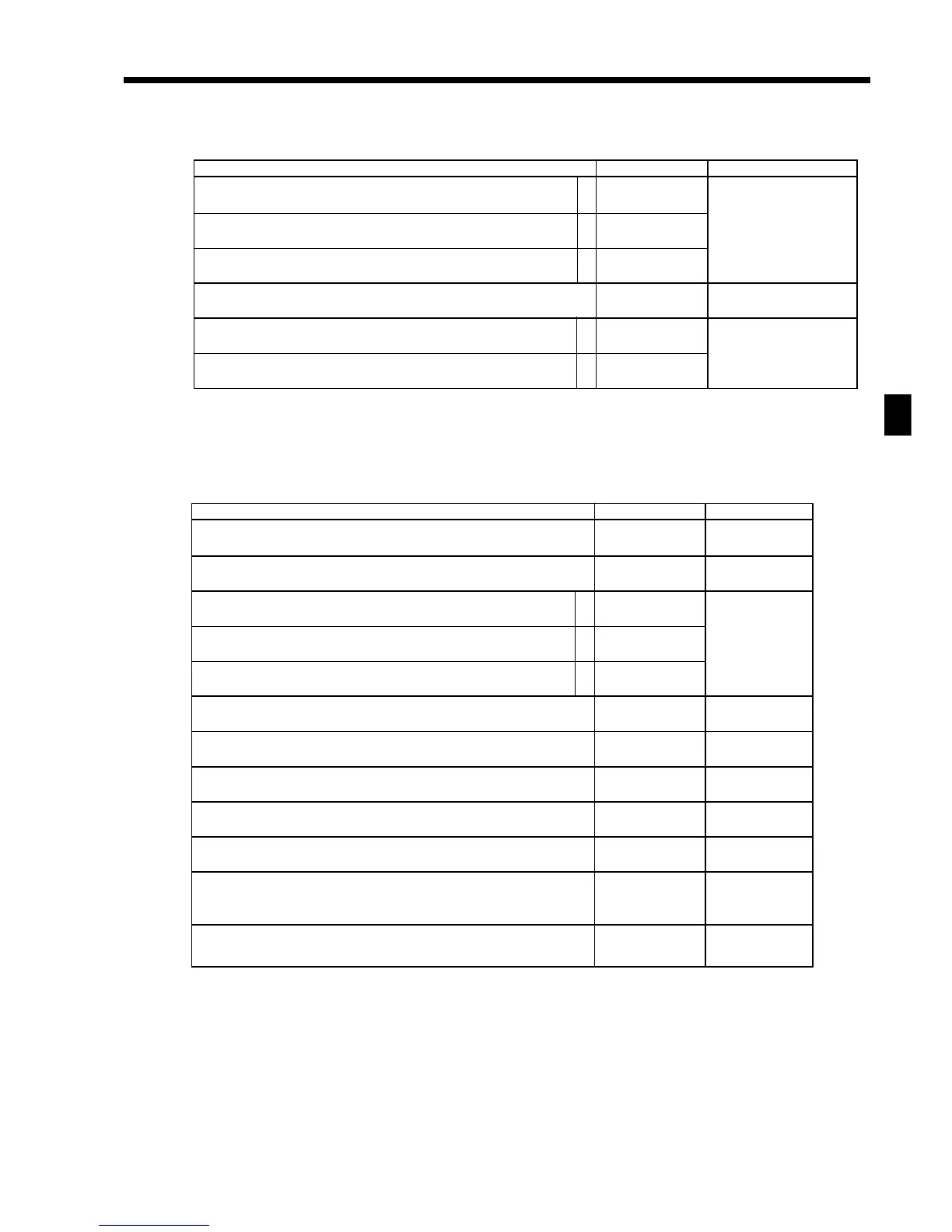
Description Choice Program code
Disable operation in RF/REG– mode.
Disable operation in REG2 mode.
Disable operation in REG1 mode.
Always “0000000”
A range of item correction:
1 From the beginning of this transaction
2 Current receipt only
Affect stock quantity
a
b
c
a
b
:
(a+b+c)
D
9
;;;;;;;
D
8
D
7
D
6
D
5
D
4
D
3
D
2
:
(a+b)
D
1
No = 0
Yes = 1
No = 0
Yes = 2
No = 0
Yes = 4
2 = 0
1 = 1
Yes = 0
No = 2
Description Choice Program code
Maximum number of post receipts (0 ~ 9)
(“0” means 1 post receipt.)
Always “00”
Disable operation in RF/REG– mode.
Disable operation in REG2 mode.
Disable operation in REG1 mode.
Always “0”
Print current time on guest receipt.
Clear finalized check.
Always “0”
Print journal when receipt is issued by <RECEIPT>.
Receipt is issued by:
•“Receipt 1 (printer connection table)” = 0
•“Receipt 2 (printer connection table)” = 1
•“Receipt 3 (printer connection table)” = 2
Line number of guest bottom message (00 ~ 10):
(“00” means no bottom message.)
a
b
c
:
D
12
;;
D
11
D
10
:
(a+b+c)
D
9
;
D
8
:
D
7
:
D
6
;
D
5
:
D
4
:
D
3
::
D
2
D
1
Significant
number
No = 0
Yes = 1
No = 0
Yes = 2
No = 0
Yes = 4
No = 0
Yes = 4
Yes = 0
No = 1
No = 0
Yes = 1
Significant
number
Significant
numbers



 To Next Page