79
Program 3
TE-2200/2400 Dealer's Manual
<CANCEL>
<VALIDATION>
<PRICE INQUIRY>, <STOCK INQUIRY>, <CHECK PRINT>, <REFUND>, <COUPON2>,
<NO SALE>, <VAT>, <PLU>, <PRICE>, <BOTTLE RETURN>,
<SLIP BACKFEED/RELEASE>, <SLIP FEED/RELEASE>, <TABLE NUMBER>,
<FOOD STAMP SHIFT>, <RED PRICE>, <DECLARATION>, <RECEIPT ON/OFF>,
<PREVIOUS BALANCE SUBTOTAL>, <FOOD STAMP SUBTOTAL>, <OLD CHECK>,
<ADD CHECK>, <SEPARATE CHECK>, <OBR>, <OPEN CHECK>, <MEDIA CHANGE>, <STORE>,
<RECALL>
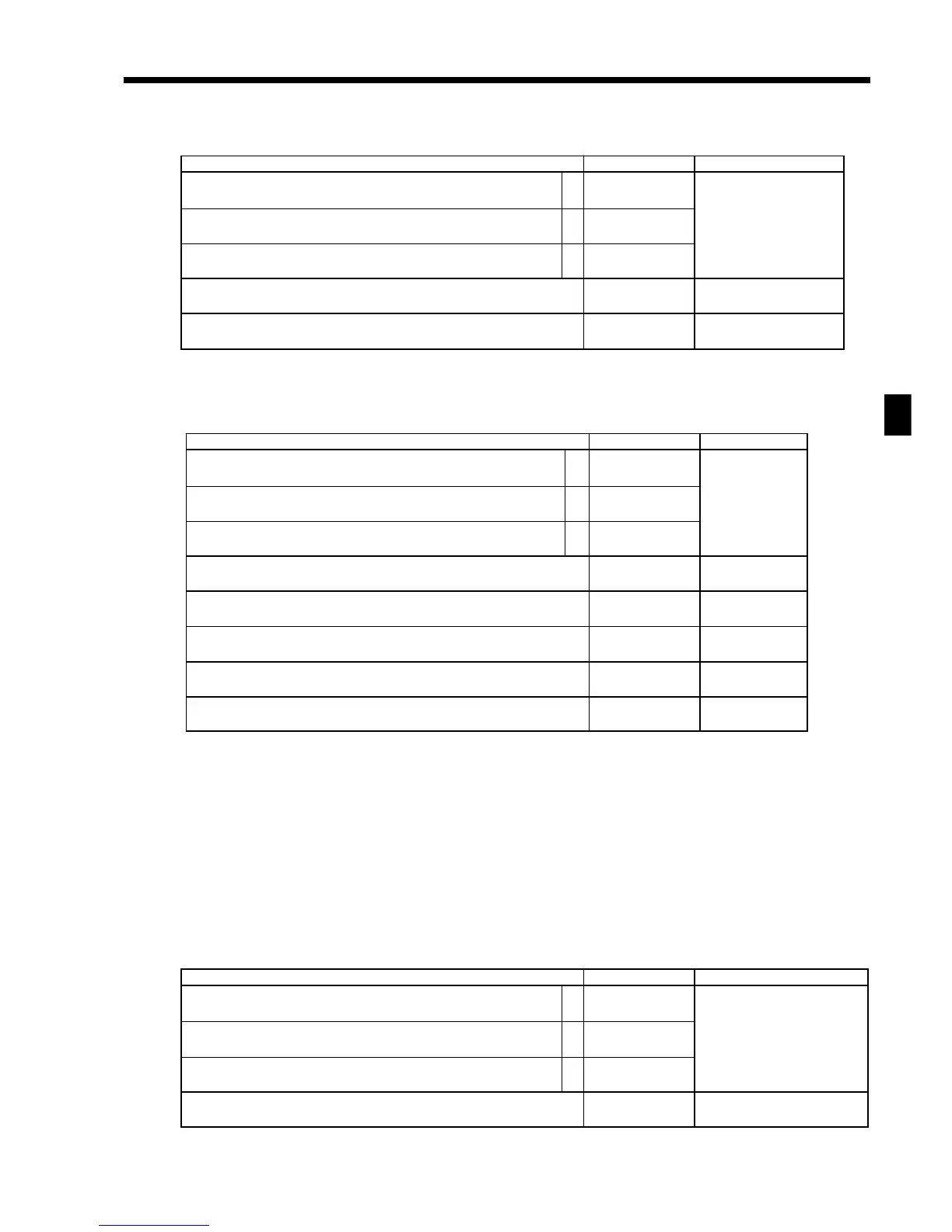
Description Choice Program code
Disable operation in RF/REG– mode.
Disable operation in REG2 mode.
Disable operation in REG1 mode.
Always “0000000”
A range of item correction:
1From the beginning of this transaction
2Current receipt only
a
b
c
:
(a+b+c)
D
9
; ;;;;;;
D
8
D
7
D
6
D
5
D
4
D
3
D
2
:
D
1
No = 0
Yes = 1
No = 0
Yes = 2
No = 0
Yes = 4
2 = 0
1 = 1
Description Choice Program code
Disable operation in RF/REG– mode.
Disable operation in REG2 mode.
Disable operation in REG1 mode.
Always “00”
Print total validation to:
Slip (paper is inserted in slip printer) or R/J = 0, Slip only = 1, R/J only = 2
Number of copies by slip validation (0 ~ 9)
(“0” means 1 copy.)
Number of auto feed lines between slip validation printing (00 ~ 99)
Number of line feeds before slip validation (00 ~ 99)
a
b
c
:
(a+b+c)
D
9
;;
D
8
D
7
:
D
6
:
D
5
::
D
4
D
3
::
D
2
D
1
No = 0
Yes = 1
No = 0
Yes = 2
No = 0
Yes = 4
Significant
number
Significant
number
Significant
numbers
Significant
numbers
Description Choice Program code
Disable operation in RF/REG– mode.
Disable operation in REG2 mode.
Disable operation in REG1 mode.
Always “00000000”
a
b
c
:
(a+b+c)
D
9
; ;;;;;;;
D
8
D
7
D
6
D
5
D
4
D
3
D
2
D
1
No = 0
Yes = 1
No = 0
Yes = 2
No = 0
Yes = 4



 To Next Page