82
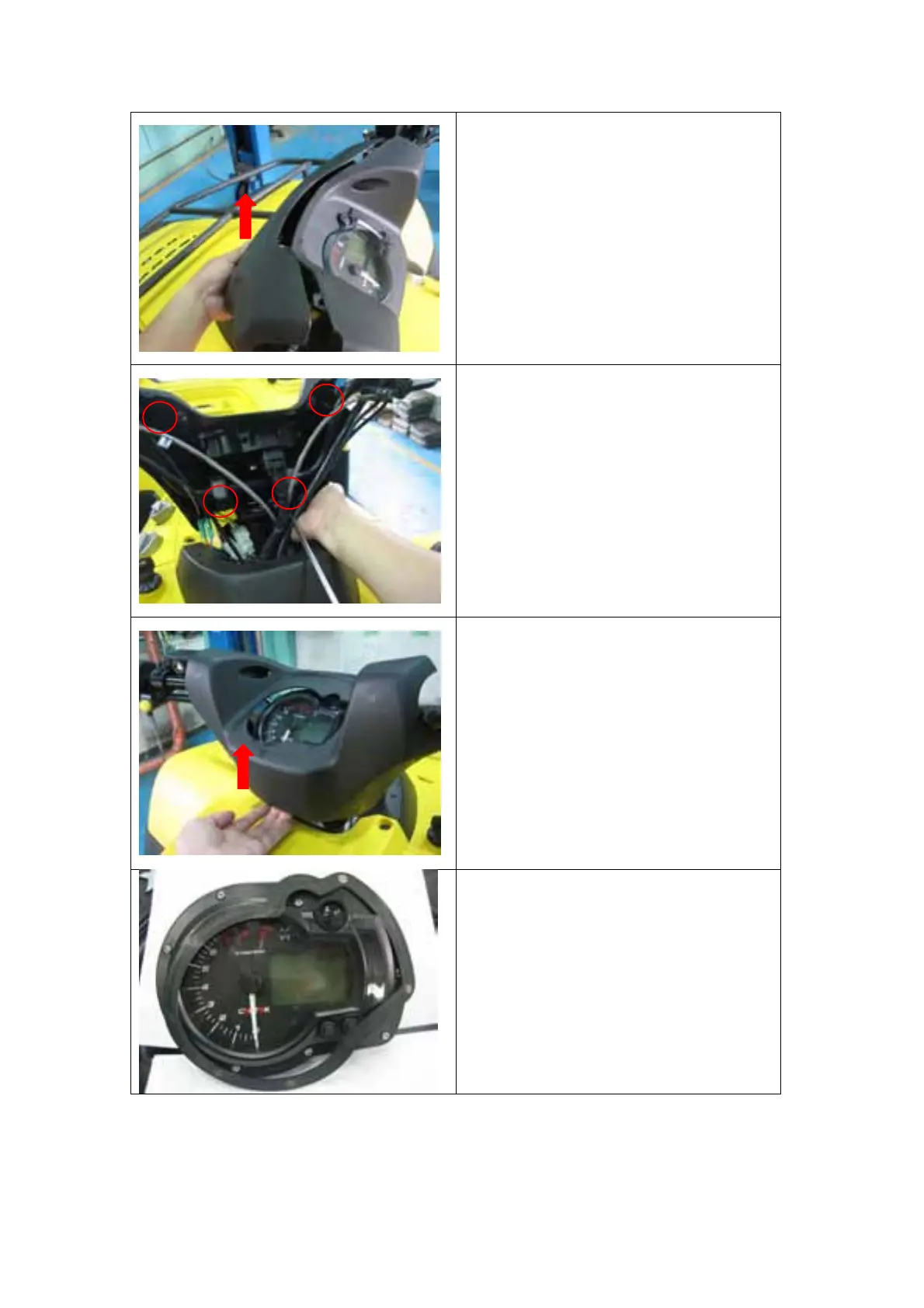
2. Lift the front instrument cover
up from the bottom and separate
if from the rear instrument cover.
3. Remove the 4 screws on the
rear instrument covers.
4. The screws may fall into the
chassis, be careful in catching
the screws.
5. Lift the rear instrument cover up
and remove the seal between
the instrument and the cover.
6. Put the seal back on the
instrument to prevent the part
missing.



 To Next Page