88
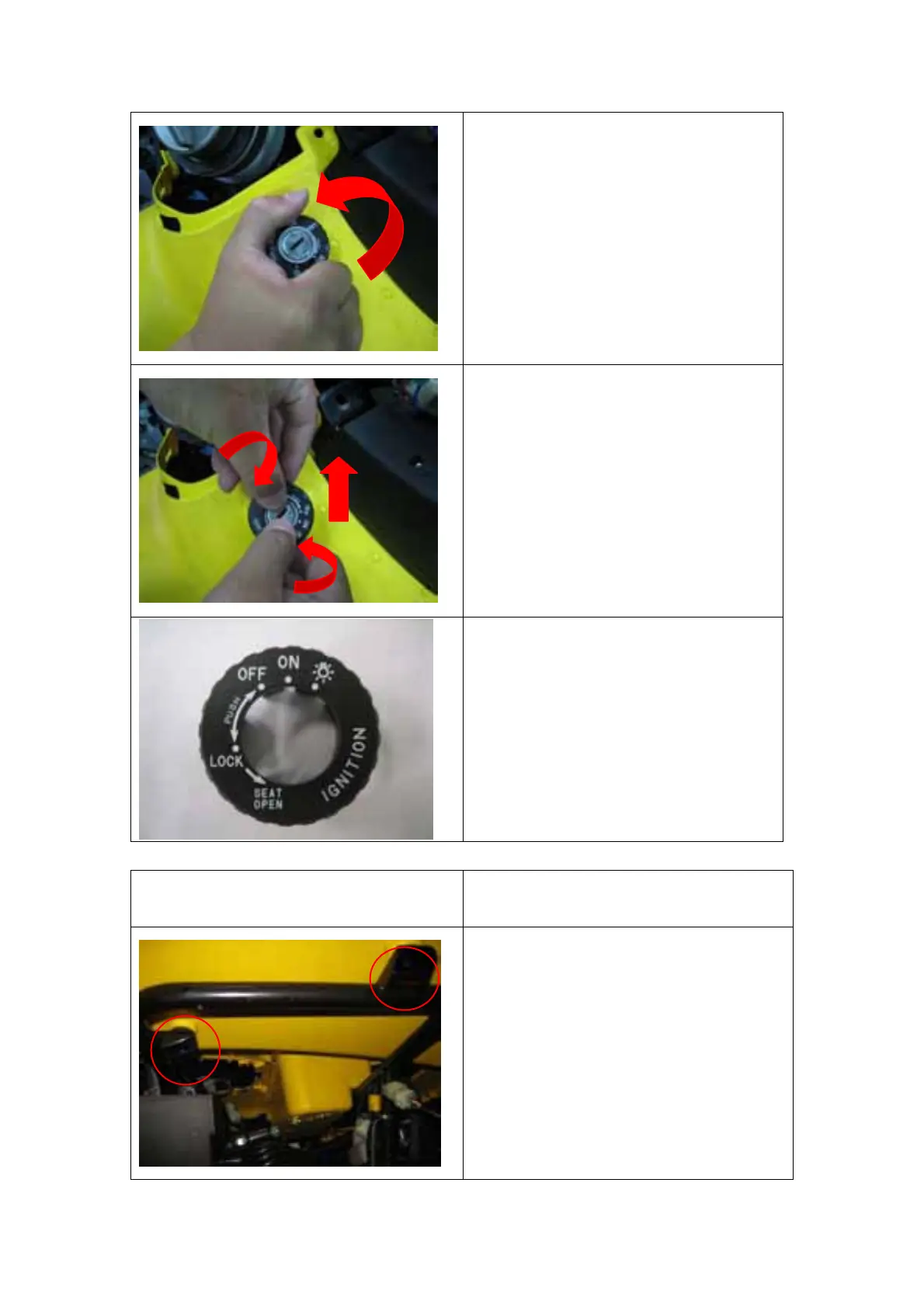
2. Hold the key position cover
and turn it counterclockwise to
dead left point.
3. Pull the key position cover out
from the key hub. It could be
easier that using you finger as
a stop then drawing the cover
out.
4. Keep the cover face up to
prevent the scratch on the
marks.
FRONT RACK REMOVAL Reversely perform the below
process to install.
1. Loosen the two bolts under the
RHS front cover but not remove
them.
2. When install torque 10Nm.
(2)
(1)



 To Next Page