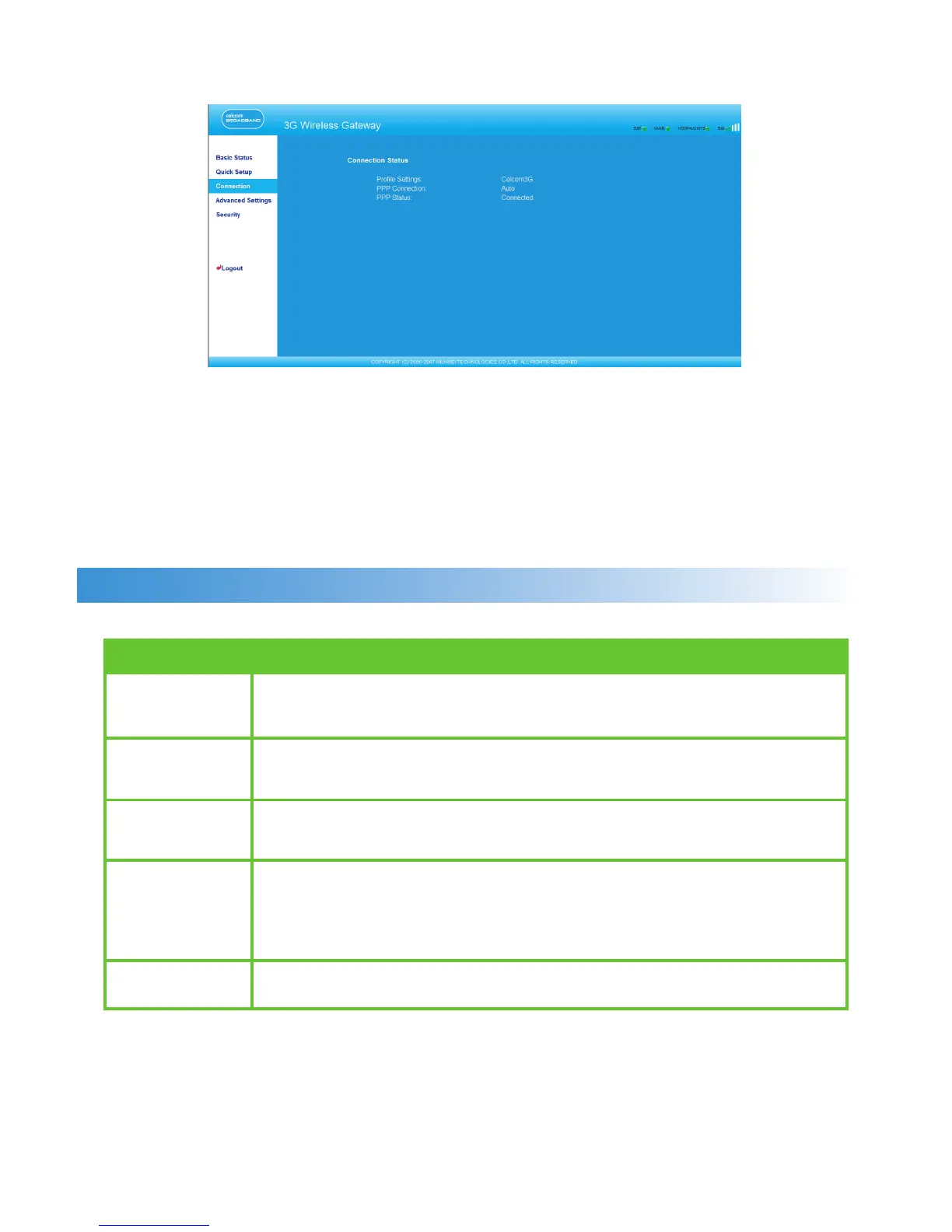
Describing the Management Page
• Operation Navigation Area: Shows the main functions of the management console.
• User Operation Area: Shows conguration information, data information, help
information, and function operation area of the gateway. The user operation window
varies with different function operations.
• Status Display Area: Shows the network mode, PPP dial-up status, network signal
strength, and SIM card status in real-time.
Operation Functions
The following table shows the main operations in the gateway management page.
Item Description
Basic Status Displays the parameter conguration status of the gateway. For
details, see “Viewing the Gateway Conguration Information.”
Quick Setup Congures the gateway quickly. For details, see Chapter 4
“Quickly Conguring the Gateway.”
Connection Displays the network connection status and connects to the
network. For details, see “Connecting to the Internet.”
Advanced Congures the advanced settings of the gateway, which includes
Settings the following settings: system, SIM card, UMTS / WCDMA, dial-up,
DHCP, and WLAN. For details, see Chapter 6 “Describing
Advanced Settings.”
Logout Log out of the gateway page.
6



 To Next Page