Conguring the WLAN
12
Enabling or Disabling the WLAN
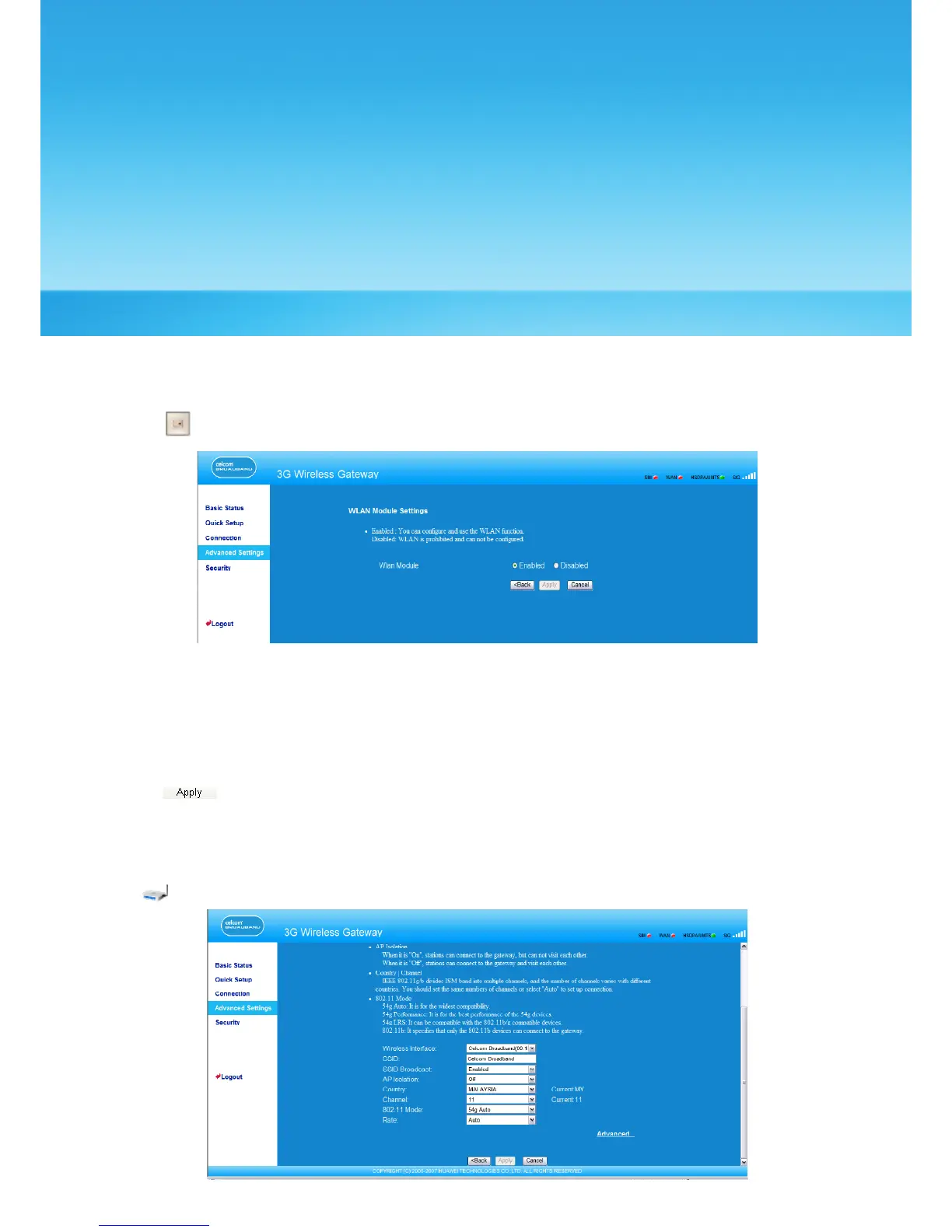
1. Click to open the WLAN Module Settings window, as shown in the following gure.
2. Enable or disable the WLAN module.
• Enable: Enable the WLAN module. You can use the WLAN function and congure
relevant parameters.
• Disable: Disable the WLAN module. You cannot use the WLAN function and congure
relevant parameters.
3. Click to submit the setting.
Conguring WLAN Settings
Click to open the WLAN Settings window, as shown in the following gure.
30



 To Next Page