Conguring the Mode for Searching Network
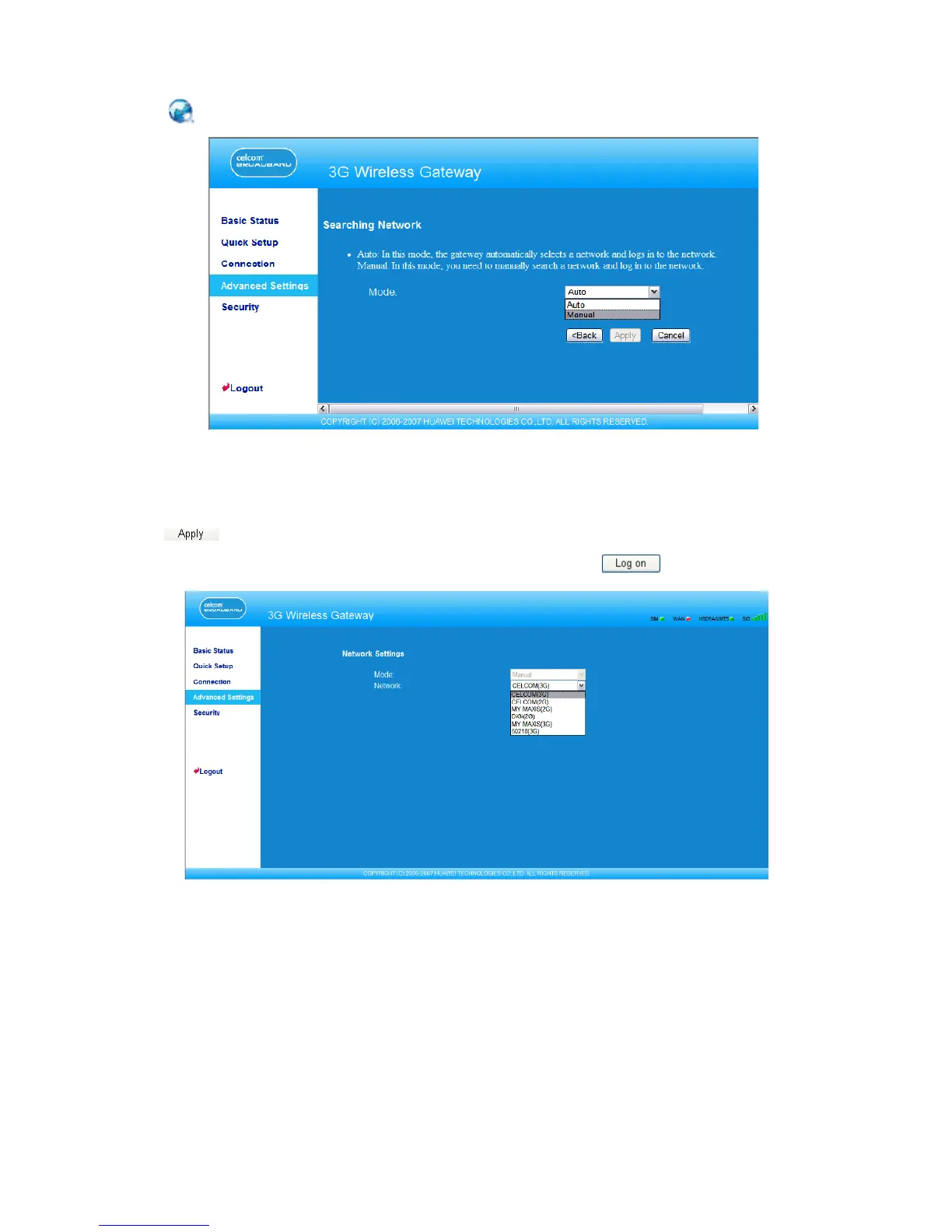
1. Click to open the Searching Network window.
2. Select the mode for searching network.
• Auto: The gateway automatically searches the network and registers with it.
• Manual: You need to manually search the network and register with it.
3. Click to submit the setting.
4. In Manual mode, select the searched network and click .
25



 To Next Page