Using the E961 Conguration Page
3
Logging in to the Management Page
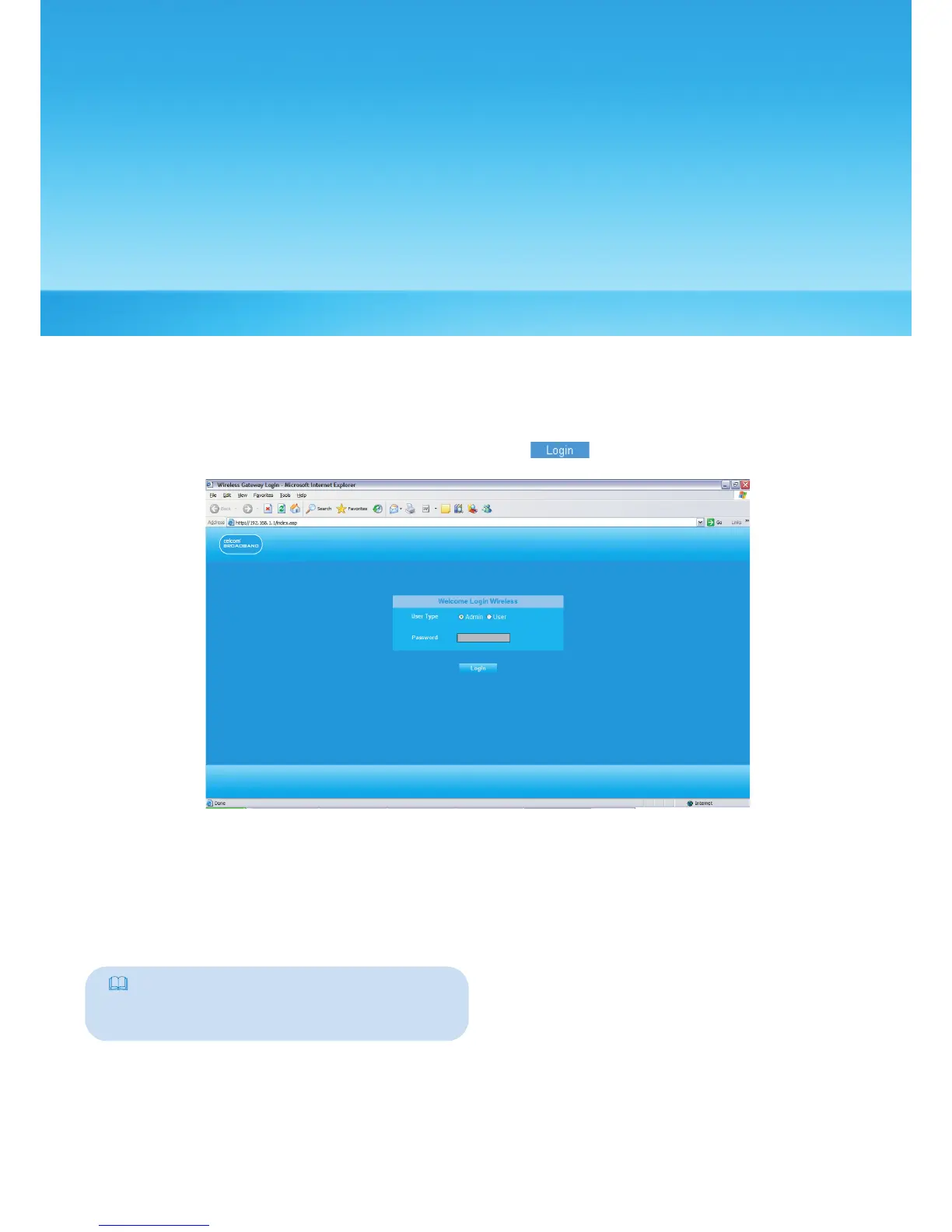
1. Start the IE browser, and then enter the address http://192.168.1.1 in the address bar.
2. Select User Type, enter Password, and then click .
• Admin : Has the rights to view and modify the congurations. The default password
is admin;
• User : Has the right to view only the basic information. The default password is user.
Note:
To avoid the conguration conict, only one
user can log in to the E961 management
page at a time.
5



 To Next Page