13
Security Settings
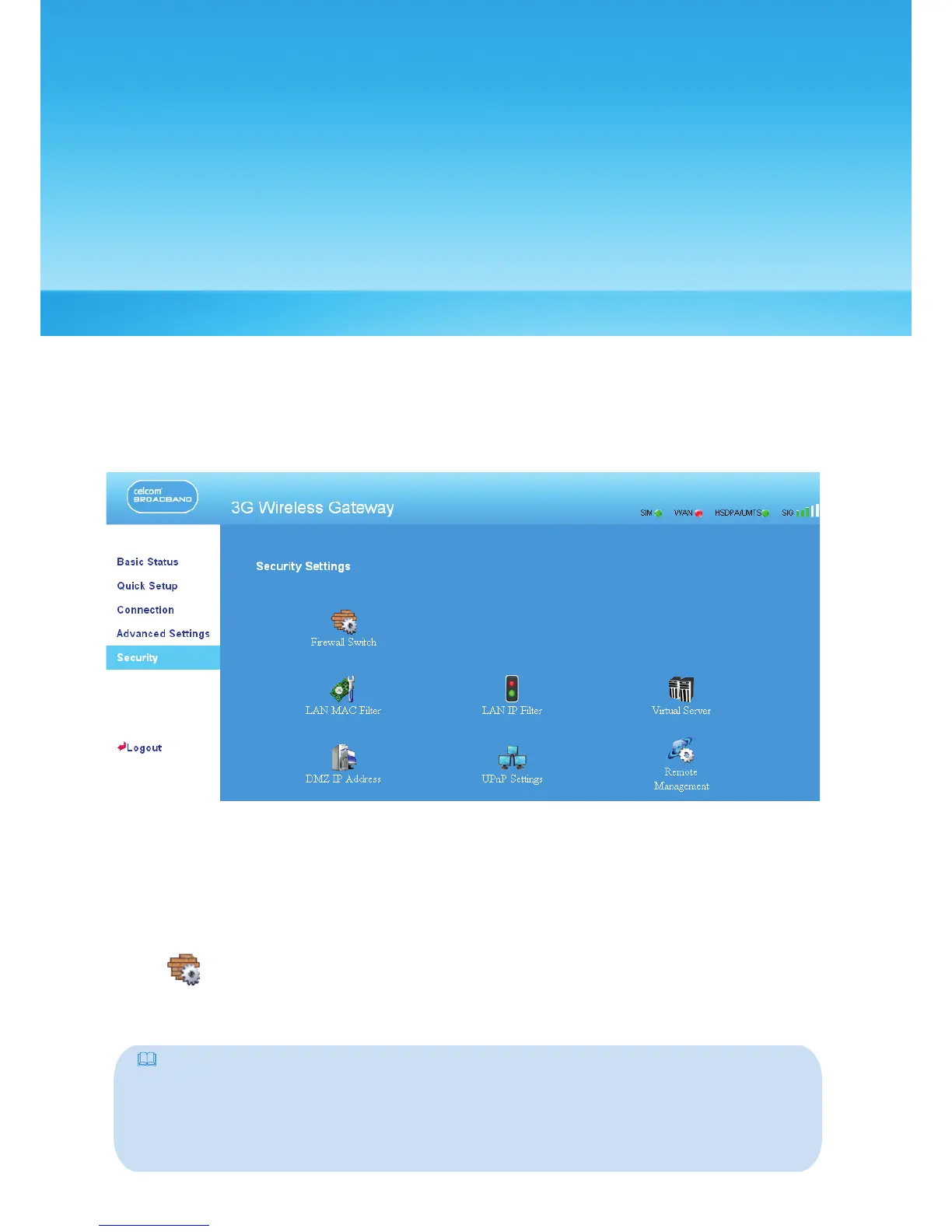
On the Security Settings page, you can configure the advanced security settings.
Click Security to access the security settings page, as shown in the following figure.
Firewall Switch
Your gateway has a true firewall that controls the incoming and outgoing data flow
and protects your computer from illegal intrusion.
1. Click to access the Firewall Switch window.
2.
Select the Enable the firewall (main switch of the firewall) check box to enable
the firewall.
Note:
• Only when the Enable the firewall check box is selected, the other functions such as the
IP address filter function, the MAC address filter function, and the WAN port ping function
are available.
•
When the Enable LAN MAC address filter check box is selected, the default filter rules
are available.



 To Next Page