Conguring UMTS Settings
9
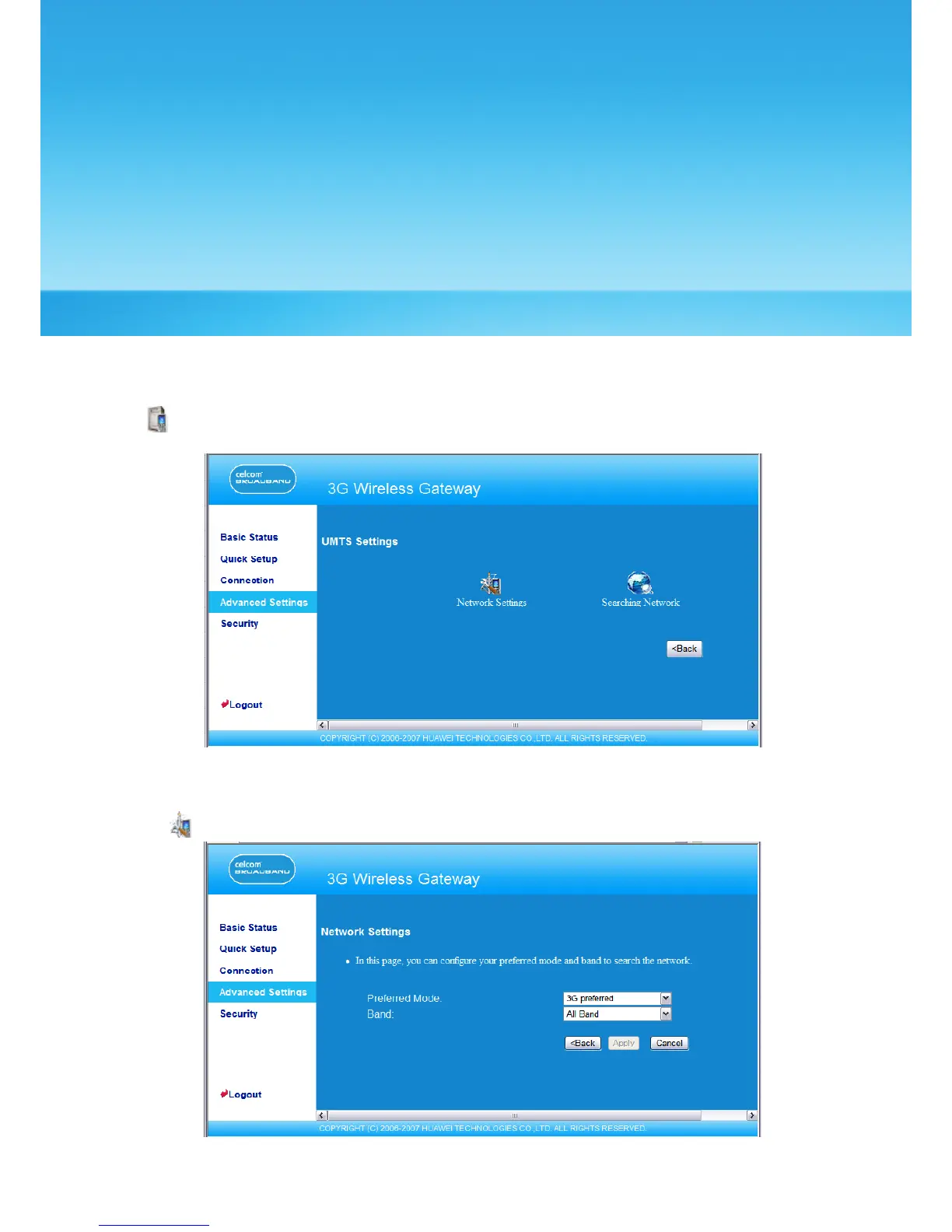
On the UMTS settings window, you can set the priority of connection modes and bands in
searching a network.
Click to open the UMTS Settings window, as shown in the following gure.
Choose the Preferred Mode and Band
1. Click to open the Network Settings window.
2. Select the preference of connection mode in the Preferred Mode list box. The following
table shows the details of connection modes.
23



 To Next Page