Managing the System
7
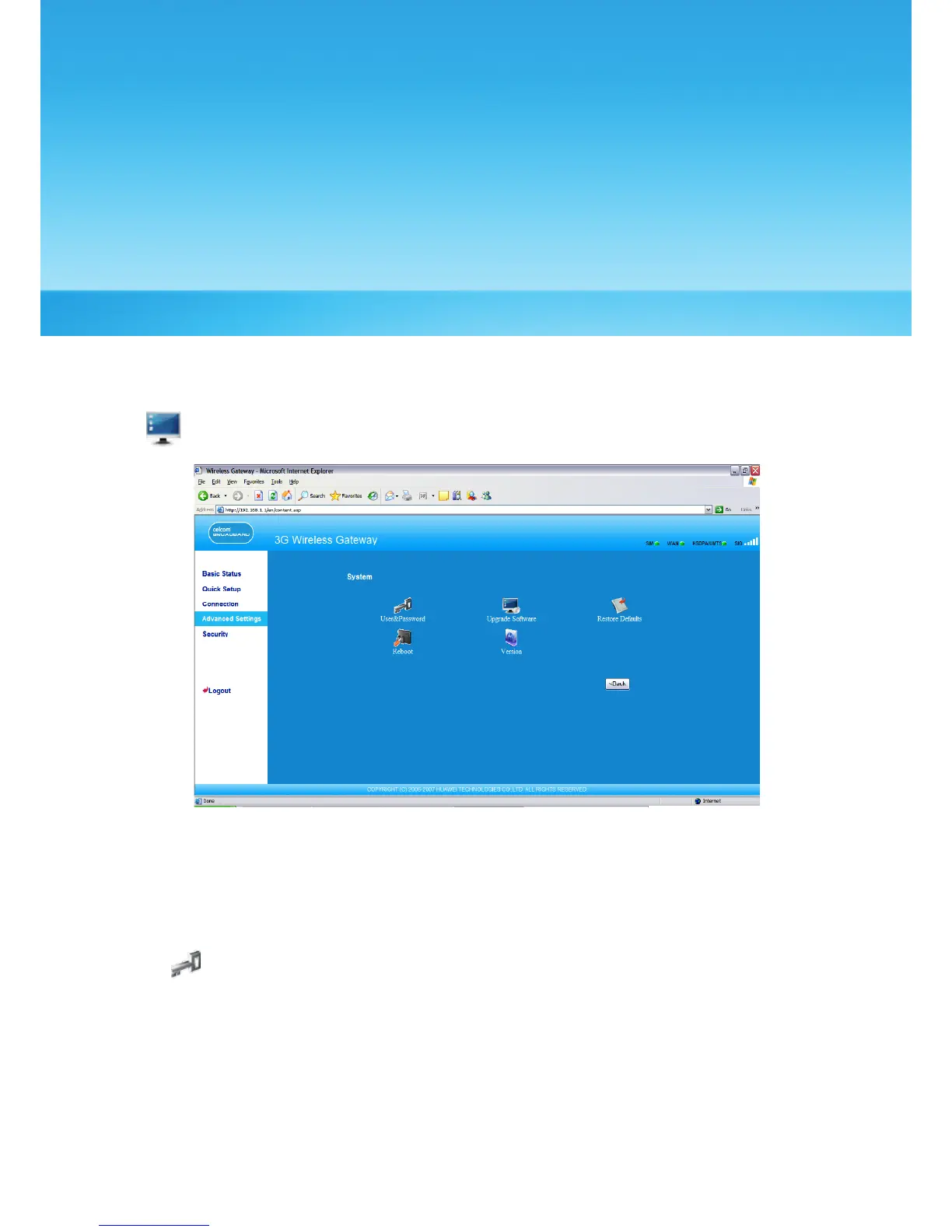
On the system management page, you can modify the password, upgrade the software,
restore factory defaults, restart the device, and view the version information.
Click to access the system management page, as shown in the following gure.
Modifying the Password
You can modify the login password to prevent unauthorized users from logging in to the
management page.
1. Click to open the Modify Password window.
18



 To Next Page