Assigning IP Addresses
11
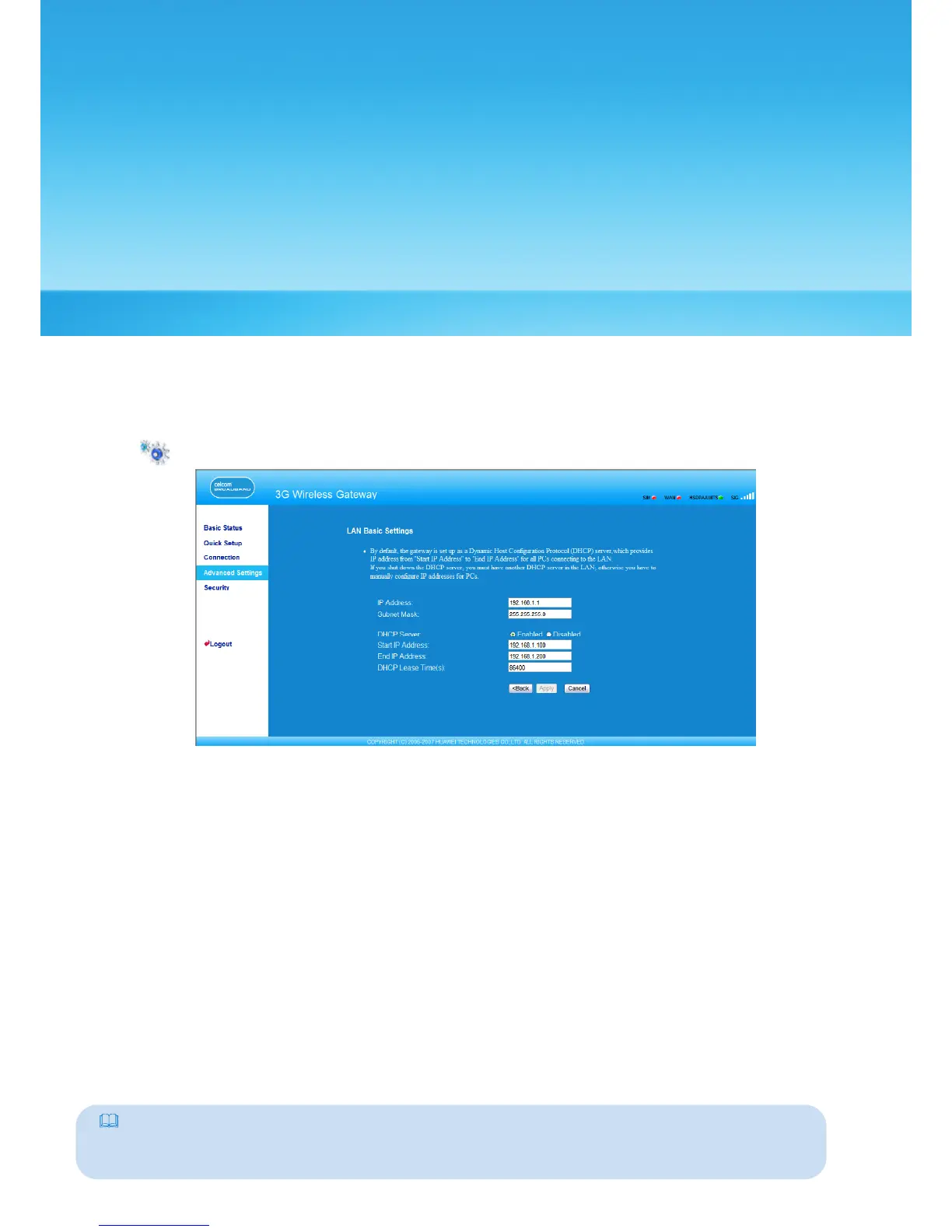
In the LAN Basic Settings page, you can set the mode for assigning IP addresses in a LAN.
DHCP automatically assigns IP addresses to the network
devices. If you are using the DHCP
server, you need to do the following congurations on t
he PC connecting with the
gateway. For details, refer to “Conguring the PC Network.”
Click to open the LAN Basic Settings page.
• IP Address: The default IP address of the gateway is 192.168.1.1.
• Subnet Mask: The combination of the subnet mask and IP address enables the exible
subnetting. By default, the subnet mask is 255.255.255.0.
• DHCP Server: It is used to assign IP addresses dynamically. If the DHCP server is Enabled,
it can automatically assign IP addresses for PCs. It is recommended to select Disabled for
the DHCP server.
• Start IP Address & End IP Address: It is used to dene the IP address range that the host can
use during the IP address assignment. For example, in the network segment 192.168.1.0/24,
the default IP address of the E961 is 192.168.1.1. The host IP address can range from
192.168.1.2 to 192.168.1.254. The minimum range is a single IP address.
• DHCP Lease Time: The DHCP server automatically assigns an IP address to each device
connected to the network. When the leased time expires, the DHCP server checks
whether the device is connected to the network. If the device is disconnected from
the network, the server assigns the IP address to another device. Thus, the IP address is
not wasted.
Note:
• The Start IP Address must be smaller than or equal to the End IP Address.
• If the DHCP Server is Enabled, the congurations of Start IP Address, End IP address, and DHCP
Lease Time are valid; otherwise, you cannot congure them.
29



 To Next Page