Restoring Factory Defaults
If you need to reconstruct the network or you forget the changes of some parameters,
you can choose to restore factory defaults and reconfigure the gateway.
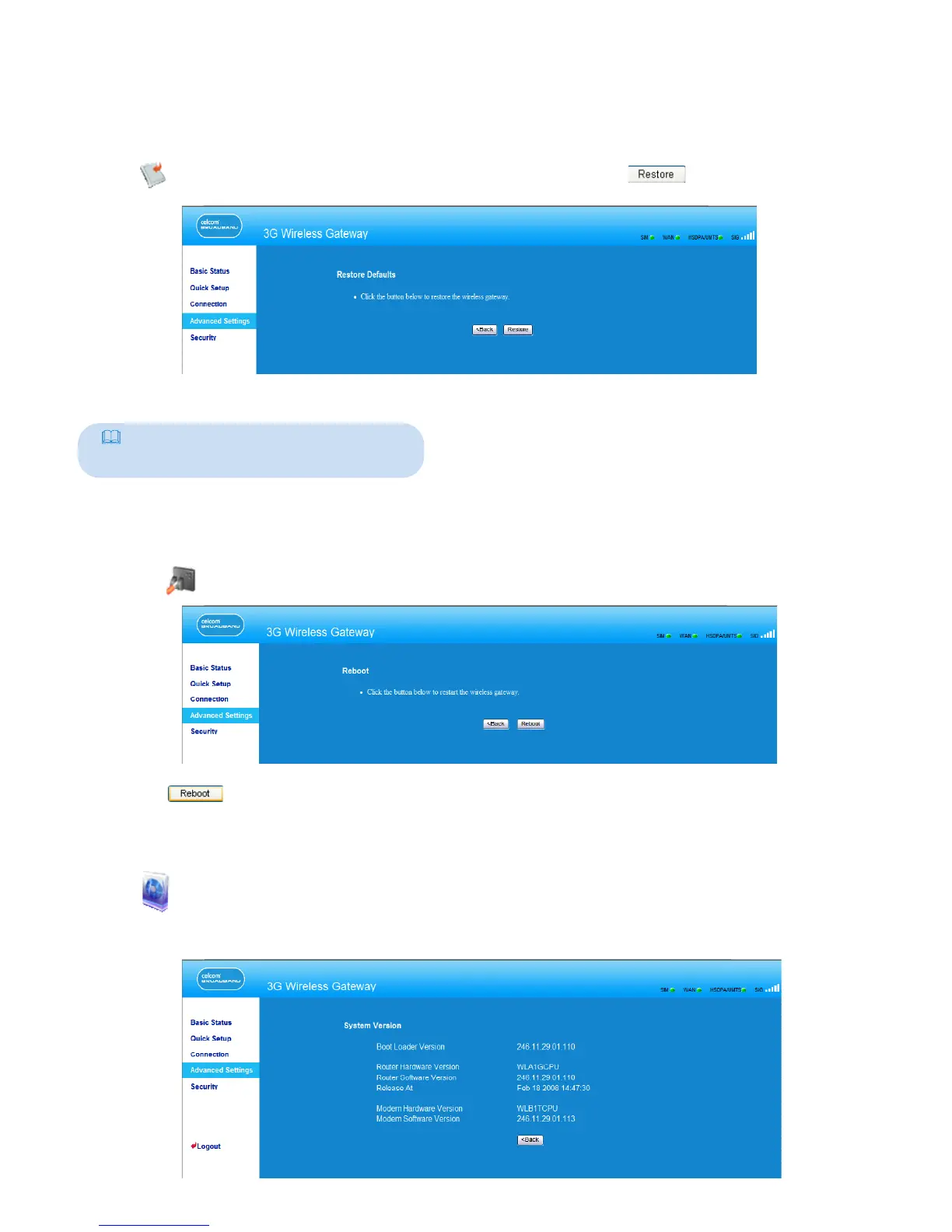
Click to open the Restore Defaults window, and then click .
Note:
After this operation, all configurations
restore to the defaults.
Restarting the Device
1. Click to open the Reboot window.
2. Click to restart the gateway.
Viewing the Version Information
Click to display the System Version page. You can view the hardware version,
software version, release time, and the hardware version and software version of the
wireless module, as shown in the following figure.
20



 To Next Page