Describing Advanced Settings
6
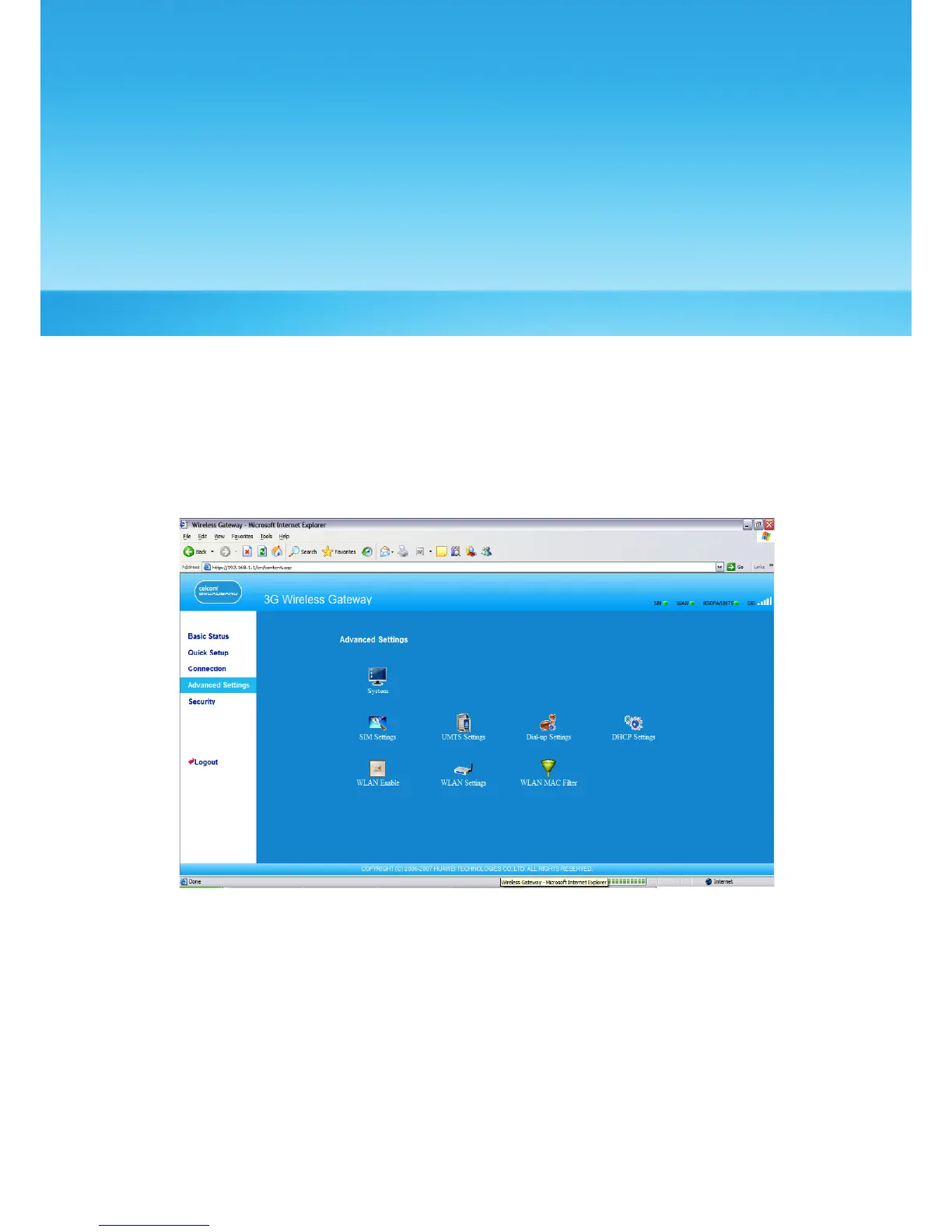
In the Advanced Settings page, you can congure the basic attributes and advanced
parameters of the gateway, and perform routine maintenance and management to the
gateway.
In the operation navigation area, click Advanced Settings to access the page, as shown in
the following gure.
16



 To Next Page