Conguring the MAC Filter
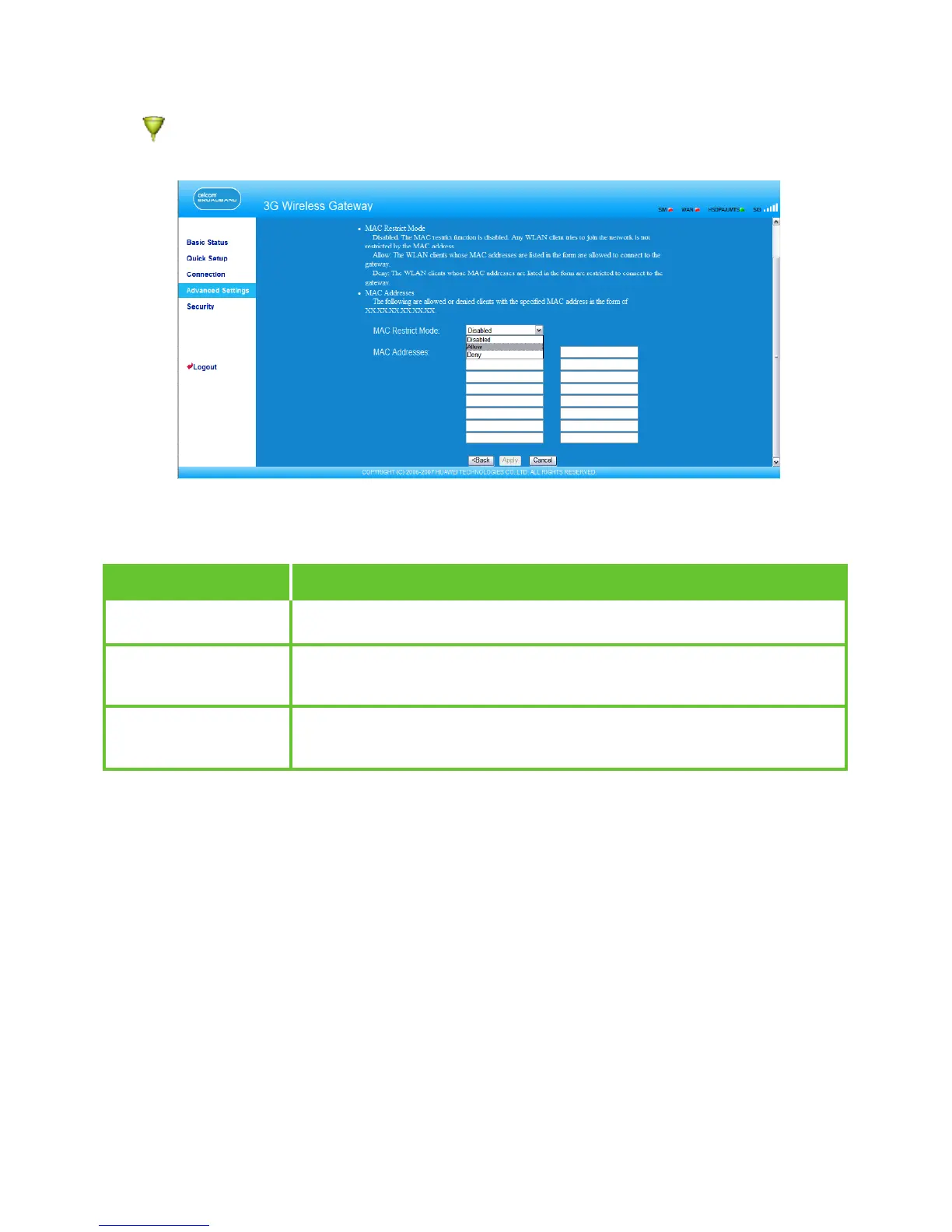
Click to open the WLAN MAC Filter Settings window. You can control and manage the
clients accessing the WLAN, and improve the WLAN security performance.
MAC Restrict Mode
The following table lists the MAC address lter modes:
Value
Disabled
Allow
Deny
Description
The MAC address lter function is disabled.
The clients with addresses in the MAC Address list are
allowed to connect with the gateway through the WLAN.
The clients with addresses in the MAC Address list are not
allowed to connect with the gateway through the WLAN.
MAC Addresses
Enter MAC addresses in the list. The gateway can perform access control over the clients
that MAC addresses are in the list. The list can contain a maximum of 16 MAC addresses.
34



 To Next Page