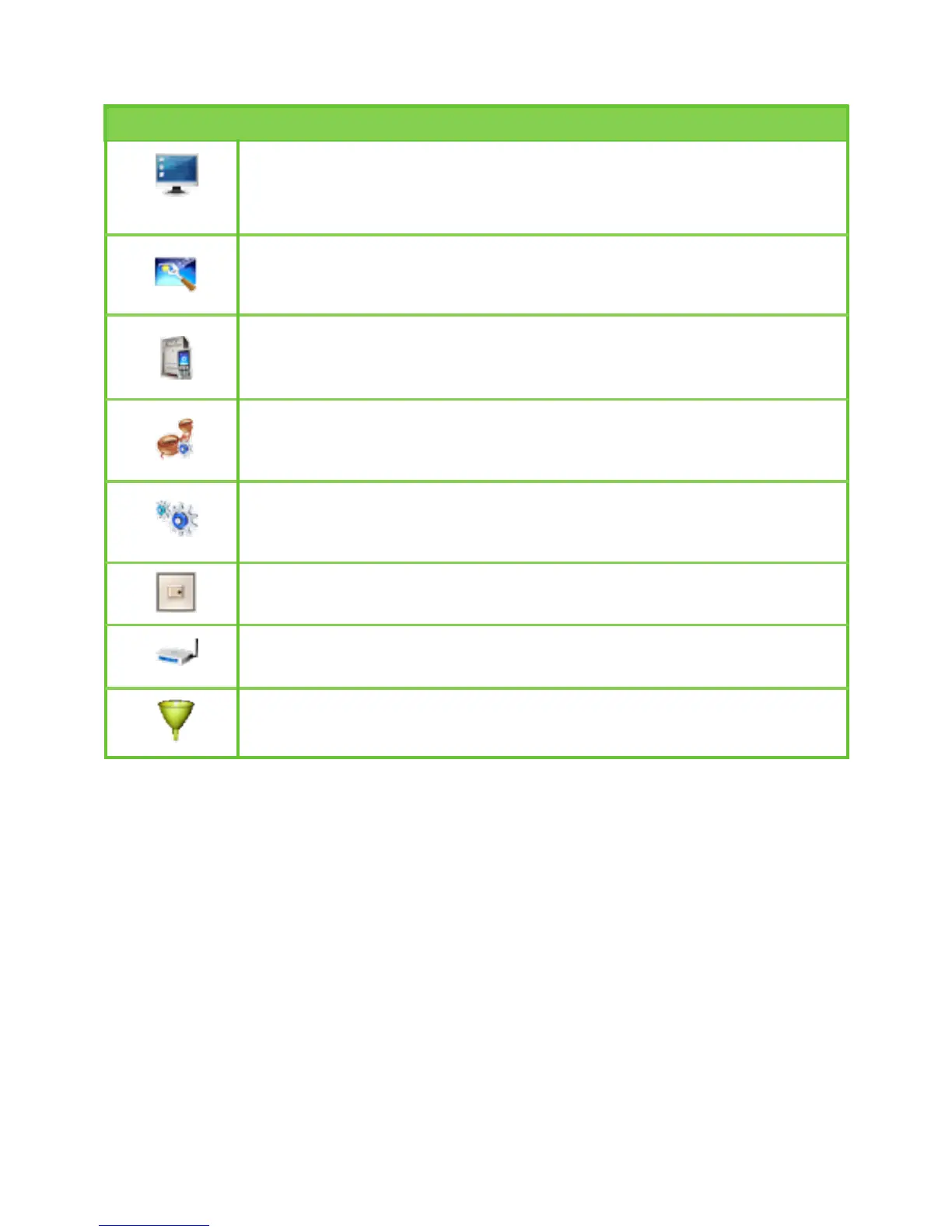
The following table describes shortcut icons.
Icon Description
Open the system management interface to modify the password,
upgrade software, restore the factory default, restart the device,
and view the version information.
Open the SIM card setting interface to manage the PIN code
operation.
Open the UMTS setting interface to congure the network search
mode and band.
Open the dial-up setting interface to congure PPP dial-up
properties and manage the prole list.
Open the DHCP setting interface to choose the IP address
assignment mode.
Open the interface to enable or disable the WLAN.
Open the WLAN setting interface.
Open the MAC address lter setting window.
17



 To Next Page