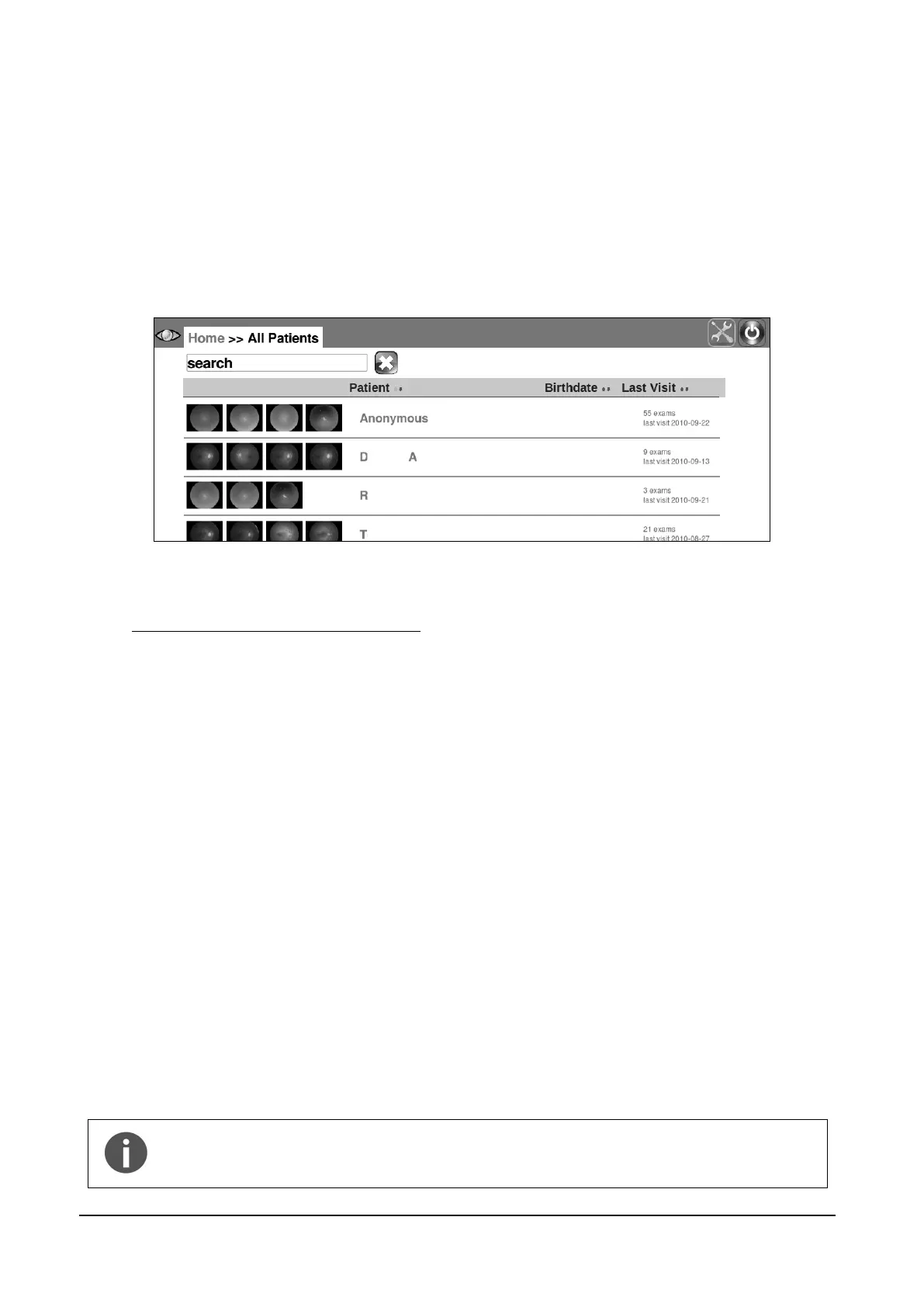
sort the list by one of the available field (the list can be sorted by last name, date of birth or
date of last visit) by clicking on the corresponding arrows ( for descending, for
ascending) located at the header of the list (by default patients are sorted by their numeric
ID, in ascending order);
search for a specific patient by typing the initials of the last name or first name or code in
the search box.
Once the desired patient has been identified in the list, click on the corresponding line to select and
open the Patient Record screen (see Figure 23).
Figure 9 - Patient list screen
9.3 Starting the image acquisition process
When a new patient has been created or an existing one selected or none of the above
(anonymous), it is possible to start the image acquisition process. Before proceeding, be sure that
the patient received complete explanations concerning the test and what she/he is required to do,
as explained at par. 6 above.
Then choose among the different options / parameters:
a. Click OU to acquire images from both eyes (default), OD for the right eye and OS for the
left eye;
b. Select SINGLE FIELD to acquire one 45° image of the retina (default);
c. Select MULTI FIELD to acquire multiple 45° fields. See par. 14.1 for details on how to
configure the fields acquired in each of the above two options;
d. Select ANTERIOR EYE to acquire the external part of the eye;
e. Select STEREO to acquire a stereo pair of the nasal field and produce a stereoscopic view
of the optic disc (see details below);
f. Position the patient on the chin rest and head rest and use the CHINREST UP and
CHINREST DOWN buttons to adjust the chin rest position, if needed. When the
AUTOMATIC CHIN REST flag is selected from the settings menu (see par. 14), the chin
rest is automatically adapted to the patient head characteristics.
Press the START button to start the acquisition procedure.
The START button is only enabled if the chin rest is engaged. If the patient is
not properly positioned on the chin rest, the START button will not be enabled
and it will not be possible to start the acquisition process.



 To Next Page