14. SETTINGS
To access the settings screen click on the button.
In the Settings screen several different tabs as described in the following pages are available.
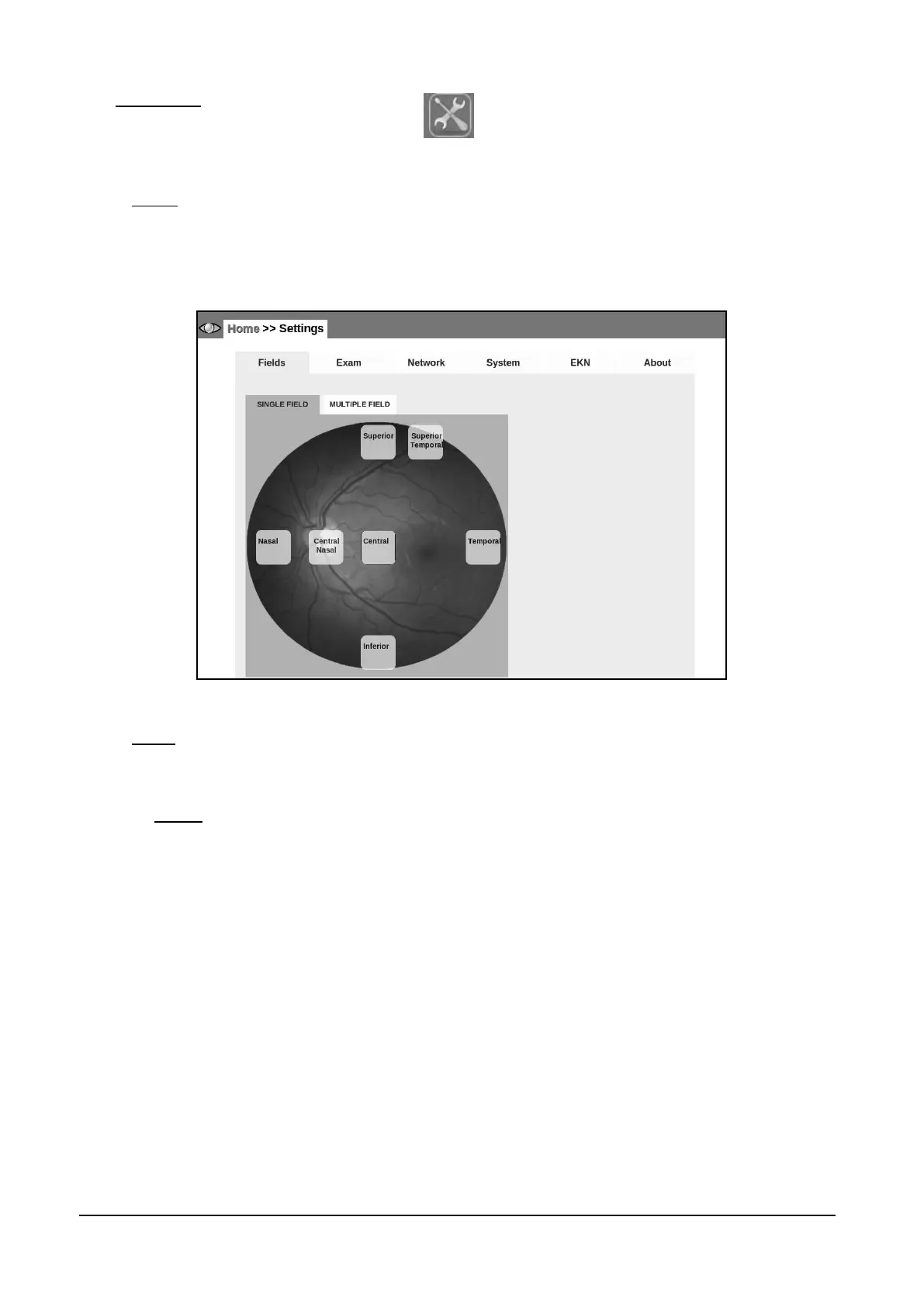
14.1 Fields
This page allows configuring the fields acquired by the SINGLE and MULTI acquisition modes: any
45° field, among the 7 available ones (see par. 13), can be associated to the SINGLE mode, while
up to seven 45° fields can be associated to the MULTI mode.
Figure 32 - Fields tab in Settings (Home >> Settings >> Fields >> SINGLE FIELD)
14.2 Exam
The Exam tab has three sub-tabs, namely EXAM, SAVING and ADVANCED.
14.2.1 EXAM
Use this tab (see Figure 33) to:
set a time delay in seconds (default 0) between subsequent snapshots;
set a time delay between stereo images;
set the fixation target to be permanent or blinking at 3 different speeds;
enable automatic chin rest adjustment;
select UNIFORMITY or CONTRAST image processing strategy (see note below).



 To Next Page