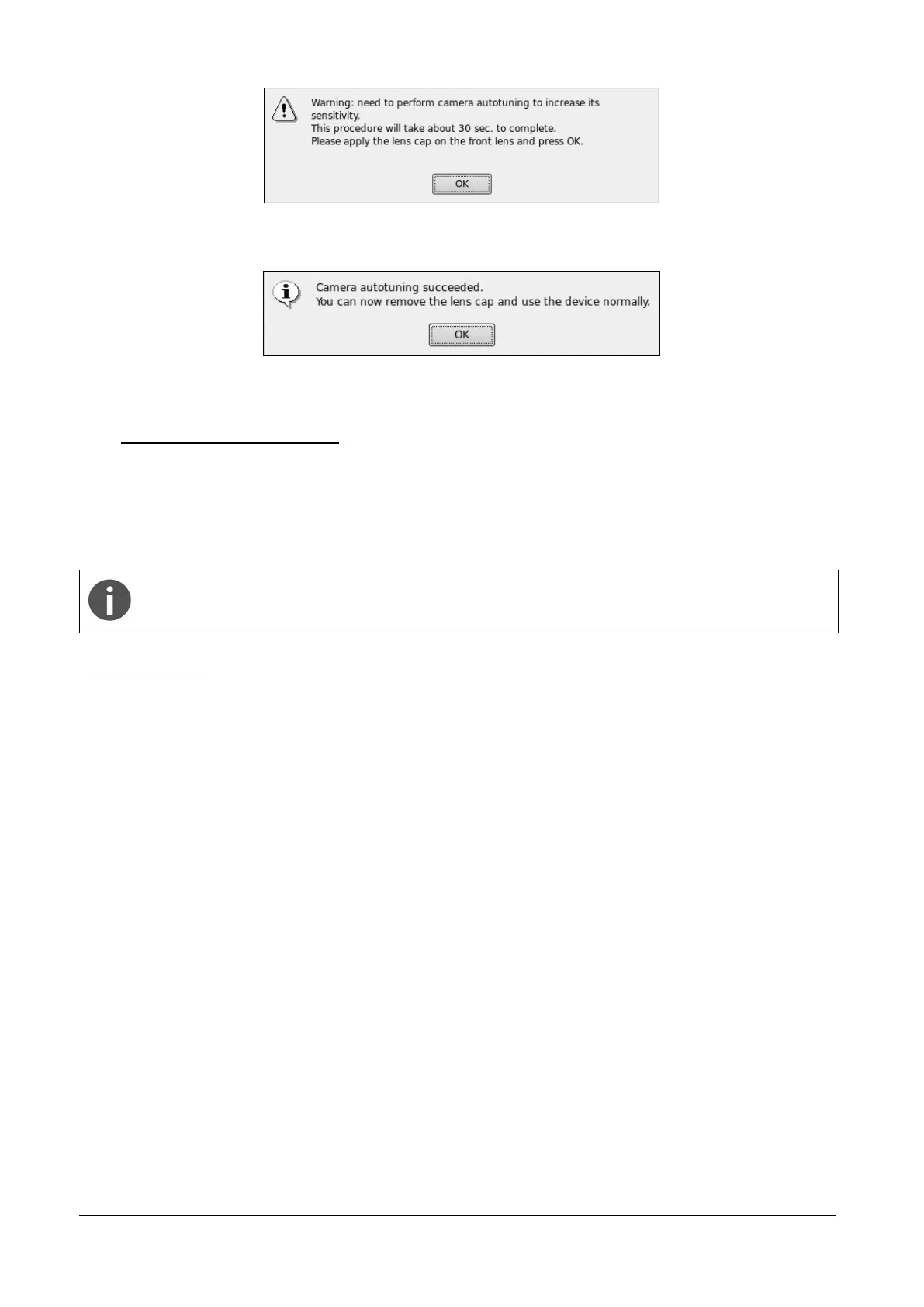
Figure 6 – Request to perform camera auto-tuning
Figure 7 – Camera auto-tuning completion message
6. PREPARING THE PATIENT
This paragraph explains how to prepare a patient for the DRS test. There are no restrictions as to
the selection of the patients undergoing DRS testing. The DRS is a non-mydriatic device (minimum
pupil diameter 3.8 mm), so there is no need to dilate the subject’s pupil. Patient contacting parts
are indicated in Figure 1.
Patients wearing Contact Lenses: image quality may be affected by contact lenses. It is
recommended to have contact lenses removed before imaging the patient.
Before the test inform the patient about the following:
1) the test is non-invasive, in particular the system will never touch your eye and you will only
see a flash of light when a photograph is taken;
2) find a comfortable position, keeping the chin and forehead firmly pressed against the rests;
3) at the beginning of each test, the unit will move around to find your pupil: this is absolutely
normal;
4) when the test starts look straight in front of you and when a small green circle becomes
visible anywhere within the field look steady at it;
5) open your eyes wide so that eyelids do not interfere and try to not blink during the test;
6) do not move during the test;
7) if you follow these instructions the acquisition of a single photo will take less than 30
seconds.



 To Next Page