17. CLEANING
This paragraph explains how to clean the system. The device must be powered off, and the power
cord shall be disconnected from mains.
Extreme care should be given to always protect the front lens.
17.1 Front lens
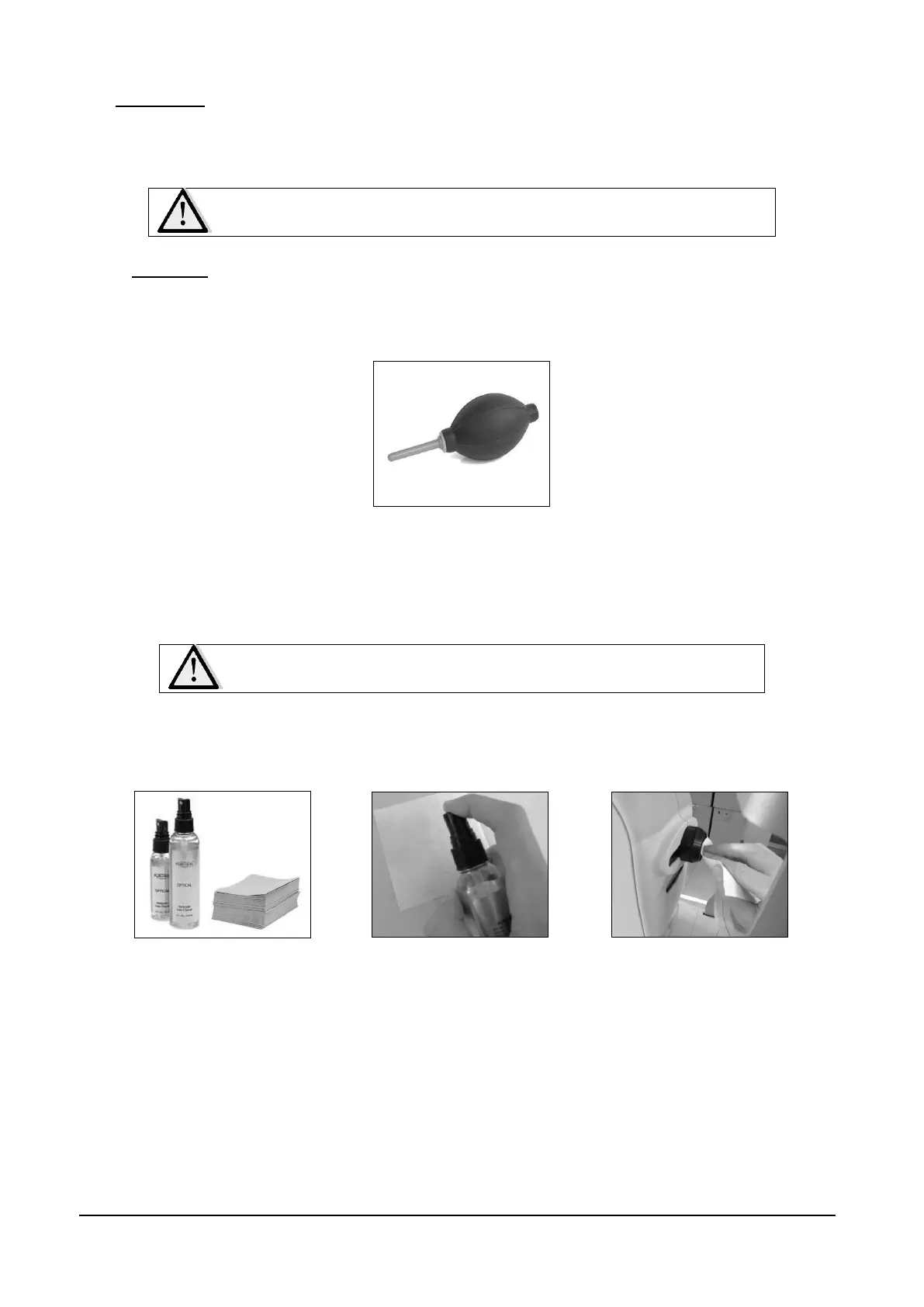
The front lens should be cleaned by using a small hand pump air blower (e.g. Kaiser Typhoon
6316), to blow away dust.
Figure 60 – Hand air blower
Only if really needed, for instance due to the presence of a fingerprint, the front lens should be
cleaned using photographic cleaning paper (e.g. Edmund Optics NT53-984) and a suitable lens
cleaning fluid (e.g. Edmund Optics P57-727) as illustrated in Figure 61.
Do not attempt cleaning the front lens with a dry cloth.
This could lead to scratching its surface.
Pass a wet wipe on the front lens with a single circular motion: never reuse it after each pass.
Several passes may be needed in order to achieve a good cleaning level.
Figure 61 – Cleaning
liquid and wipes
Figure 62 – Spray the wipes
Figure 63 – Clean the lens
Use the Lens cleaning assistant tool in order to check the cleaning status of the front lens.
Please note that some small white dots will always appear due to dust (see Figure 65), but they do
not affect image quality.
See Lens cleaning assistant at par.14.4.5, for a detailed assisted procedure.



 To Next Page