15. AUTOMATIC SOFTWARE UPDATE
When a new software update is released by the manufacturer and the DRS is connected to the
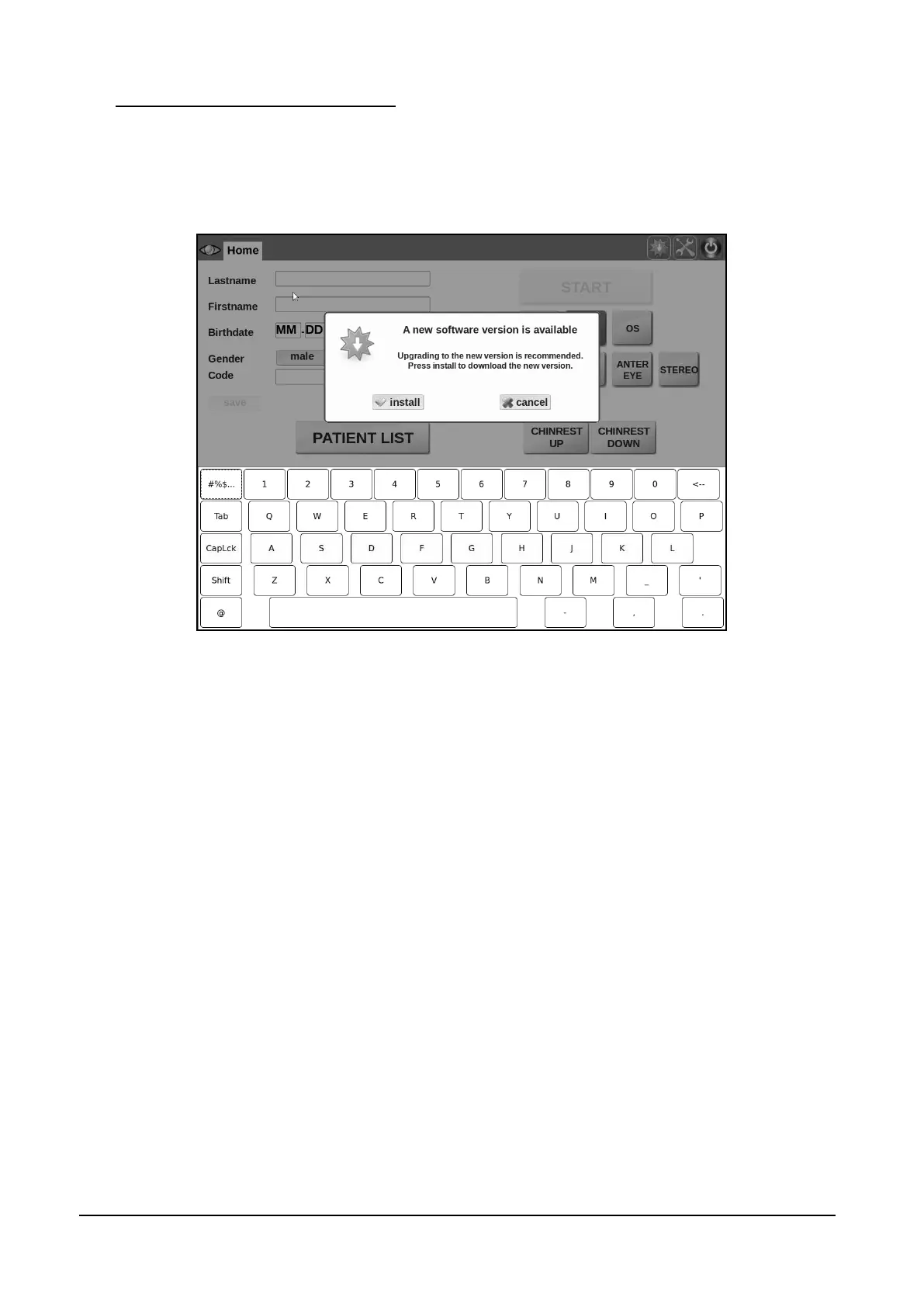
internet, a new icon in the Home screen top bar, notifies availability of the update. Clicking on the
icon, the message shown in Figure 59 will appear. To download and install the new software
version click Install, otherwise click Cancel.
Figure 59 - Message to confirm the installation of the new software version



 To Next Page