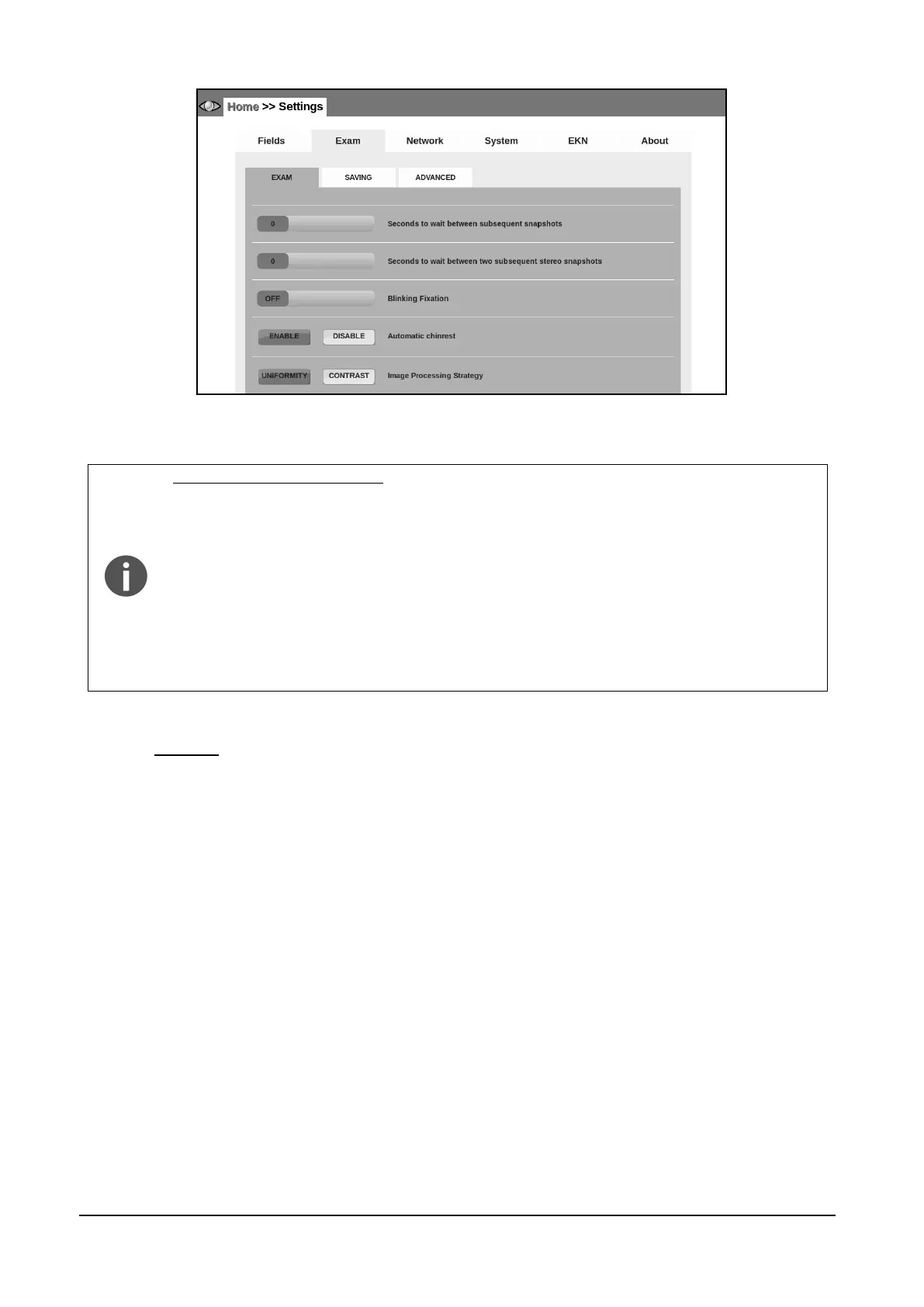
Figure 33 - Exam tab in Settings (Home >> Settings >> Exam >> EXAM)
Image Processing Strategy.
It is possible to select between two different image processing strategies: Uniformity
and Contrast. This setting affects the internal gains and color tunings of the Camera.
The final retina image has different color balance and luminosity, but the original
image details are the same.
UNIFORMITY: with this setting the image appears very uniform in color, with mild
shades. Micro aneurisms and macula details may appear more visible with this
setting.
CONTRAST: with this setting the image will show higher contrast. Details may
appear more evident but image has a more grainy aspect.
14.2.2 SAVING
Use this tab (see Figure 34) to:
set the name of the Doctor or Clinic that will appear in the header of the printouts (this
value is saved in the DICOM tag 0008, 0080 Institution name).
choose to automatically create a folder for each patient name and/or a folder for each
exam ID when saving on USB key.
enable DICOM export of images from the Remote Viewer. (The DICOM file format contains
both the retina image and some corollary field, for example: exam date/time, patient name,
type of medical instrument, etc., see Appendix A).



 To Next Page