FEATURES AND FUNCTIONS
FIGURE 34
FIGURE 35
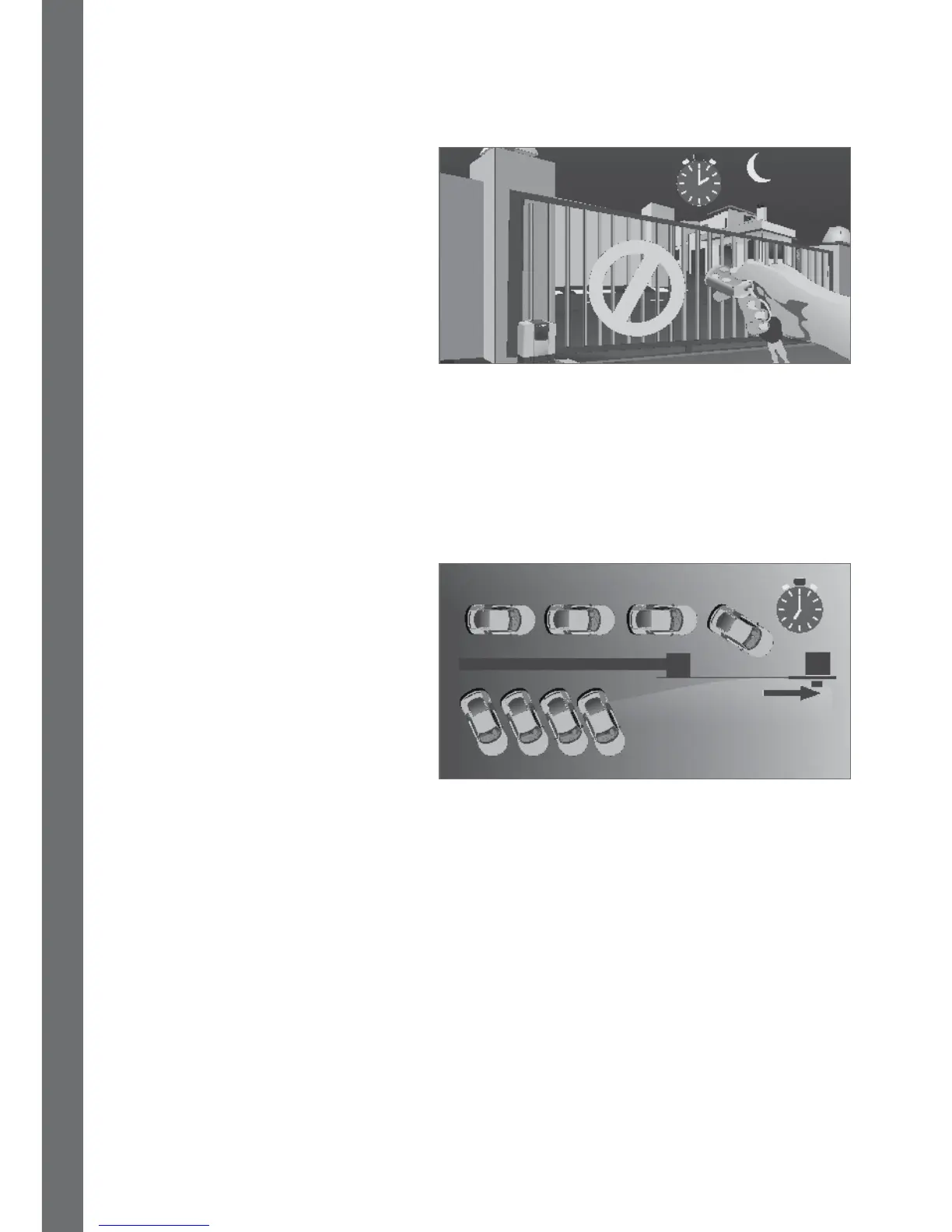
Time-bar prevents something from
switching on or being activated –
so use it to turn o functions like
Courtesy / Pillar Lights to save
electricity during the day.
Or de-activate the freeexit loop at
the exit to your premises after hours
and over weekends.
If your factory is particularly busy
during certain hours of the day from
Monday to Friday, set your operator
to keep the gates open during these
times to allow for quick trac ow.
During any other hour, or over the
weekend or public holidays, you’ll
have to use your CENTURION access
control device (keypad, proximity
reader etc) to get in.
Time-bar can also be used to limit access. For example, your sta can get in on
weekdays – but will be locked out over the weekend or on public holidays for added
security. However, there is only one group that can be set up per input. So, if you want
your gardener’s remote to be time-barred for a certain period and your maid’s to be
barred for a dierent time-period, you’ll have to set the gardener’s remote to open using
one input (like the operator) and the maid’s remote to trigger another input
(like the keyswitch).
4.1.17. Battery Low Protection
In the event of a power failure, energy is drawn from the battery but not replaced.
Battery Low Protection will shut o the gate system to prevent running the battery at
when the battery voltage drops below:
• D5-Evo DOMESTIC – 10.5 volts
• D10/D10 Turbo – 21 volts
The Gate Status Indication LED will ash three times every two seconds and the
controller LCD will state “Battery Low”.
The gate will complete its current cycle, close and then shut down until the battery
voltage has recovered.
If you see the Battery Low signal, check that the power circuit feeding the gate motor
is switched on otherwise contact your gate automation specialist or Centurion Systems
(Pty) Ltd for assistance.
Hold open













 To Next Page