FIGURE 13
FIGURE 14
4.1.3.2. Autoclose Advanced Options
You can also independently set Autoclose to function when the gate is partly open, fully
open or partly closed.
For example, disable Autoclose when the gate is partly closed to allow construction
workers, gardeners, etc access to your property (although this comes with security
risks). By enabling the Autoclose in all states of gate movement, ensures that the
gate can never be left in any position other than fully closed. The default setting when
enabling Advanced Autoclose is partly open and fully open, but not partly closed.
4.1.4. Pedestrian Opening
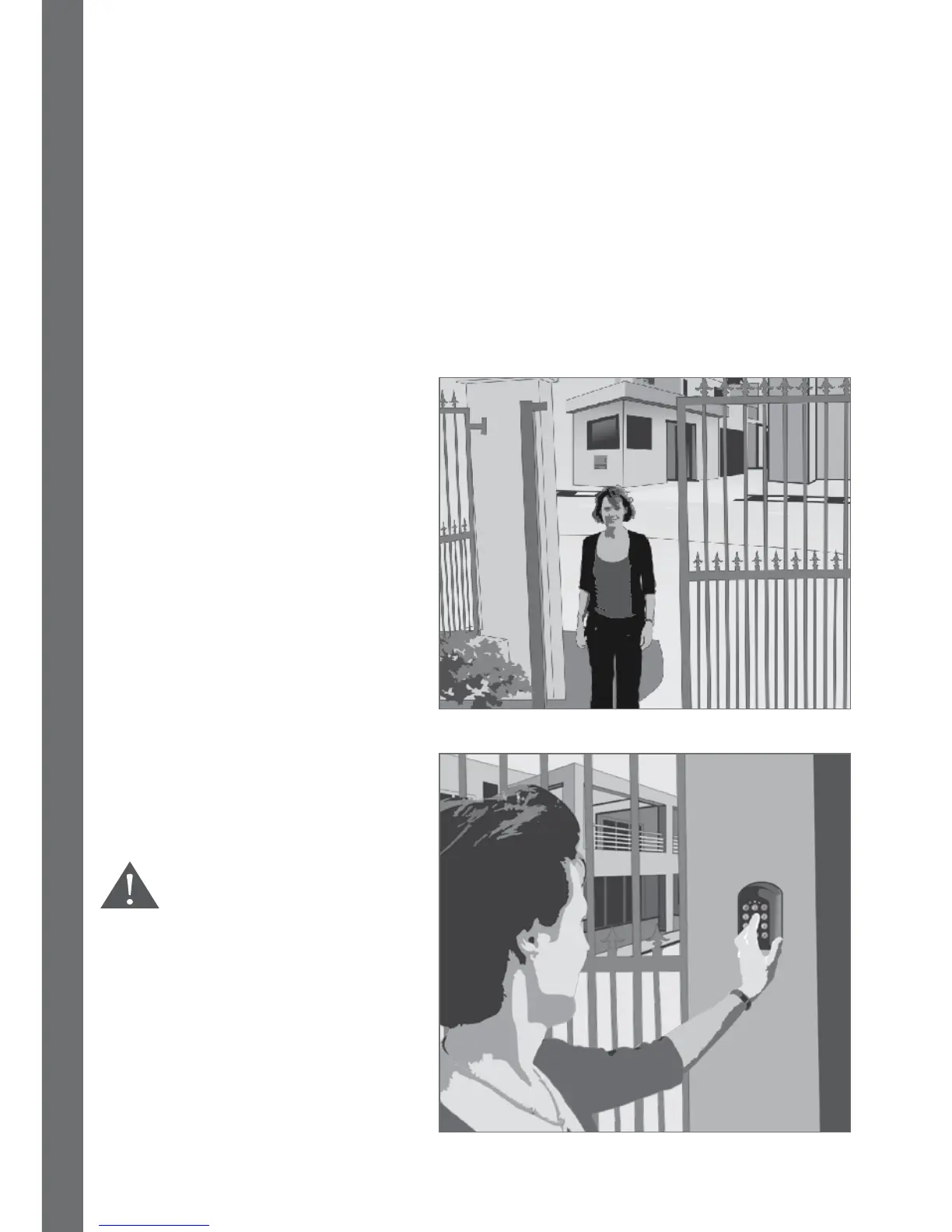
The Pedestrian Opening input opens
the gate just wide enough for a
pedestrian to pass through the
opening. A second button on your
remote control can be used to
operate the Pedestrian Opening
function.
You can also set a keyswitch or
keypad mounted adjacent the gate
entrance to operate this function.
There is a two second delay (default,
but adjustable) before the gate
opens to warn the pedestrian that
the gate is about to move.
It is highly recommended
that access control
devices are placed in
such a position that
people do not need to
reach through the gate in
order to operate them in
order to prevent possible
injury in the event that
the gate moves.













 To Next Page