35
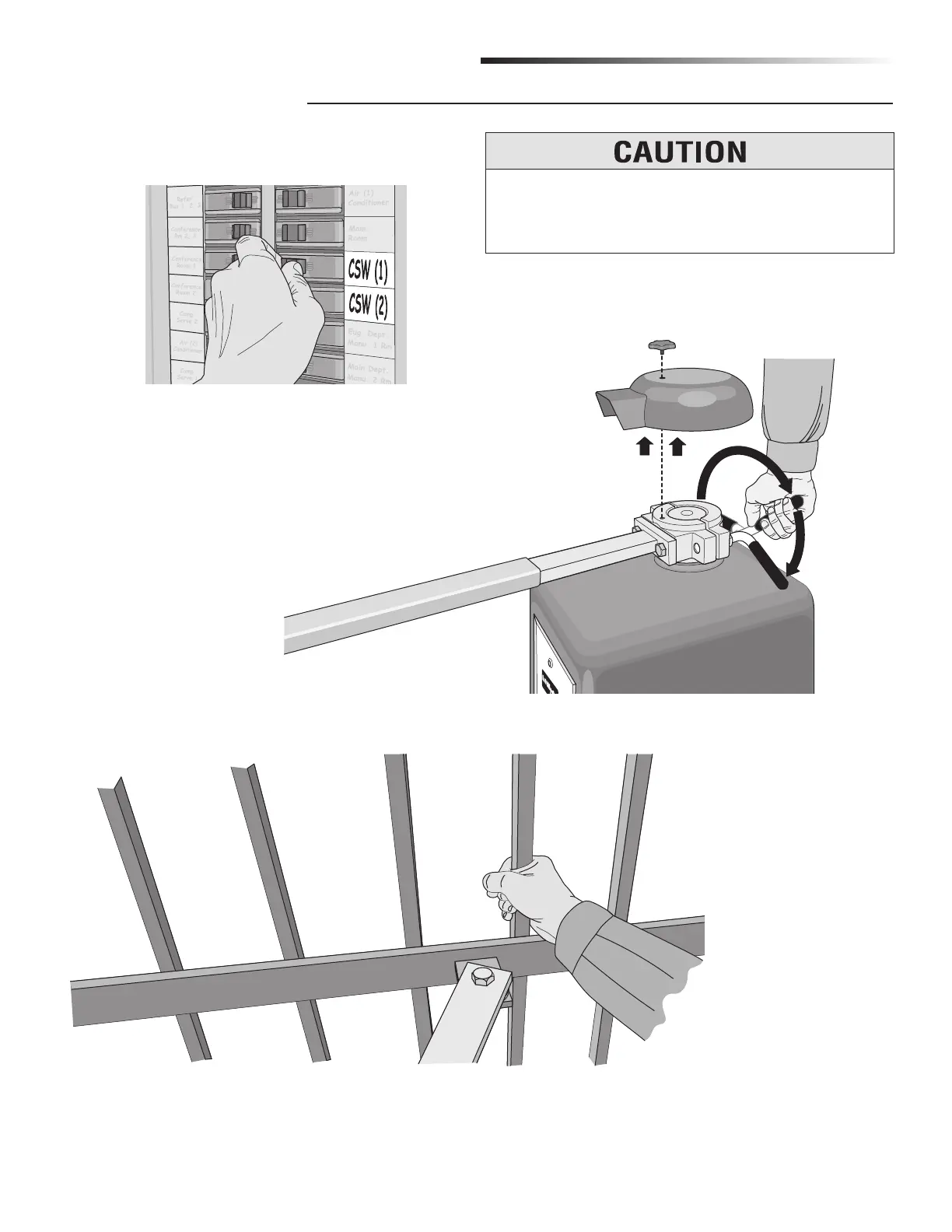
Tighten the red handle, replace the cover and knob when finished.
When the power is on again, the gate will readjust itself automatically.
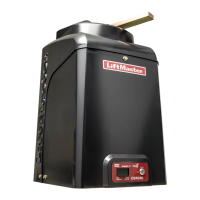
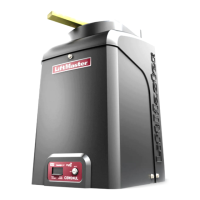
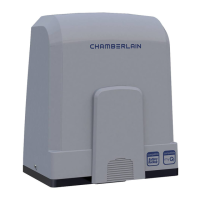
1. Unscrew star knob.
2. Lift off cover.
3. Loosen red handle as shown.
Gate can now be manually moved.
NOTE: Use the dedicated breaker switch to disconnect power to
the operator.
Grab the gate to move it.
To reduce the risk of SERIOUS INJURY:
DO NOT grab the operator arm to move the gate or your
fingers could get pinched.
MAINTENANCE AND OPERATION
MANUAL DISCONNECT






 To Next Page