25
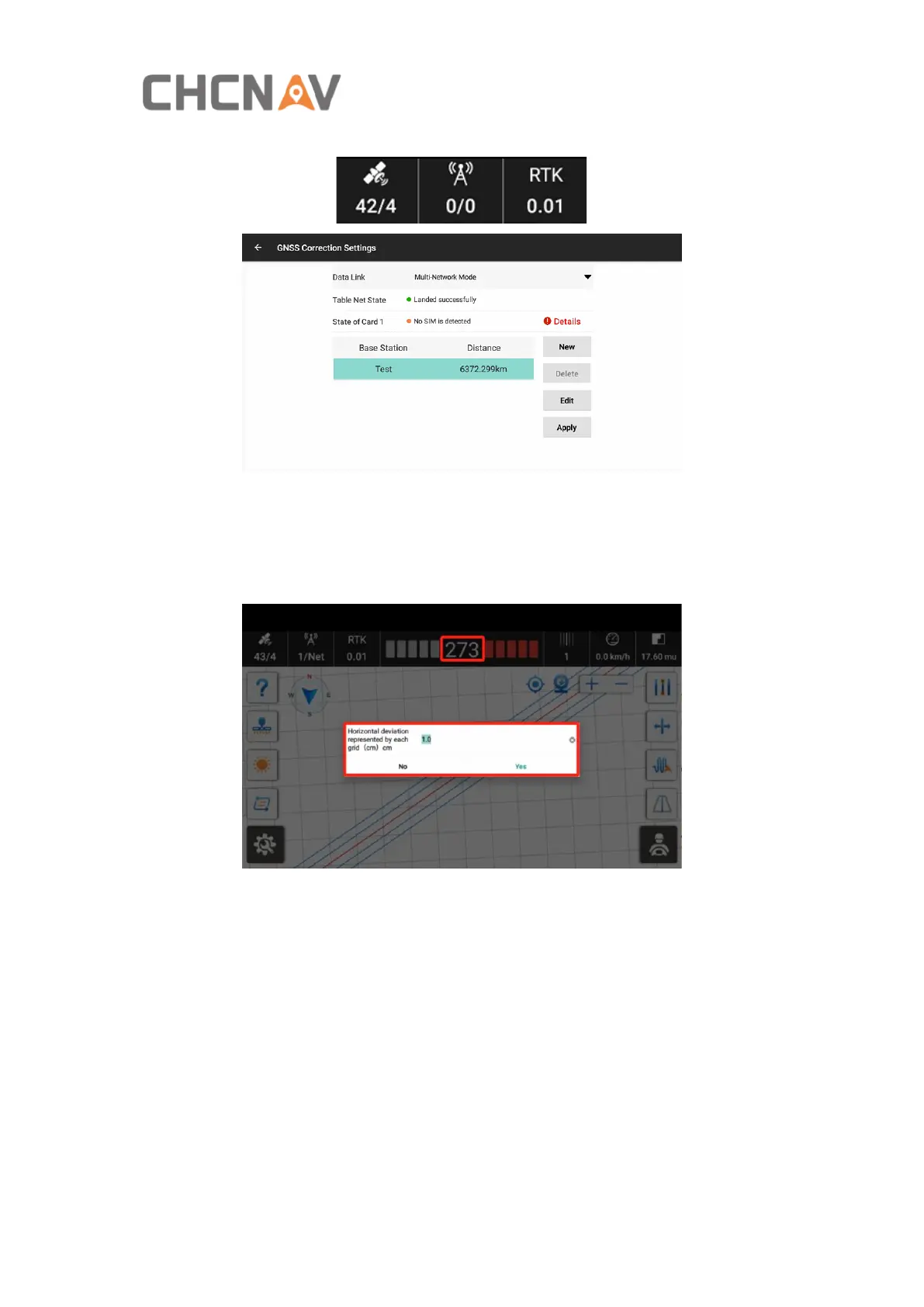
Tips: Click the Satellite status bar to enter the GNSS Correction Settings.
4. Lateral deviation. The real-time deviation between the current vehicle location
and the marked guideline. The value is negative when the vehicle is on the left side
of the guideline and positive when the vehicle is on the right side of the guideline.
The default is 1cm per grid, and it’s adjustable. It is able to click this part to set the
grid configuration.
5. The current guideline number where the vehicle is located (the original guideline
is 0).
6. Real-time vehicle speed.
7. Worked area. Mu is default unit, and it’s adjustable in Basic Settings. Click this
button to view the detailed task report.



 To Next Page