86
Conversion Interface: If the main cable has some issues with serial connection, so it is
necessary to convert to CAN connection. This is only for old cables and not very
common.
Heading Float: It is CHC own RTK algorithm which is able to improve the fix rate
under some cases which have RTK float issue and continue to get auto steering work,
but it can not fully guaranteed to be fixed.
Auto backup: It is able to support data backup automatically. The maximum backup
folder is 5 days. It will start to do backup after turn on software in 1 hour, also refresh
again each 5 hours.
Demonstration Mode: It is able to perform simulation demonstration of all functions
with the CAN Data on in the Basic Settings.
Reverse Heading: When the vehicle is driving forward but the software indicates that
it is reversing, please click it to get the correct heading. It is due to reversed heading
initialization when the vehicle starts.
Reversing heading shortcut: The shortcut in Help interface can be turned on/off here.
Minimum Speed Limit: This is to set the minimum speed for Auto mode. When the
speed exceeds the minimum speed, the electric steering wheel will steer left and
right according to the command; When the speed is lower than the set value, the
electric steering wheel will be locked and won’t rotate.
RTX Parameter: In the NX510 PRO RTX mode, there may be a significant variation in
positioning accuracy when the latitude is high, and this value can be increased. The
default is 0.03 and the range is from 0.03 to 0.15.
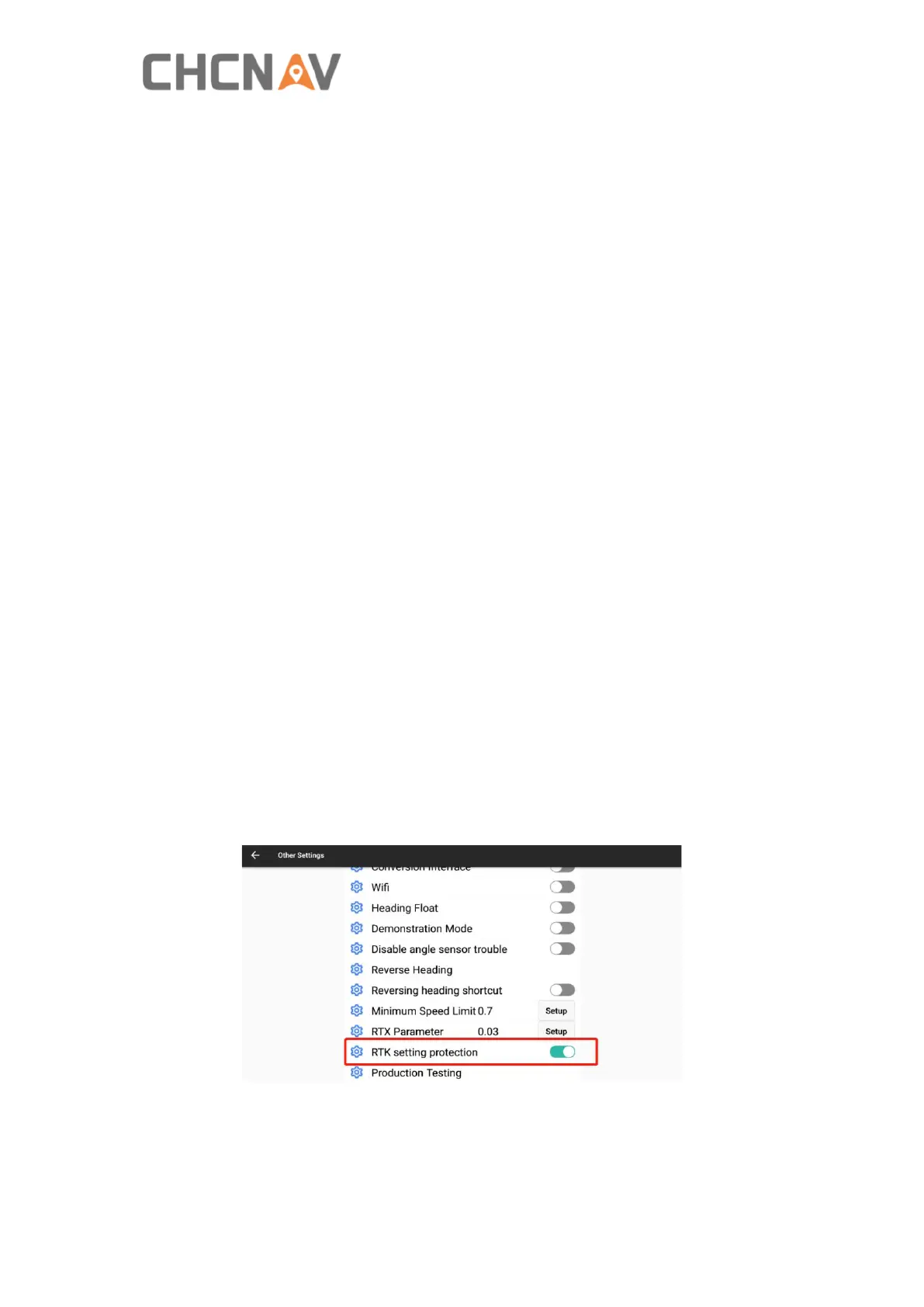
RTK setting protection: It can protect dealers’ CORS station and radio information
with defined password, so end users will not be able to delete or modify the related
information. If it is necessary to reset the password, pls turn off RTK setting
protection with the previous password, then turn on RTK setting protection to define
the new password again. Also please remember passwords for different devices in
your database.



 To Next Page