87
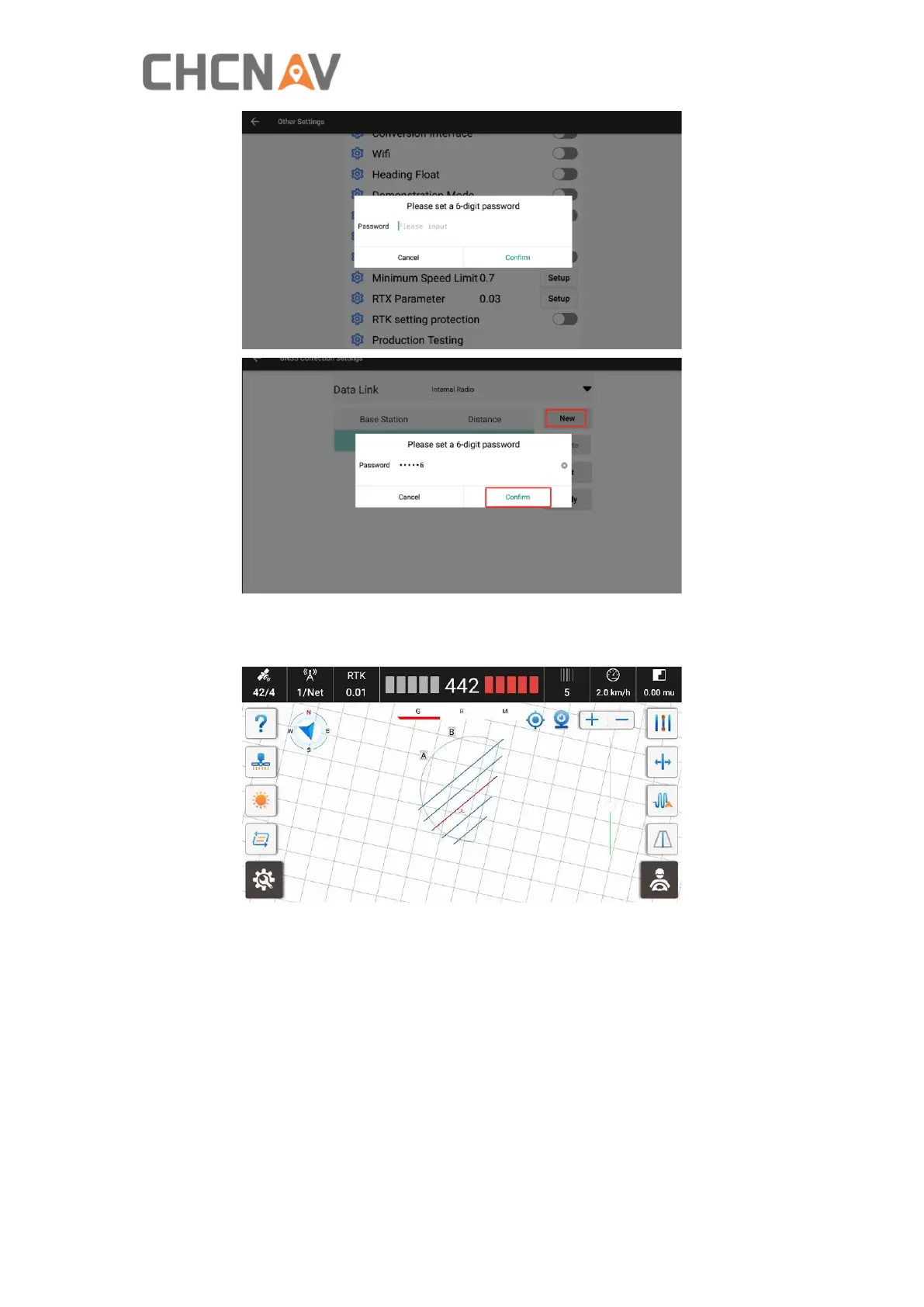
Production Testing: It is used for production team to test.
Boundary cut out: When it is on, it will display guidelines only within the boundary.
Show Headline Option View: It supports software recognizes only guideline, or
boundary, or allows only manual mode. The shortcut will be displayed on the main
interface.
Fields and implements information: Display the current fields, implements, Row
spacing value and guideline information on the main interface.



 To Next Page