97
multiple network mode before updates.
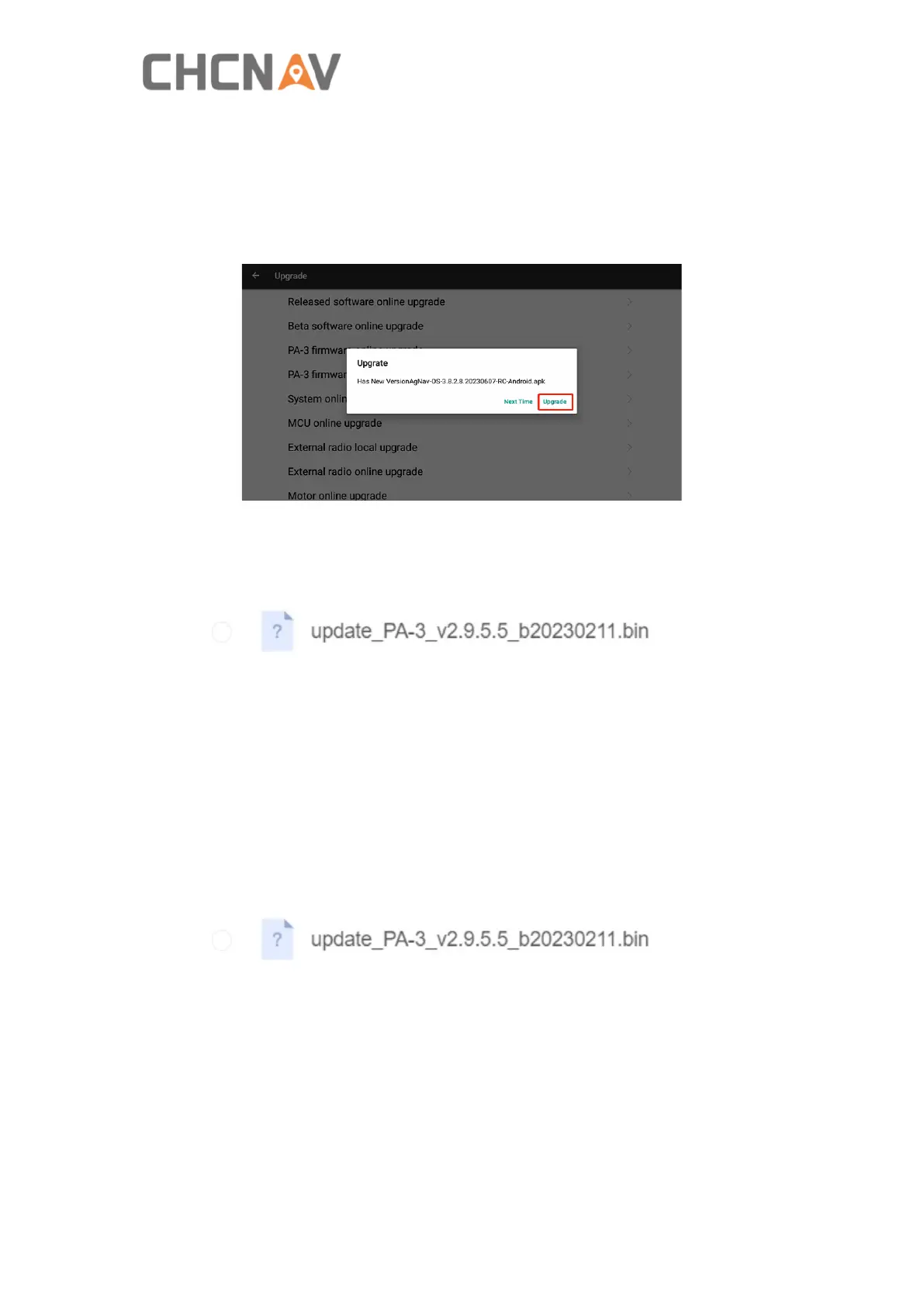
2. Software online upgrade
Click Released software online upgrade, then click Upgrade-INSTALL-OPEN after the
message box pops up.
3. Firmware local upgrade
a) Ask technical engineer for the latest firmware and copy it into a U disk. For
example 2.9.5.5firmware version as below.
b) Connect USB disk to the tablet, then copy the file under the root directory on the
tablet.
c) Click PA-3 firmware local upgrade, and go to root directory and select the firmware
bin file to upgrade the firmware.
4. Firmware web page upgrade
a) Ask technical engineer for the latest firmware. For example 2.9.5.5 firmware
version as below.
b) Connect to receiver’s WiFi named ‘GNSS-XXXXXXX’.
c) Open Google browser and enter 192.168.1.1, then go to Firmware-Firmware
Update.



 To Next Page