Programmable AC Source 61605 User’s Manual
3-20
degree, for example, if the MASTER DEG OFF = 90, the DEG OFF
of SLAVE must be 210 (120 + 90 = 210). Another SLAVE must
DEG OFF = 330 (240 +90 = 330).
2. The voltage setting of 3-phase output is line-to-neutral VLN for each
phase. If users need the line-to-line voltage V
LL, the VLN must equal
The user can use two units of 61500 AC source to connect in series to
get higher voltage by three-phase mode. The phase degree should be
set on 180 degree. And the user also needs to set the right DEG ON and
OFF to get right phase when output is ON or OFF.
1. Only one AC source can be set to MASTER, or it may cause
damage when run 3-PHASE MODE.
2. Users can not connect L terminals of AC source outputs together,
even set the DEGREE = 0 of SLAVE.
3. For safety concern, the 3-phase mode can’t save to power-on
3.8 Save and Recall
The AC source offers two modes for the user to save and recall output setting or system data.
They are described in 3.8.1 and 3.8.2.
3.8.1 Save and Recall Output Setting
The AC source offers nine channels for the user to save a set of frequently used Vac, F, Vdc,
and to recall them for later use. For example, in the MAIN PAGE (see 3.3), keyin the output
settings as below and save the settings to memory channel 5.
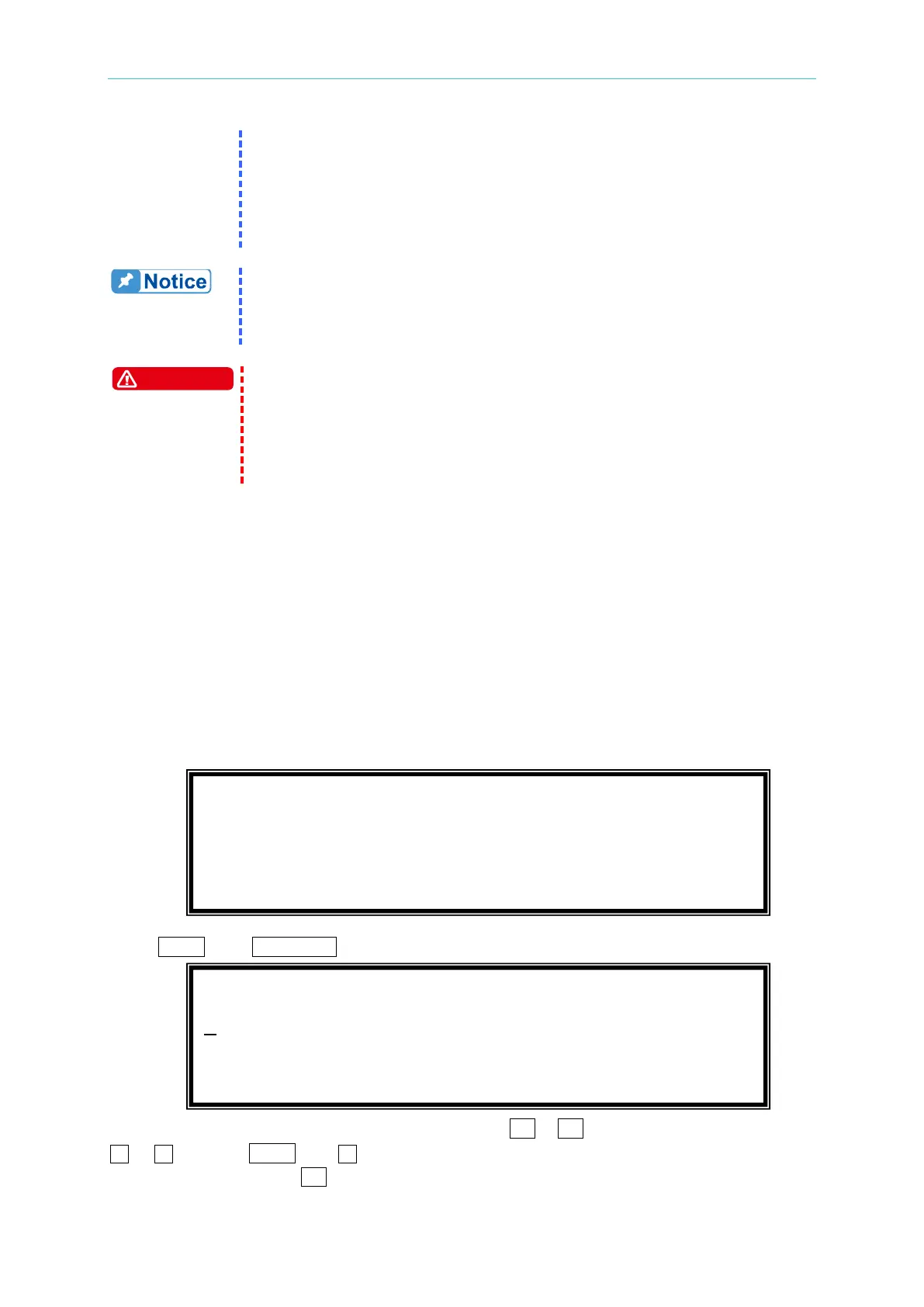
Press SHIFT, then PAGE/EXIT, to run the SAVE function. The display will show as below:
The cursor stays in channel 1. The user can press 1 - 9 to select channel or use
, , or press SHIFT then to change page to the destination. The cursor stays in
channel 5 after pressing 5 .
CHOICE 1 - 9, PRESS (ENTER) TO SAVE MAIN PAGE
1. Vac = 0.0 F = 60.00 Vdc = 0.0
2. Vac = 120.0 F = 60.00 Vdc = 0.0
3. Vac = 0.0 F = 60.00 Vdc = 0.0
Vac = 230.0 F = 50.00 Vdc = 10.0_ H
V = 0.00 F = 0.00 I = 0.00
P = 0.0 PF = 0.000 CF = 0.00



 To Next Page