2-6 Installation
5160 Service Aggregation Switch Hardware Installation and Start-up Manual
009-3207-001 Standard Revision A
Copyright
©
2013 Ciena
®
Corporation September 2013
Power Supply Modules
The 5160 can be deployed with either one or two power supply modules. Both
AC and DC power supply modules are available. When two power supplies
are installed, both modules must be of the same type. An overview of the
power supply modules is included in 39XX/51XX Product Fundamentals.
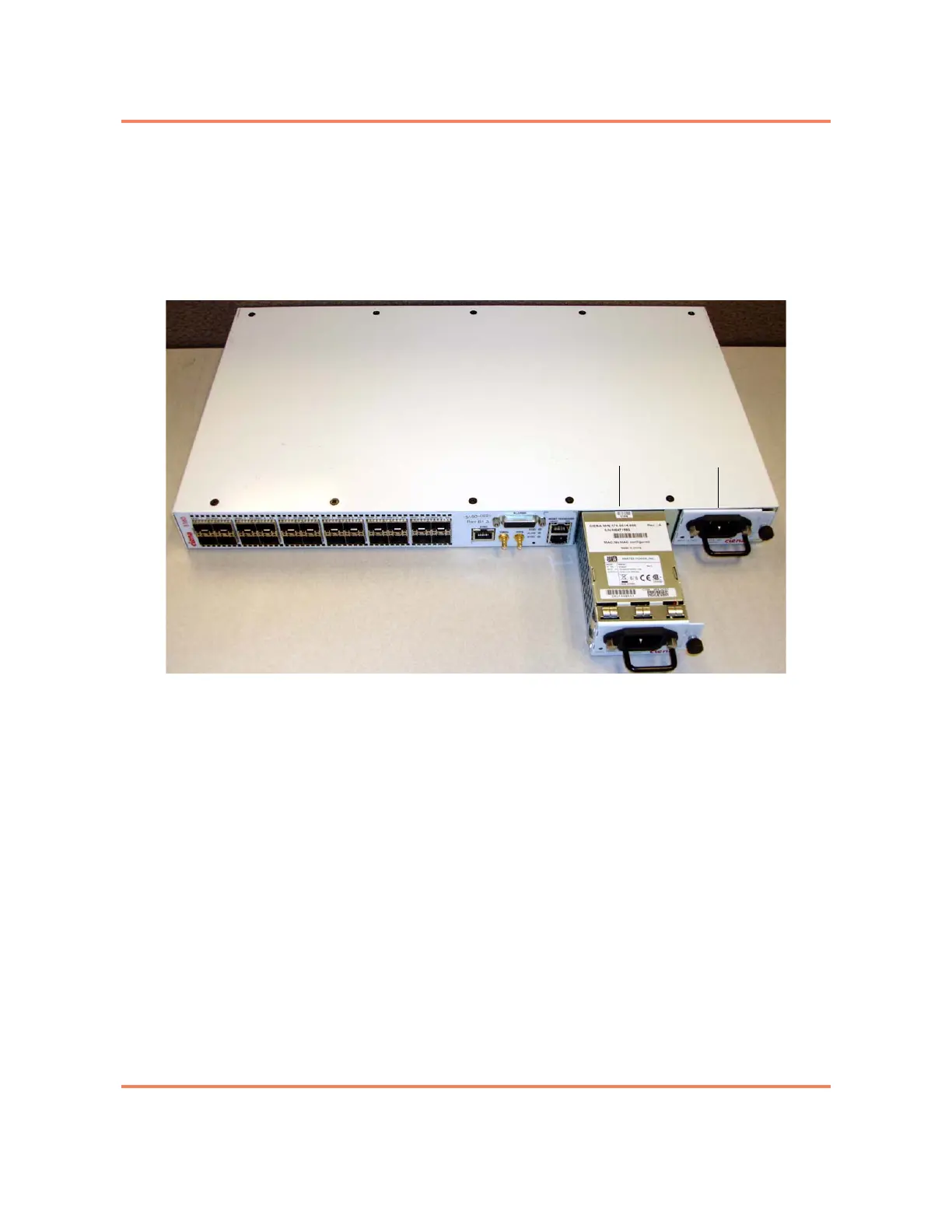
Figure 2-2
Installing a Power Supply module
This section contains the following information:
• “Simplex Power”
• “Redundant Power”
• “Dressing the Power Cord”
• “AC Power Supplies”
• “DC Power Supplies”
Simplex Power
When a single power supply is installed, the power supply can be installed in
either slot. However, the remaining power supply slot must be covered with a
filler plate. The filler plate is necessary for safety and ensures proper airflow
within the chassis.
By default a filler plate is installed over the PSB slot on the right. You can
relocate the filler plate to cover the PSA slot if desired.



 To Next Page