A R C O N T R O L ™
F I R M W A R E 5 4 0 0 - 5 2 1 - X X
13
2.3 System Menu
The System Menu displays the current system state, addional informaon about the system state, the current values
of the processes, and the current operang mode. It also provides access to the Process Quick Set-up menu, Diagnoscs
Informaon, Sengs, and Service Info menus (Table 2.3.1).
The addional state informaon consists of state countdowns, state duraons, and commands to interact with the
system. The informaon that is displayed depends on which state the system is in. The System Menu is shown in the
text display (Image 2.3.1) and displays the following:
• Current system state
• Addional informaon about the current system state and prompts for aconable menu items
• Current value of Process 1 (select to access the process 1 quick set-up menu)
• Current value of Process 2 (select to access the process 2 quick set-up menu)
• Current value of Process 3 (select to access the process 3 quick set-up menu)
• Current value of Process Independent (select to access the process Independent quick set-up menu)
• Current mode (select to toggle between AUTOMATIC and MANUAL modes)
• Diagnoscs informaon (select to navigate to diagnosc informaon and aconable items)
• Sengs Menu (select to navigate to seng submenus)
• Service Info (select to navigate to service informaon)
2.2 System Splash Window
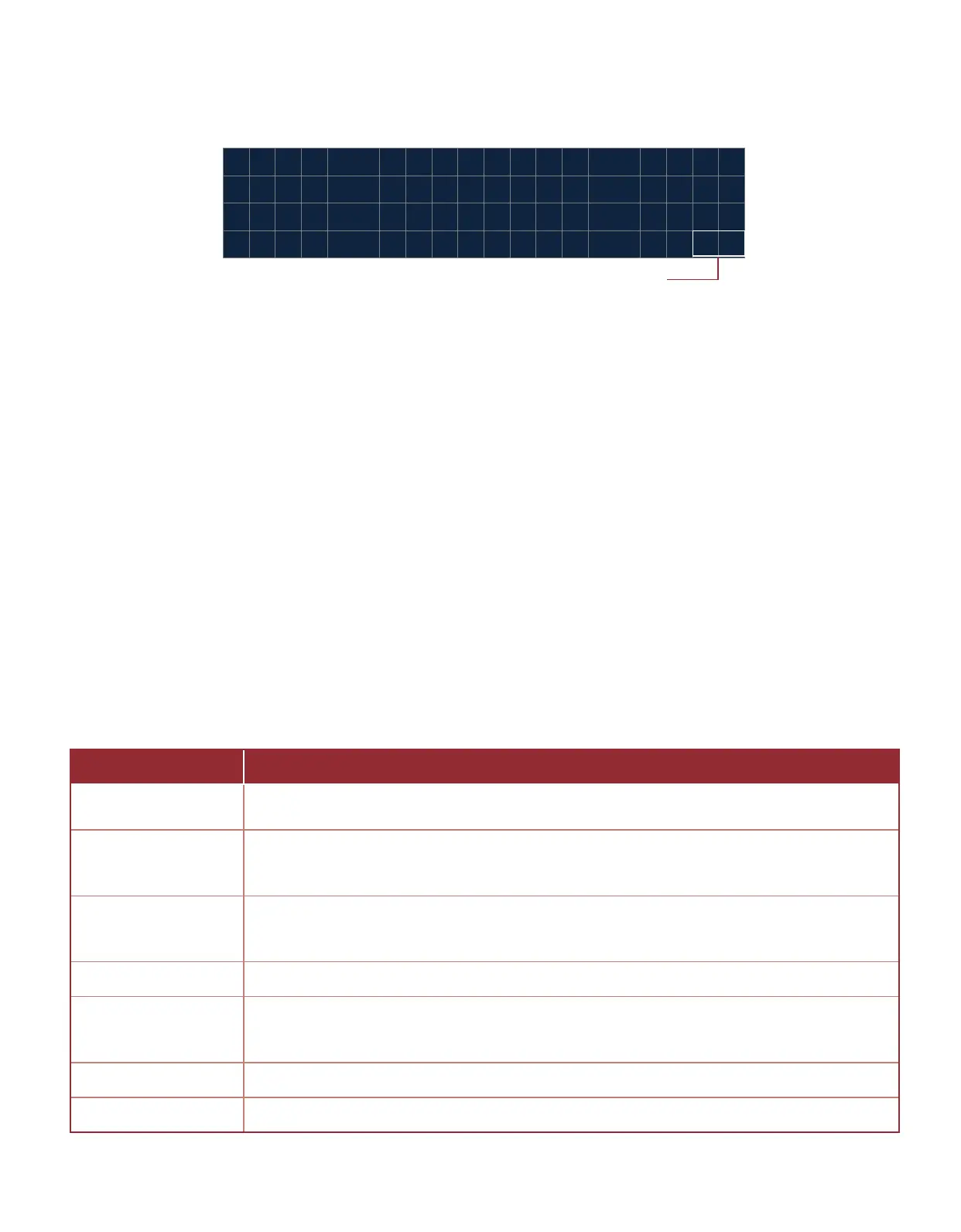
When the system powers up the System Splash window (Image 2.2.1) will appear for 2 seconds. The splash window
contains the product’s name and the system’s rmware idencaon version number and revision level.
Firmware revision level
Image 2.2.1 · System splash window
Table 2.3.1 · System menu items
MENU ITEM FUNCTION
CURRENT STATE
Reports the system current state of operaon. The reported state varies as a funcon of the
current system mode.
STATE ADDITIONAL
INFORMATION OR
COMMAND
Reports addional informaon about the current state of the system. This addional
informaon include countdown, duraon of the system in the current state and acon the
user can take at the current state.
PROCESS 1, 2, 3 AND
INDEPENDENT
Display the current process variable value and units for a process. Addionally, this entry
navigates to the process’ quick set menu where high and low level can be set within
allowable ranges.
MODE Reports the systems current mode of operaon (AUTOMATIC or MANUAL)
DIAGNOSTICS INFO
Navigates into a the diagnoscs info menu which displays the state of each input and output.
The Diagnosc Mode menu is the last item in the Diagnosc Info Menu, it allows the user to
toggle the outputs in order to test the system.
SETTINGS MENU Navigates into sengs menu
SERVICE INFO Navigates service and diagnosis informaon menu



 To Next Page